TemplatesCake Builder Bio Link Template

Turn cake inspiration into a personalised cake request

Cake Builder Bio Link Template

Contact formEmail sendingMulti step formQuote breakdown

Cake Builder for Instagram and Social Media Bio Links

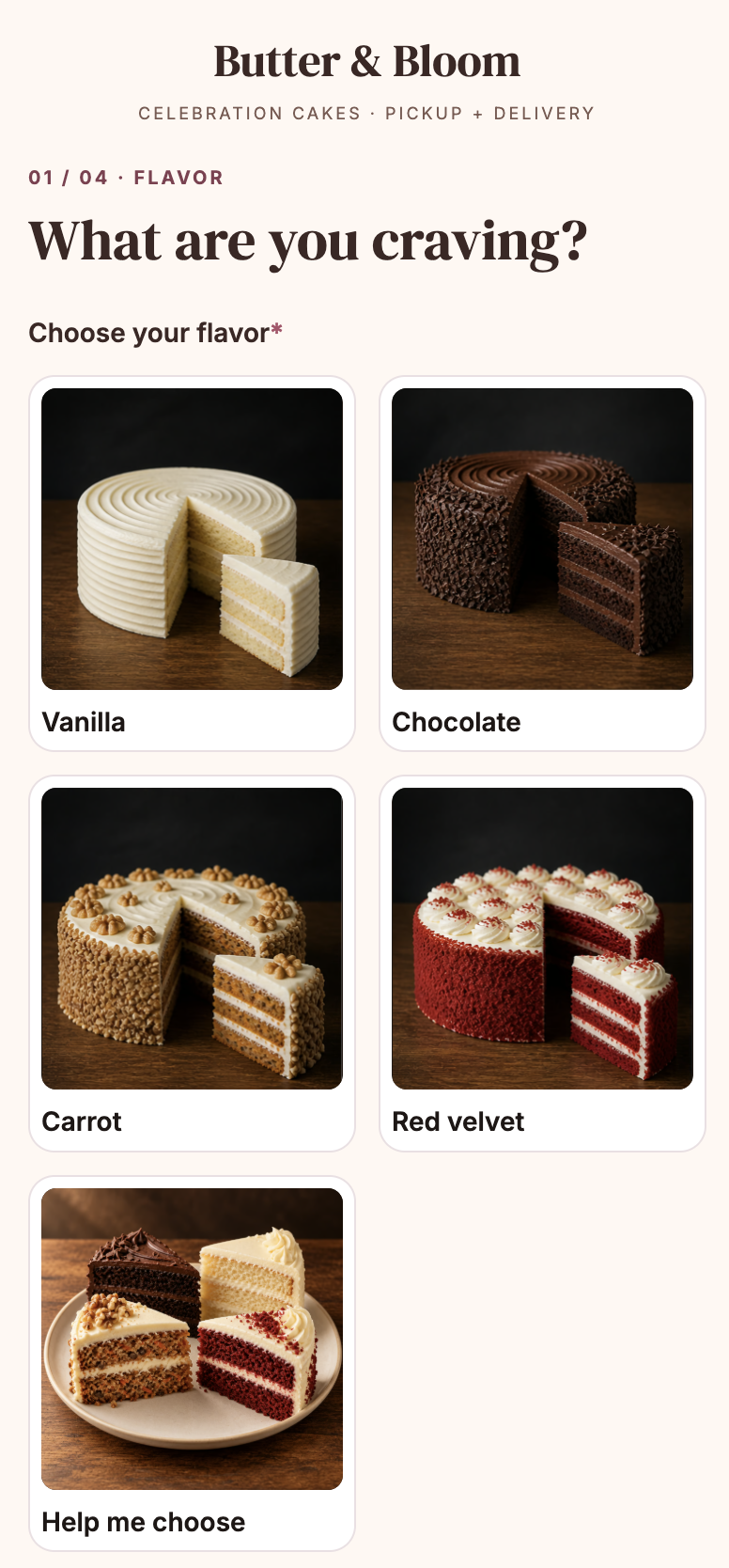
  • Photo-led cake choices carry the selected flavour into the personalised result.
  • Serving quantities and an itemised estimate help visitors understand what their cake request includes.
  • Custom designs and requests needing review follow a personal-quote path, with contact details collected after the result.

About this template

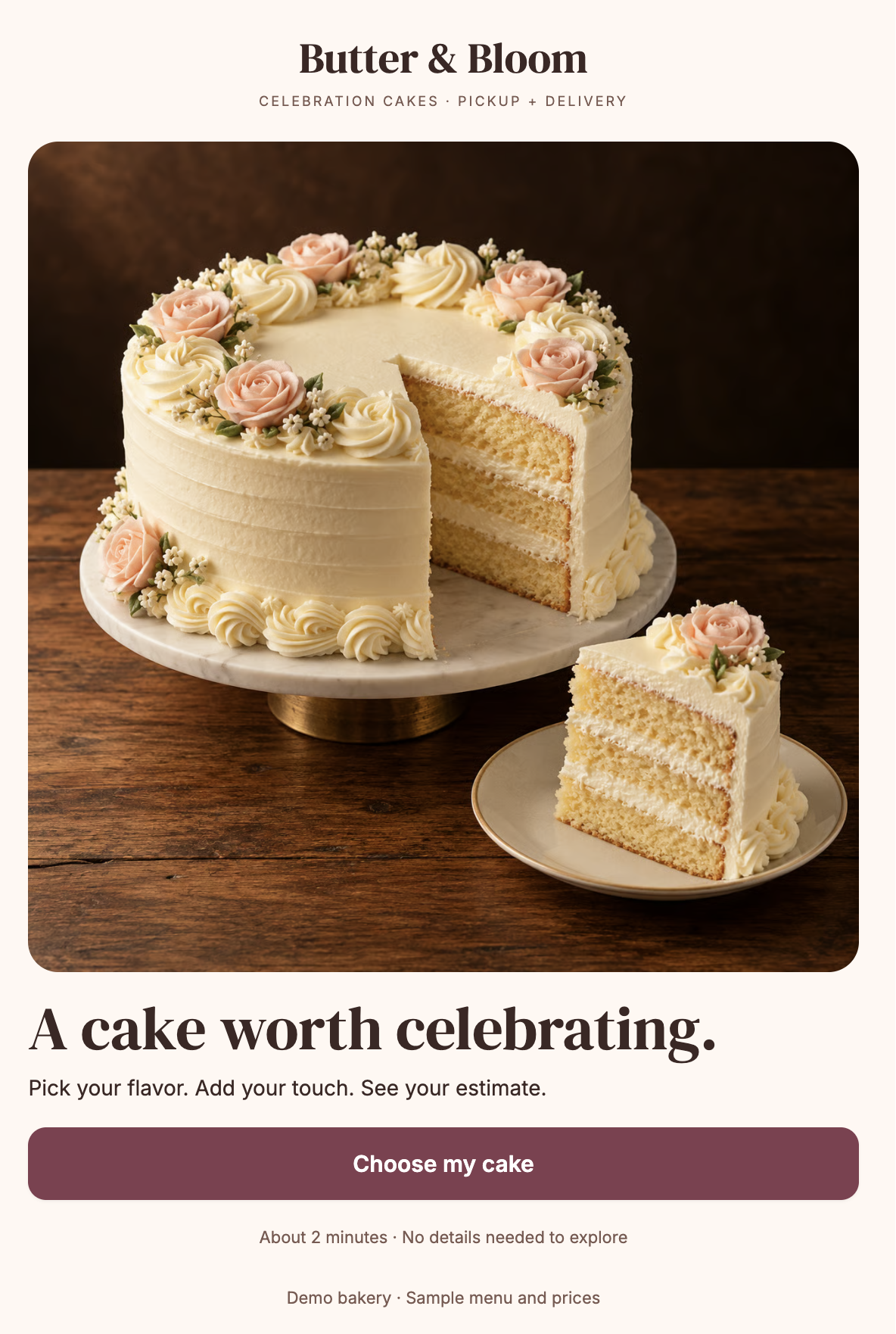
Give visitors from Instagram and other social platforms a visual way to plan their cake. This mobile-first bio page guides them through flavours, servings, finishes, extras, and celebration details, then shows an estimate or directs them to a personal quote.

  • A photo-led welcome screen and visual flavour cards
  • The selected flavour image stays visible through the following steps and result
  • Guest count, finish, inscription, dietary review requests, notes, and an inspiration image upload
  • Occasion, preferred date, and pickup or local delivery choices
  • A personalised result with serving quantities and a breakdown of cake, finish, extras, and delivery costs
  • Review paths for custom designs, weddings, dietary requests, and other orders that need the bakery’s input
  • A native enquiry form that collects contact details after visitors see their result
  • A configurable enquiry email action and optional link to an existing Bakesy page

Visitors can explore their options before getting in touch, while the bakery receives a more complete cake brief. Menu images, prices, serving rules, and delivery settings can be adapted to the business.

Butter & Bloom branding, images, menu, and prices are examples. Estimates and requested dates require bakery confirmation; the template does not take payment or reserve a date. Enquiry emails need to be configured and tested. The Bakesy option is an outgoing link, not a built-in order sync.

Instructions

  1. Replace the sample brand Update the Butter & Bloom name, colours, welcome image, cake photos, and contact information. Use images that show each cake clearly in a square crop.
  2. Configure your menu Update the Menu and Settings tables with your flavours, finishes, extras, currency, and prices. Review the serving quantity and pricing rules against your own menu.
  3. Set your ordering rules Configure lead time, closure dates, serving limits, pickup, delivery coverage, and delivery fees. Review which requests should receive a personal quote.
  4. Review the enquiry flow Adapt the occasion, dietary review, notes, and inspiration upload fields. Set the reply window and explain how your bakery confirms an order.
  5. Connect enquiry emails Add your receiving email address and test the complete request flow, including the selected cake details and any uploaded reference.
  6. Add optional connections Enter your Bakesy URL if you use it. Configure additional tools through an API or webhook, directly or through Zapier, using the required destination and credentials.
  7. Test before launch Check every flavour, finish, extra, serving calculation, date restriction, delivery rule, and personal-quote path. Verify the mobile layout, replace sample content, and turn off demo mode once setup is complete.

Confirm