








The 7 Best Online Form Builders in 2025





Shane Curry


Shane Curry

Online form builders offer a practical solution for small businesses that need to collect leads, process orders, or automate workflows. Whether you’re creating basic contact forms, polished lead-capture forms, or logic-driven order and pricing tools, the right platform depends on the level of flexibility and power you need.
The best online form builders in 2026 make it easy to build, customize, and embed forms without coding, while supporting different levels of logic, design, and scalability.
This updated guide compares eight leading tools based on features, customization, conditional logic, integrations, pricing, and real-world suitability for small businesses.
Convert_: Best if you need forms with branching decision trees, complex pricing models, and calculation power.
forms.app: For teams that want a well-rounded form builder and high response volumes.
Jotform: For users who want to build from a template and don’t need powerful calculations.
Paperform: Those who want a beautiful interface and plenty of templates.
Typeform: Conversational forms with one question at a time.
Google Forms: Individuals who need free basic forms.
MS Forms: Simple forms with AI suggestions.
Formsite: Users focusing on encryption.
Best For | Standout Features | Price (Monthly, USD) | |
Convert_ | Small businesses needing advanced logic, powerful calculations, and automation | FormulaScript calculations, complex conditional logic, unlimited users, high customization | Free (up to 100 visits), $20, $40, $100, $200 |
forms.app | Teams that want a well-rounded form builder and high response volumes | AI form generator, step & list view layouts, PDF generation, e-signatures, payments | Free (100 responses), $19, $29, $59 |
Jotform | Template-driven forms with strong data handling | Large template library, custom CSS, robust reporting | Free, $34, $39, $99, Enterprise (custom) |
Paperform | Design-focused forms with quick setup | 500+ templates, intuitive interface, conditional logic | $24, $49, $99, Enterprise (custom) |
Typeform | Conversational, one-question-at-a-time forms | Polished design, engaging UX | Free, $25, $50, $83 Enterprise (custom) |
Google Forms | Basic forms at low or no cost | Simple setup, Google Sheets integration | Free, $7, $14, $22 per user, Enterprise (custom) |
Microsoft Forms | Simple forms for Microsoft 365 users | AI question suggestions, Microsoft ecosystem integration | Included with 365, $6, $12.50, $22 per user |
Formsite | Secure forms with validation needs | Field-level encryption, strong input validation | $21, $34, $59, $84, $209 |
Convert_ is designed for small businesses that need forms to do more than collect information. It supports complex calculations, decision logic, and automation across marketing and sales workflows.
Home Cleaning Quote Calculator
Complex decision branching with conditional logic
Advanced calculation engine using FormulaScript
Strong integration and automation capabilities
High level of customization with CSS
Can be embedded on any website
Unlimited users on all plans
Free forever plan available
Convert_ is particularly suited to use cases involving dynamic pricing quote forms, complex order forms, ROI calculator forms, and booking forms that rely on logic rather than static questions. Its calculation layer lets businesses process variables, datasets, and conditions in real-time.
Although Convert_ offers a range of templates, it requires more effort for certain use cases than other template-first tools. But the payoff is greater control over layout, branding, and functionality.
Convert_ also allows unlimited users on every plan, including the free tier, making collaboration easier for growing teams.
Free Forever: Full features up to 100 visits/month
Hobby: $20
Pro: $40
Premium: $100
Platinum: $200
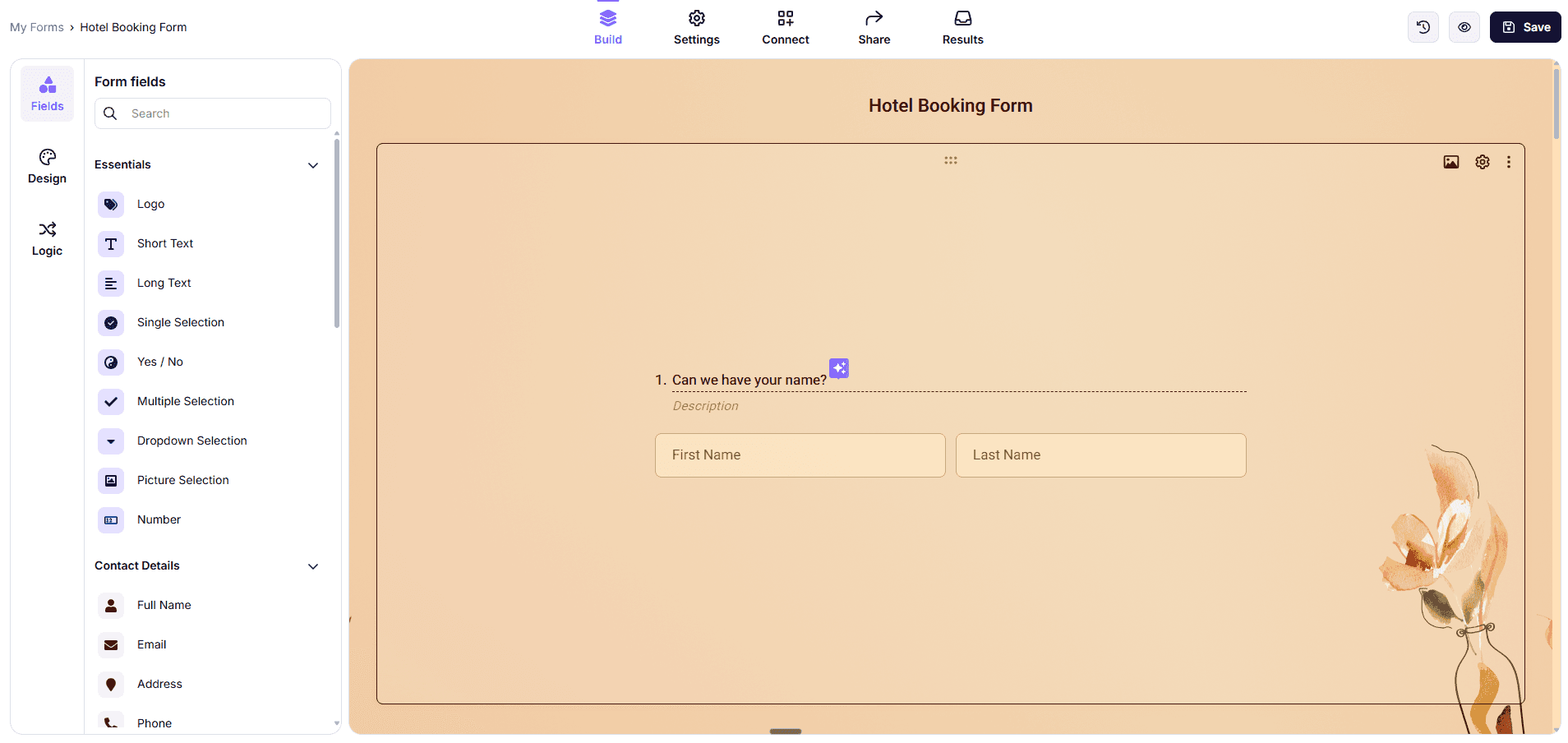
forms.app is an all-around form builder designed for teams and businesses that need a smooth, professional form-filling experience with powerful features, without the complexity or high price tag of enterprise tools.
Pros
AI form generator & form templates
Conversational step view and classic list view layouts
Automated PDF generation from form submissions
Payment field with Stripe and PayPal integrations
Native integrations with Google Sheets, HubSpot, Slack, Mailchimp, and more
Advanced form results section with drop-off analysis
Cons
Not designed for complex mathematical calculations
No offline form submission support
forms.app is well-suited for lead generation forms, surveys, registrations, order forms, and feedback collection. Its AI-powered creation tools and 5,000+ templates make it fast to launch, while features like conditional logic, PDF generation, and e-signatures handle more advanced workflows without needing extra tools.
Pricing (Monthly, USD)
Free Forever: 5 forms, 100 responses/month
Basic: $19/mo
Pro: $29/mo
Premium: $59 (up to 100,000 responses/month)
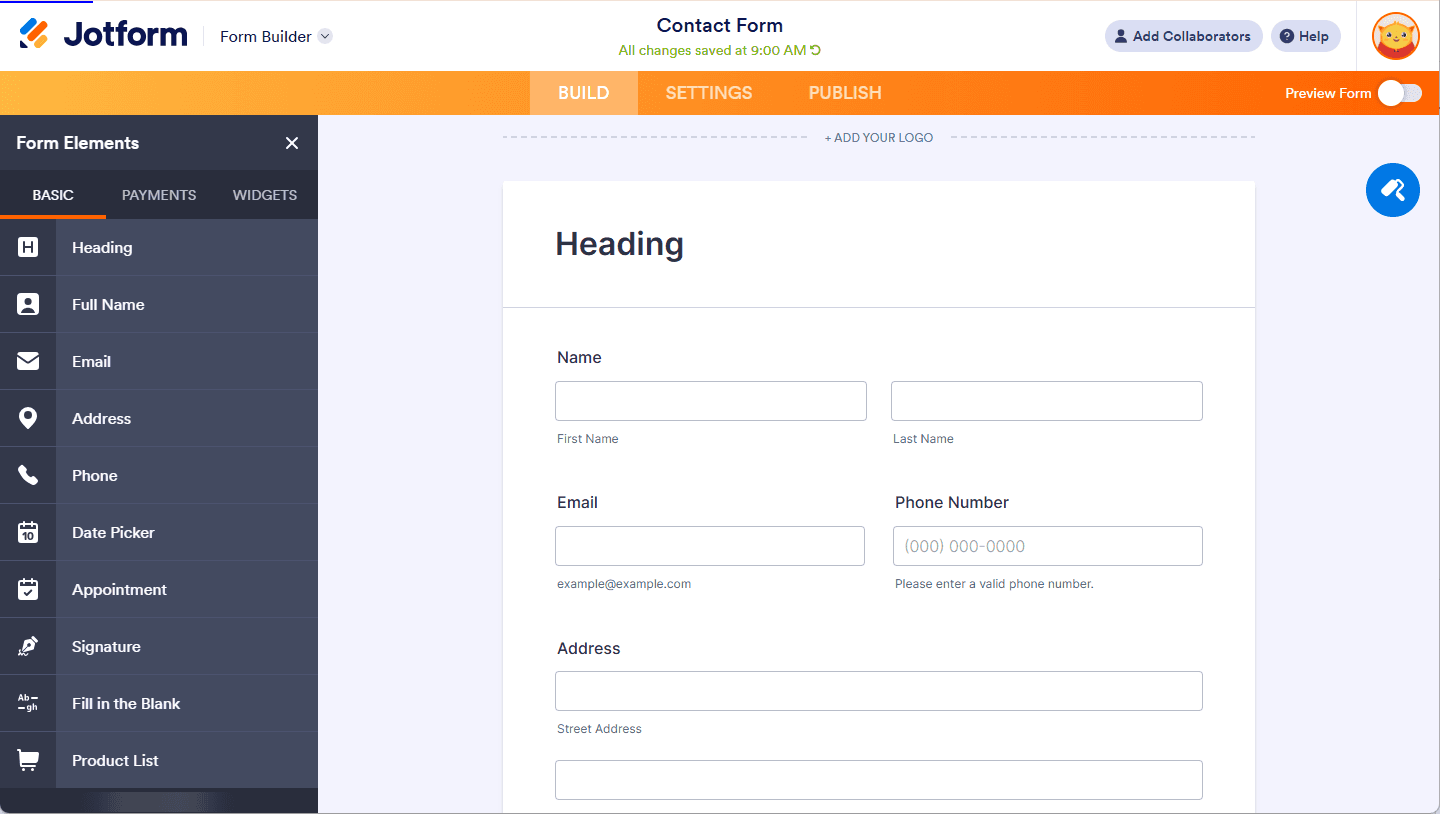
Jotform is a flexible form builder known for its extensive template library and strong data collection features.
Large template selection
Visual editor with deep customization
Supports custom CSS
Wide range of integrations
Strong data dashboards and reporting
Free plan is highly limited
Most plans restrict user count
Jotform works well for small businesses that want to build structured forms quickly using templates, while still having the option to customize styling and logic. Its data handling and reporting tools are strong, though calculation-heavy workflows are not its primary focus.
Starter: Free
Bronze: $34
Silver: $39
Gold: $99
Enterprise: Custom pricing
Paperform focuses on visual appeal and ease of use. The platform offers a polished interface and a large template library.
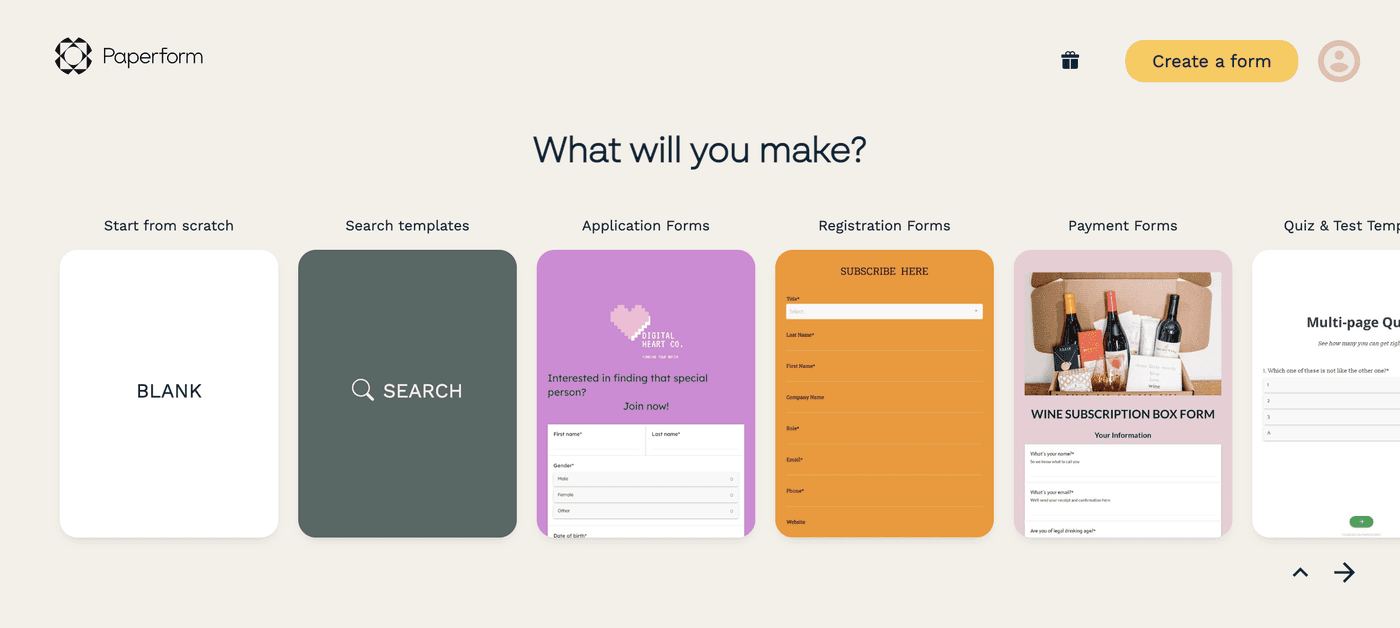
Clean, intuitive interface
Over 500 templates
Supports conditional logic
Basic reporting features
CSS customization only on higher-tier plans
User limits on lower tiers
Paperform is a good fit for businesses that prioritize design and want forms that look refined with minimal setup. While it supports logic and integrations, it is less suited to advanced calculation or data-heavy workflows.
Free: 1 user - 30 submissions/month
Essentials: $24
Pro: $49
business: $99
Enterprise: Custom pricing
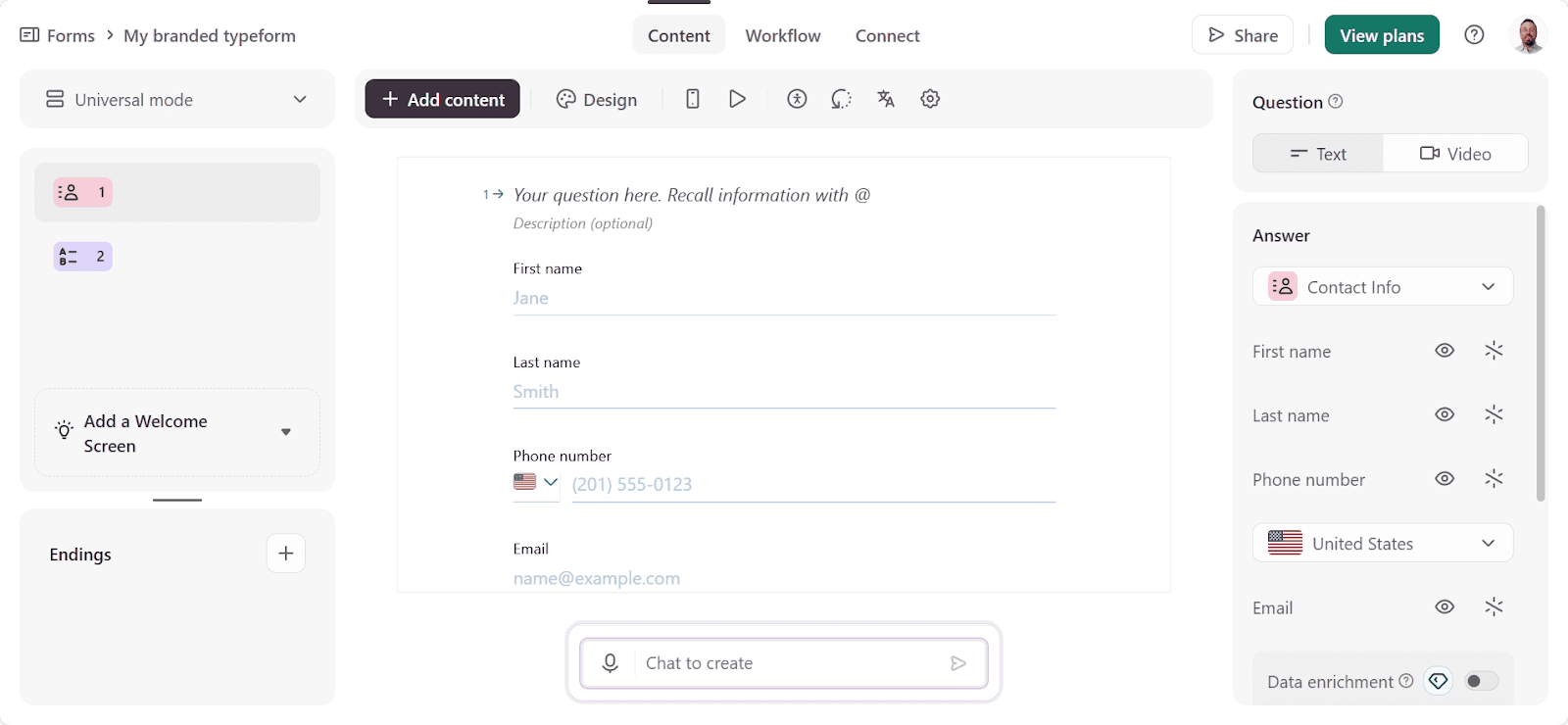
Typeform is an online form builder and survey tool. It has an attractive interface and is easy to use, with a simple drag-and-drop feature.
Typeform is known for its conversational, one-question-at-a-time form experience. Some view this approach as more conversational and engaging for users.
Engaging, conversational format
Strong out-of-the-box design
Good user experience for respondents
Solid analytics for completion rates
Limited calculation and logic depth
Very restricted free plan
No CSS customization
Typeform works well for surveys, feedback forms, and lead capture, where presentation and flow matter more than automation or calculations. It is less flexible for complex business logic.
Basic: $25
Plus: $50
Business: $83
Enterprise: Custom pricing
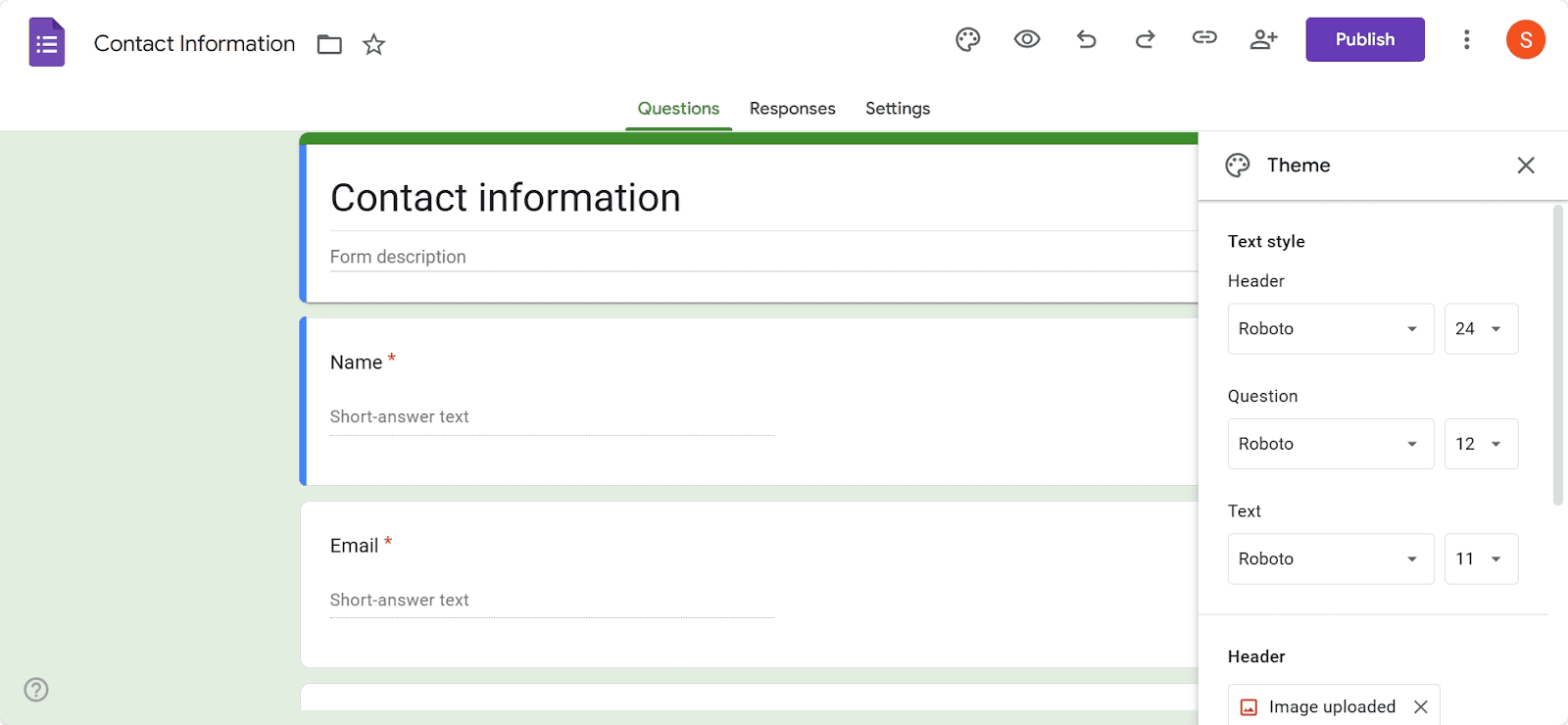
Google Forms is a free online form builder. It's an excellent free option for creating basic forms and has some good features.
With Google Forms, users miss out on advanced design features and question types. But it's easy to use and integrates seamlessly with other Google tools like Sheets and Drive.
Google Forms is a simple and accessible option for creating basic forms.
Free for individual use
Easy to set up
Integrates with Google Sheets
Part of the Google ecosystem
Very limited customization
Basic conditional logic only
Google Forms is best suited for individuals or very small teams that need simple data collection at no cost. It lacks the advanced features required for more complex business workflows.
Free (individual use)
Starter: $7 per user
Standard: $14 per user
Plus: $22 per user
Enterprise: Custom pricing
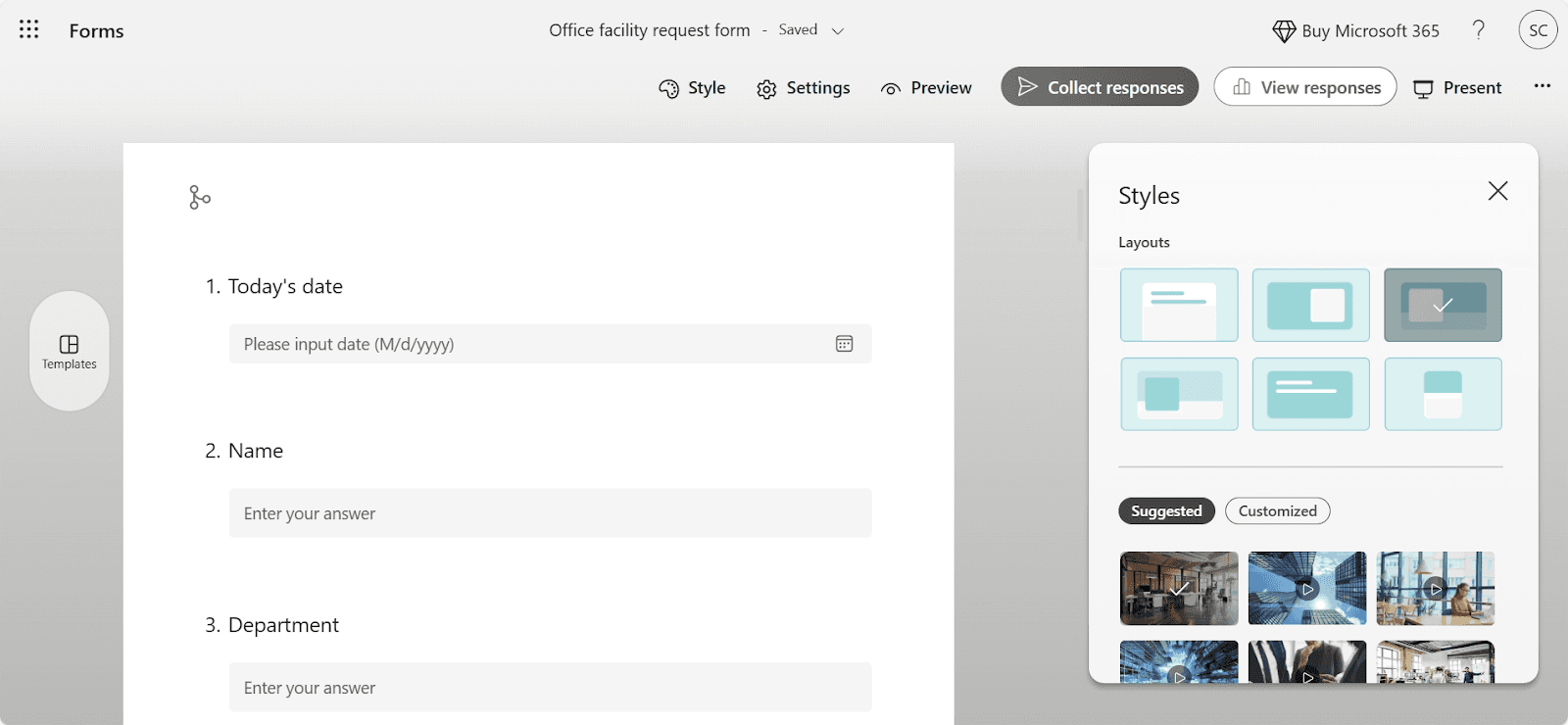
Microsoft Forms is included with Microsoft 365 subscriptions and focuses on ease of use. As you might imagine, it combines well with Excel, so you can view all the data from responses in a spreadsheet.
Microsoft Forms takes advantage of AI for creating form questions. You can get suggestions and add questions with a single click if you like them.
AI-assisted question suggestions
Clean visuals and themes
Included with Microsoft 365
Simple setup
Microsoft Forms is suitable for businesses already using Microsoft products that want basic forms without additional software costs. The forms are simple to set up, especially if you’re familiar with other Microsoft products, and you can get them built and in front of people quickly.
Included with Microsoft 365
Business Basic: $6 per user
Business Standard: $12.50 per user
Business Premium: $22 per user
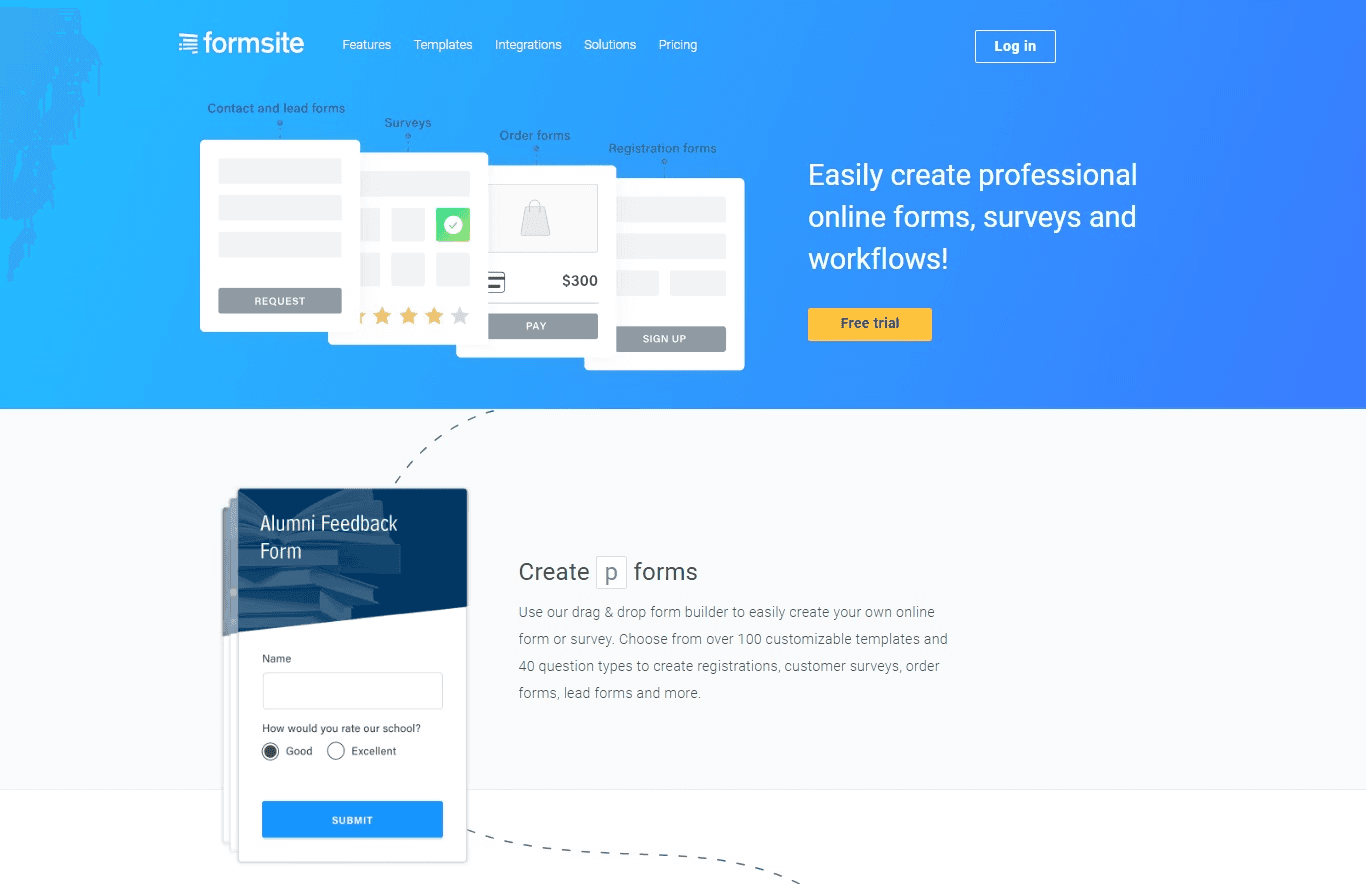
Formsite emphasizes security and input validation. It’s a sound choice for businesses handling sensitive information.
Strong validation features
Field-level encryption
Simple interface
Basic design tools
Limited visual customization
Formsite is useful for businesses handling sensitive data that requires encryption and validation, though it offers fewer design and automation features than other tools.
Free: 14-day trial
Personal: $21
Professional: $34
Business: $59
Business +: $84
Enterprise: $209
Goodhart Coffee used Convert_ to replace a manual quoting and booking process with an automated calculator form.
They embedded the booking form into their website. Now, their customers can input their requirements and receive instant feedback on availability and pricing.
With the embedded form, Goodhart Coffee:
Doubled bookings
Saved 40 hours/week on quoting
Our calculation-driven forms can remove operational friction while increasing conversions.
Each of these tools serves a different purpose. If your business needs powerful calculations, decision logic, automation, or scalable workflows, Convert_ is your best option. It provides the most flexibility when forms need to deliver instant, data-driven outcomes rather than static submissions.
Use Convert_ if you need branching decision trees, complex pricing models, and calculation power.
Use forms.app if you want an all-around form builder and high-volume responses at an affordable price.
Use Jotform if you want template-driven forms with strong data handling.
Use Paperform if you want visually polished forms with minimal setup.
Use Typeform if presentation and conversational flow are your priority.
Use Google Forms if you need basic forms at no cost.
Use Microsoft Forms if you’re already invested in Microsoft 365.
Use Formsite if data security is your main concern.
Frequently asked questions answered








