








In short_
Framer is a strong choice for a distinctive brand website, with detailed design control, a CMS and a broad creative marketplace. It also supports interactive components and native conversion testing.
Choose ConvertSite when visitors need help working out which offer suits them. Let them explore options, see a personalised result and carry their choices into the next step, all within your website.
The difference is how you build that experience: ConvertSite connects the page, questions, calculations and actions in one visual builder.
In short_
Framer is a strong choice for a distinctive brand website, with detailed design control, a CMS and a broad creative marketplace. It also supports interactive components and native conversion testing.
Choose ConvertSite when visitors need help working out which offer suits them. Let them explore options, see a personalised result and carry their choices into the next step, all within your website.
The difference is how you build that experience: ConvertSite connects the page, questions, calculations and actions in one visual builder.
The real purpose_
What each tool is actually built for

A design-led website with room for custom experiences
Framer gives designers control over responsive layouts, typography, animation and reusable components. Its CMS and marketplace support everything from a portfolio to a content-rich marketing site.
Interactivity is part of the picture too. Framer's Workshop can generate calculators, quizzes and multi-step forms from a prompt. Marketplace components offer another starting point, including pricing tools with editable settings.

Help each visitor work out what your offer means for them
A list of packages does not always answer a buyer's real question: which one fits my project?
With ConvertSite, an agency could let visitors choose the services they need, set the scope and see an estimated price before sending their brief. The explanation, choices and result sit together in the website, so visitors can make sense of the offer as they explore it.
Build that journey visually, then use analytics and A/B testing to see where people continue or drop off.
The details_
Feature comparison
Loading table...
Breakdown_
Plans & pricing
ConvertSite
You build for free on the Free plan (all components, free AI building via MCP, no publishing).
Starter at $25/month unlocks publishing, analytics, and submission emails.
Builder at $50/month adds your own custom domain and Zapier webhook.
Business at $100/month adds full Zapier, HubSpot, and removes ConvertSite branding.
Framer
ConvertSite plan
Price
Key features
Free
$0/mo
250 AI credits, all components, build and test, no publishing
Starter
$25/mo
500 AI credits, publish live, submission emails, analytics, funnels
Builder
$50/mo
1,000 AI credits, custom domain, Zapier webhook, localisation, custom API
Business
$100/mo
2,500 AI credits, full Zapier, HubSpot, no ConvertSite branding
ConvertSite
Business plan — full features
$100
20% off annual. Free to build on any plan.
All tools: calculators, quote forms, quizzes
HubSpot + full Zapier integration
No ConvertSite branding
2,500 AI credits/month
No submission or lead caps
Documents add-on available (+$50/mo)
Framer
Business plan — full features
$80
What's missing_
The feature Framer does not have
The question is not whether Framer can build an interactive website. It can. The question is whether the component you choose covers the whole decision your visitor needs to make.
For a package builder, that could mean selecting a service, changing the scope, seeing the price update and sending those choices with a request. Check the full path, not just the calculator on its own.
ConvertSite gives you native controls for connecting that journey. The page and the logic behind the offer are built together, rather than depending on a separate component's feature set.
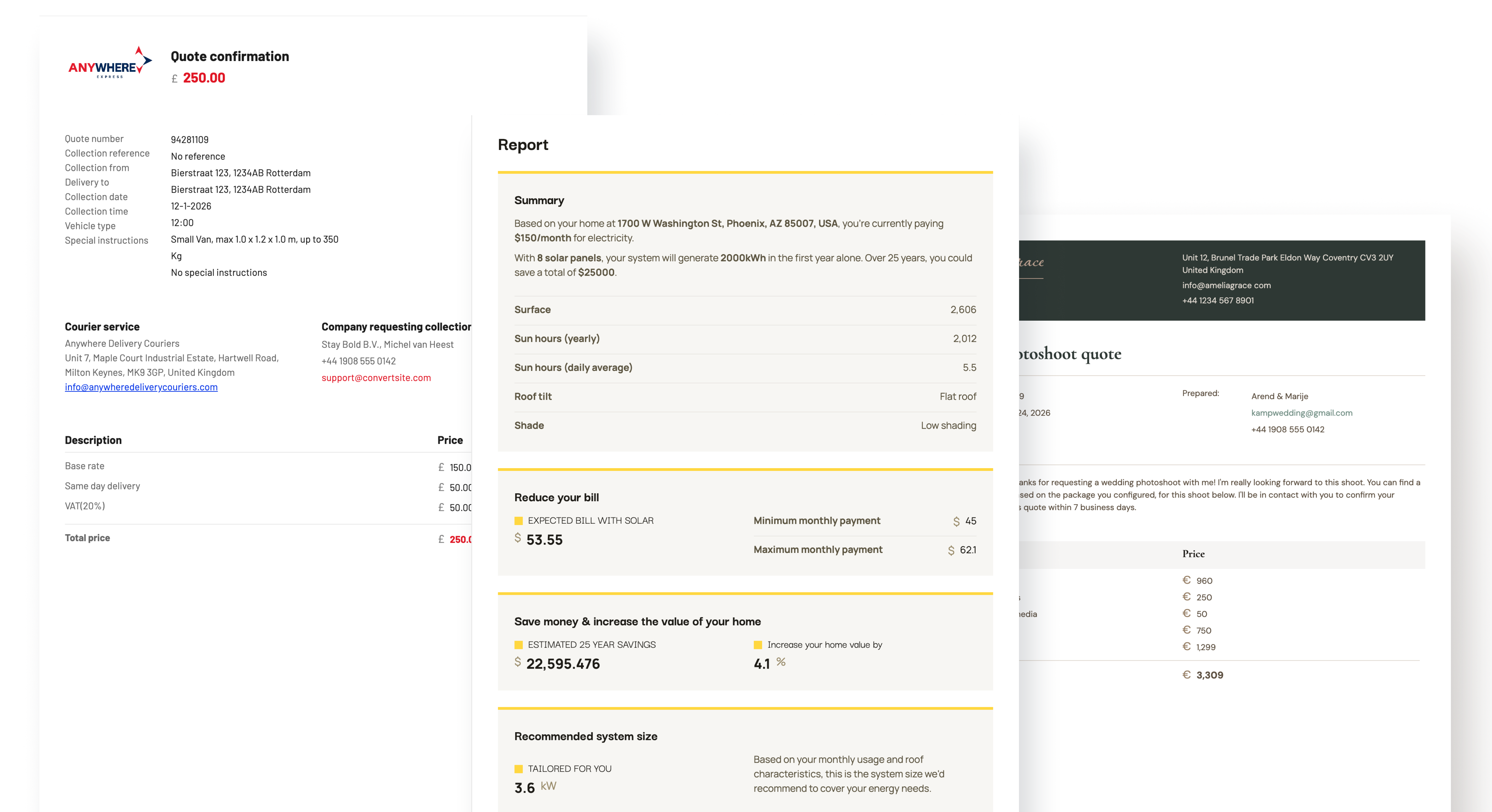
What a customer actually experiences
A visitor completes your pricing calculator, sees their quote on screen, then immediately receives a branded PDF proposal in their inbox: itemised, on-brand, and ready to share with their team. No manual follow-up. No "we'll send a quote within 24 hours." The sale moves faster because the buyer has everything they need the moment they finish the tool.


The right tool for the job_
Who should use each tool
The key difference_
How will your website help someone choose?
With Framer...
With ConvertSite...
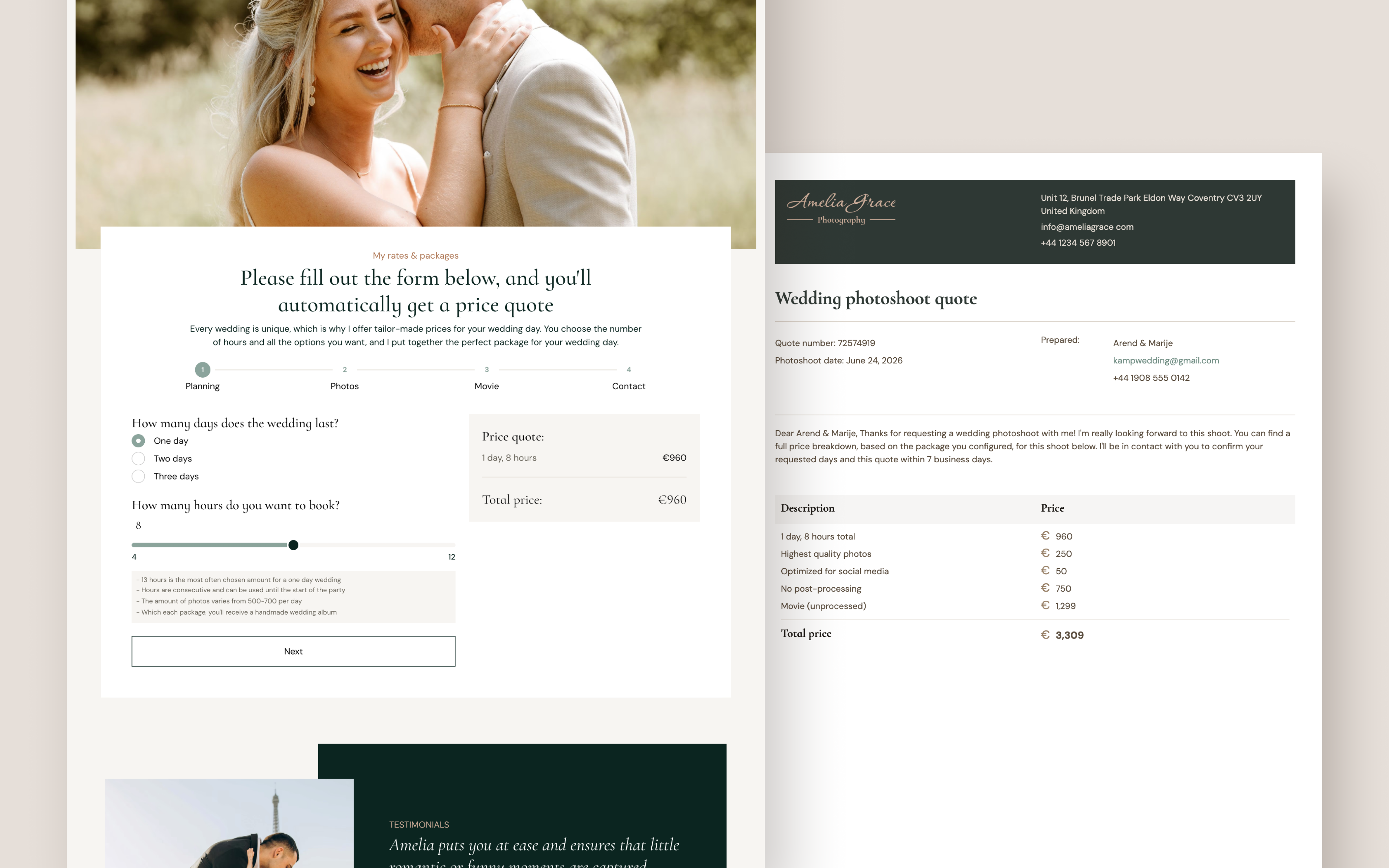
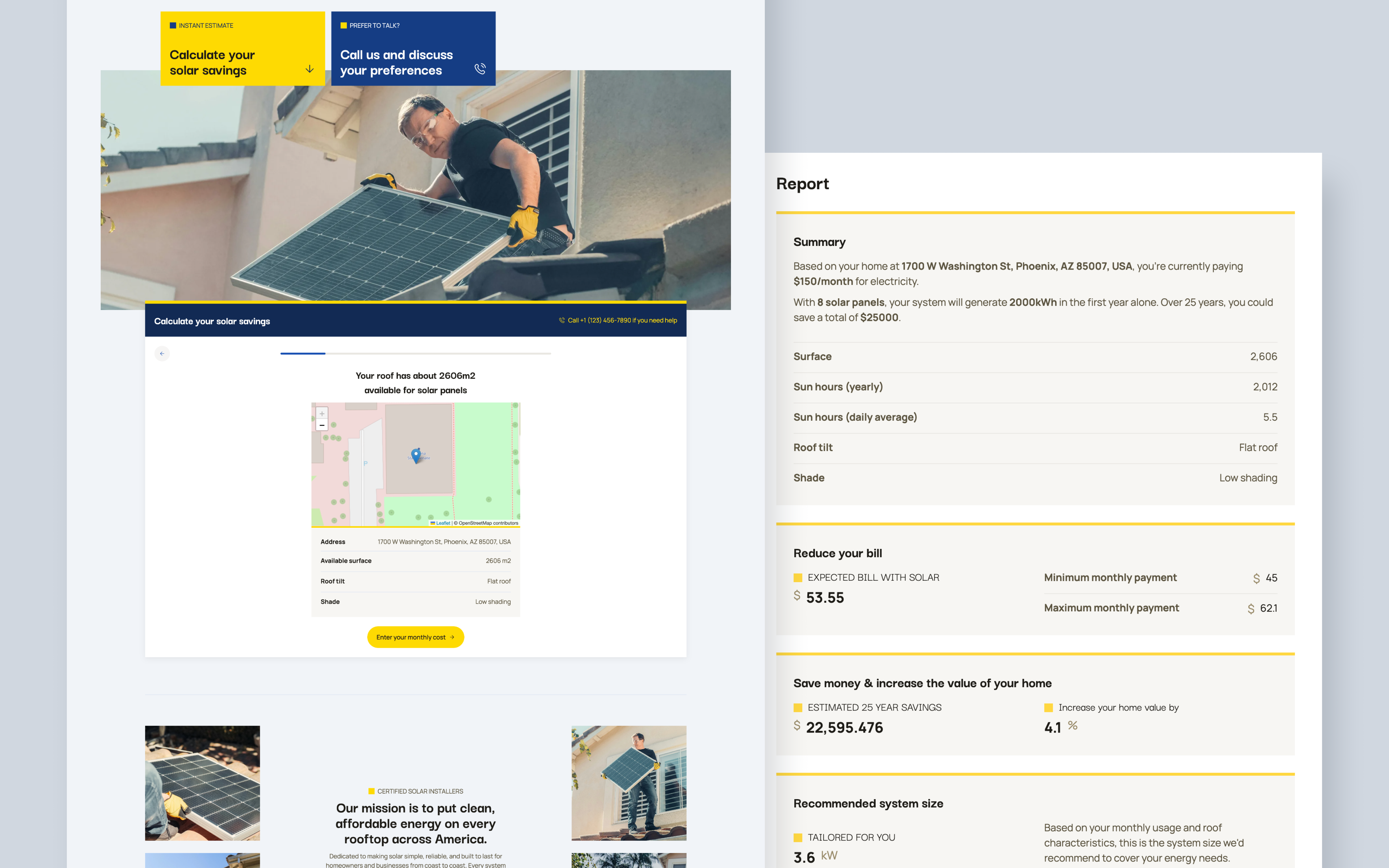
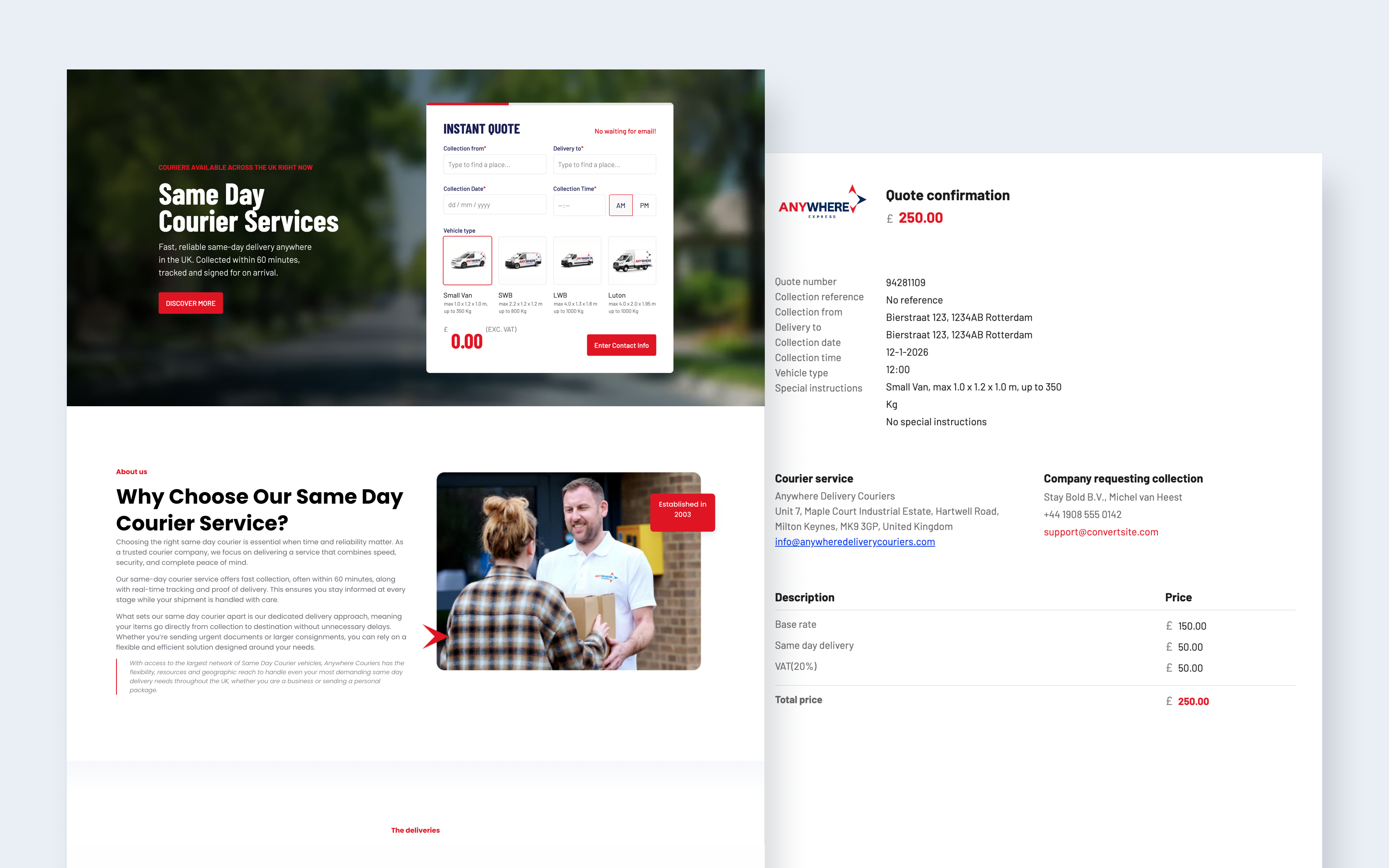
Examples of what you can build with ConvertSite

Everything you want to know_
Frequently asked questions


Use cases
