Logo
Give every click a useful answer_

Landing page builder for campaigns that qualify leads

Build landing pages that answer visitors’ questions, calculate their price, or match them to the right offer. Turn traffic from Google Ads, Meta Ads, and other campaigns into leads your team can act on. No developer needed.

Make the page earn the click_

A landing page that helps visitors decide

Your ad makes a promise.
The landing page needs to answer the next question: “What will it cost me?” “Which package fits?” “Can you help with my project?”
ConvertSite brings your offer, questions, and result into one page.
Use this no-code landing page builder to explain your service, calculate a quote, or guide visitors to a suitable option. When they get in touch, their answers come with them.

Give an answer now

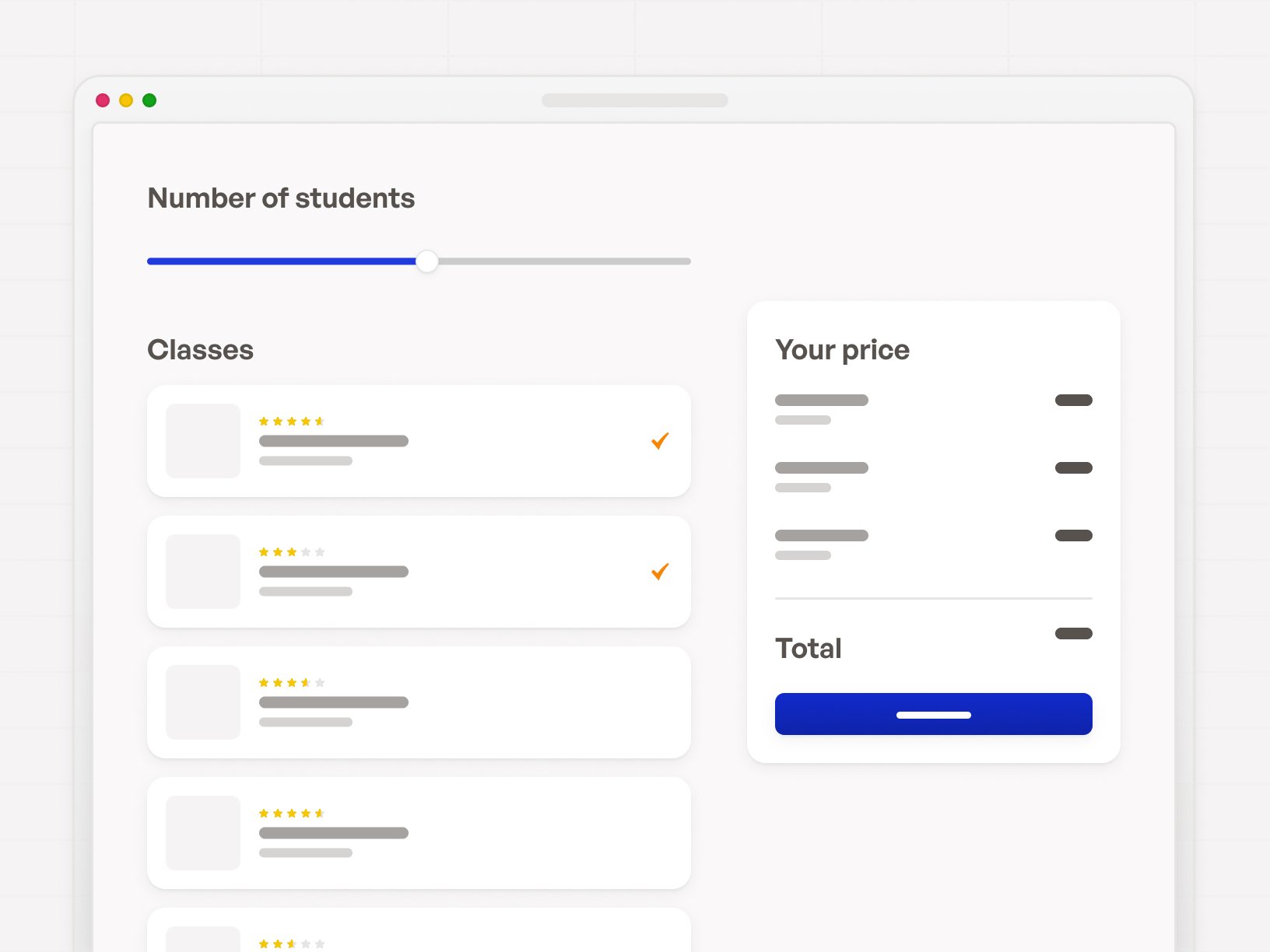
Show a price, estimate, or recommendation based on the visitor’s choices, while they are still on the page.

Qualify the enquiry

Ask about the job, budget, or requirements so your team can see whether the request fits before the first call.

Keep control of the page

Change your copy, questions, and pricing rules yourself as your offer changes. Keep improving the campaign without booking development time.

Put your sales knowledge on the page_

Answer the questions that stand between a click and a lead

When every job is different, your landing page needs to understand the job. Build the questions you would ask on a call into the page itself:

  • Calculate an estimate from the visitor’s requirements and your pricing rules.
  • Show relevant follow-up questions based on earlier answers.
  • Recommend a package and explain what it includes.

Visitors can decide whether the offer fits before they contact you. Your team gets the choices, requirements, and result alongside the enquiry, ready for a useful conversation.
Build it. Keep changing it._

Launch your campaign page without waiting for a developer

Start with a template or describe your offer and pricing rules to AI. Then use the drag-and-drop landing page builder to make it yours:

  • Arrange the headline, images, service details, questions, and result.
  • Set your fonts and colours, then adjust the layout for desktop and mobile.
  • Edit the copy, calculations, and next steps whenever your campaign changes.

Everything stays editable in the visual builder. You can keep making manual changes even when your AI credits run out.
See what your campaign could do_

Try landing pages that quote, recommend, and qualify

Explore these interactive examples. Each combines an offer with a flow that helps visitors work out their next step.

  • Carpet cleaning quotes. Choose the rooms, carpet type, and condition, then see a price before requesting the job.
  • Wedding photography packages. Choose the coverage and options, then get a starting price before asking about availability.
  • Solar lead funnel. Answer a few questions about the property and energy use, then see an indication before speaking to a specialist.

Try each one at the top of this page. They are templates with sample pricing and content — add your own rates, business rules, and follow-up details before publishing. Browse more templates, or see how the same flow works as a price quote calculator.
Test image
Build, measure, improve_

Campaign features for the work after the click

Build the page, learn where visitors stop, and send useful enquiries to your team. Keep improving the parts of the journey that matter.

Questions that adapt

Use conditional logic to show the next relevant question, skip unnecessary steps, and guide visitors towards the right offer.

Prices that update

Turn your rates, options, and pricing rules into calculations that update as visitors make their choices.

A/B testing

Create a page variant, change the copy or offer, and split traffic between versions to compare conversions.

Funnel analytics

Track the journey from page visit to quote request. See where visitors leave so you know which step to improve.

Google Ads and Meta tracking

Connect your ad accounts and configure server-side conversion events. Include a quote value or a value you assign to a completed lead.

Lead delivery

Send the enquiry and its answers by email. Connect HubSpot on Business, or use the API on Builder and above to pass data to your own systems.
Flexible, versatile & powerful_

Loved by 1,000+ businesses around the world

Join 1000+ founders who turned their site into their hardest-working employee.

JSJ smart homes logo
97%

Quoting costs cut

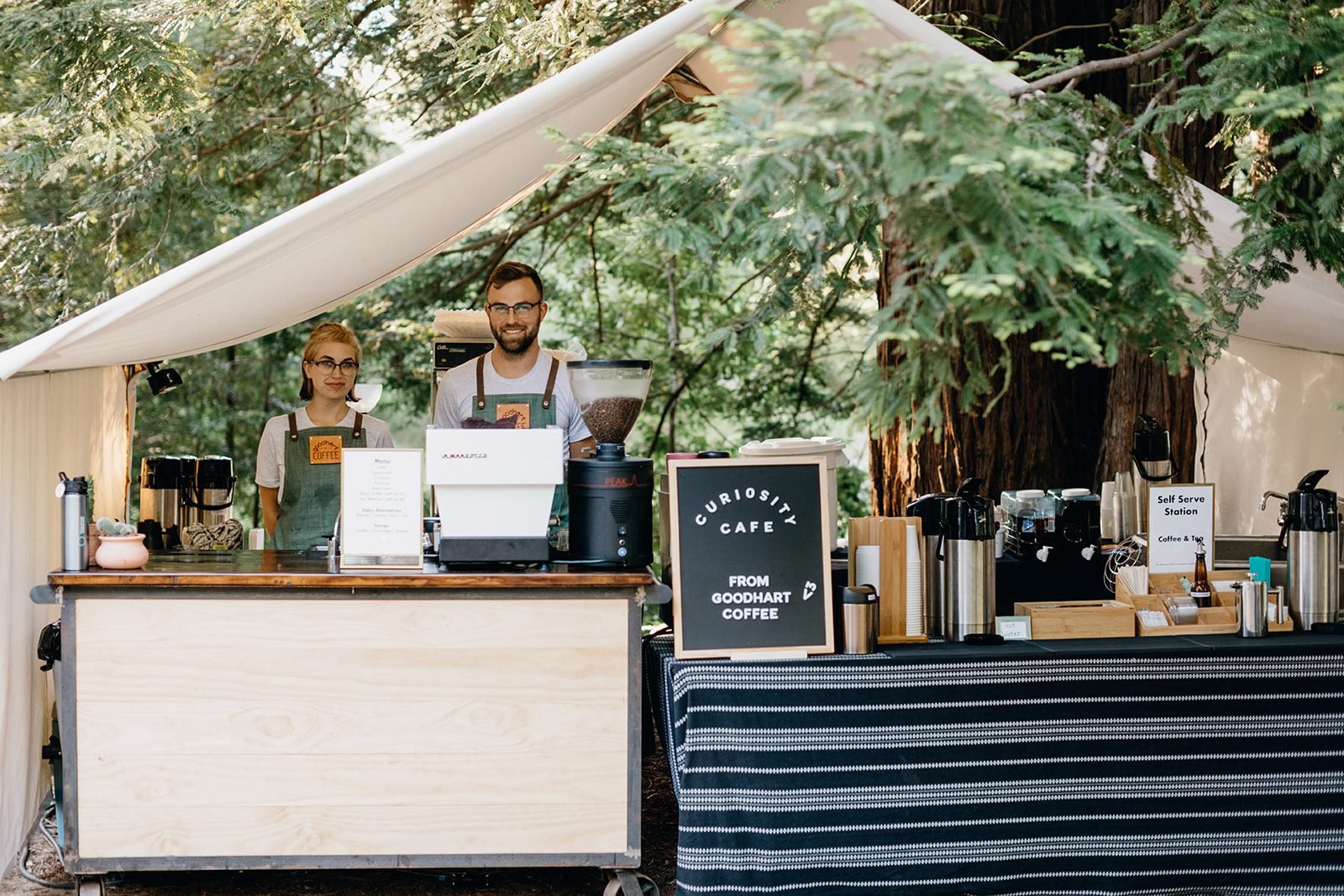
Goodhart Coffee
Goodhart Coffee logo
40+ hours

Saved per week

Goodhart Coffee
Outback Pools logo
100% of leads

Arrived qualified

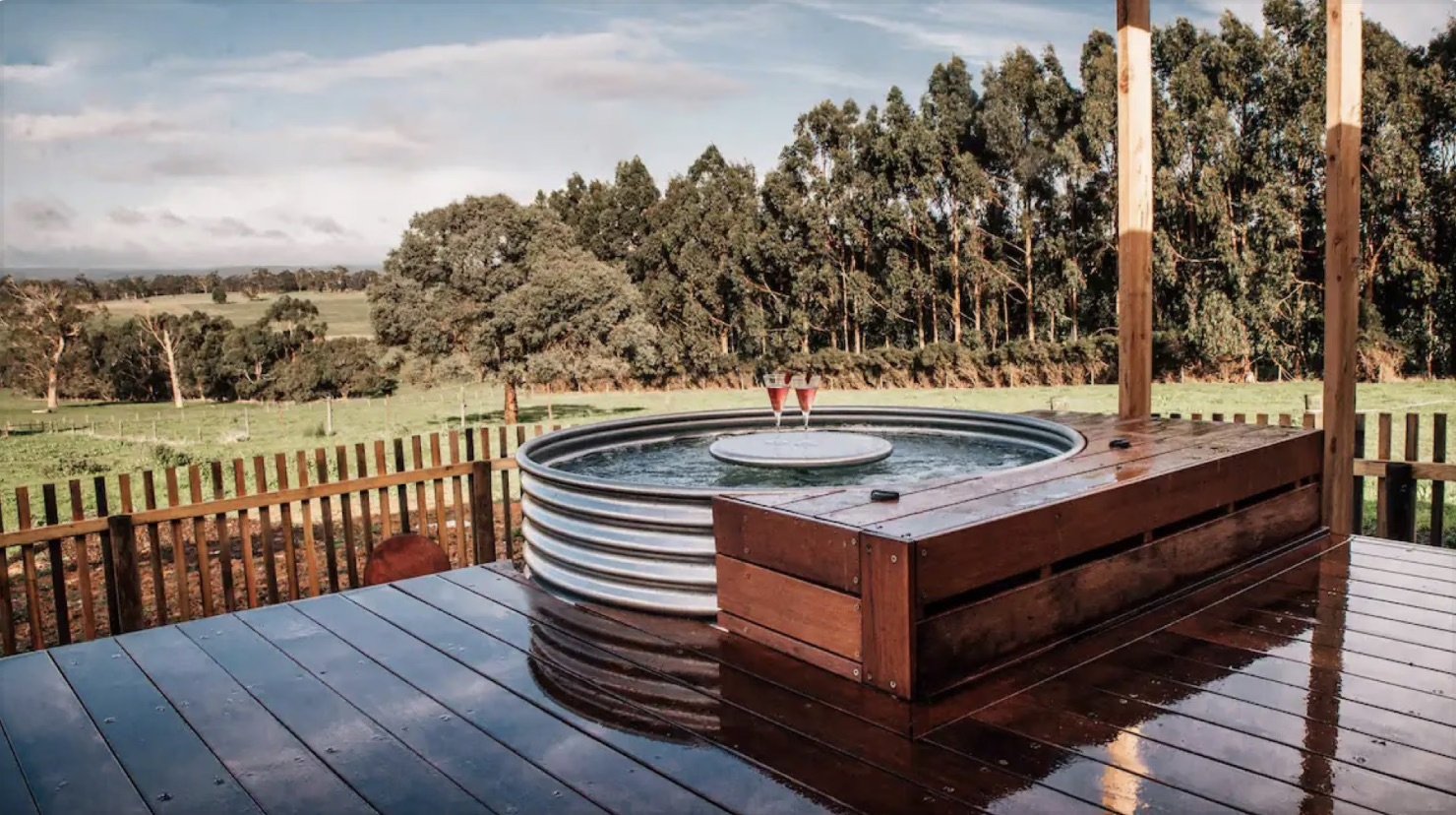
Outback Pools
ConvertSite icon

Automate your lead funnel, today

Stop wasting time on manual quotes. Join founders who have cut quoting costs by 97% by using ConvertSite.

Everything you want to know_

FAQ: Landing page builder

+

Can I build landing pages for Google Ads and Meta Ads?

+

How do I create a landing page without coding?

+

Can I build for free, and what does publishing cost?

+

Do I need an existing website or my own domain?

+

What should I look for in a landing page builder?

+

Can I test and improve a page after it goes live?

Your website should be your hardest-working employee_

Founders using ConvertSite have cut quoting costs by 97%. Doubled bookings. Taken their first real vacations.

“We

were

spending

3-7

days

to

price

and

quote

a

project.

With

our

lead

funnel,

it's

completely

automated.”

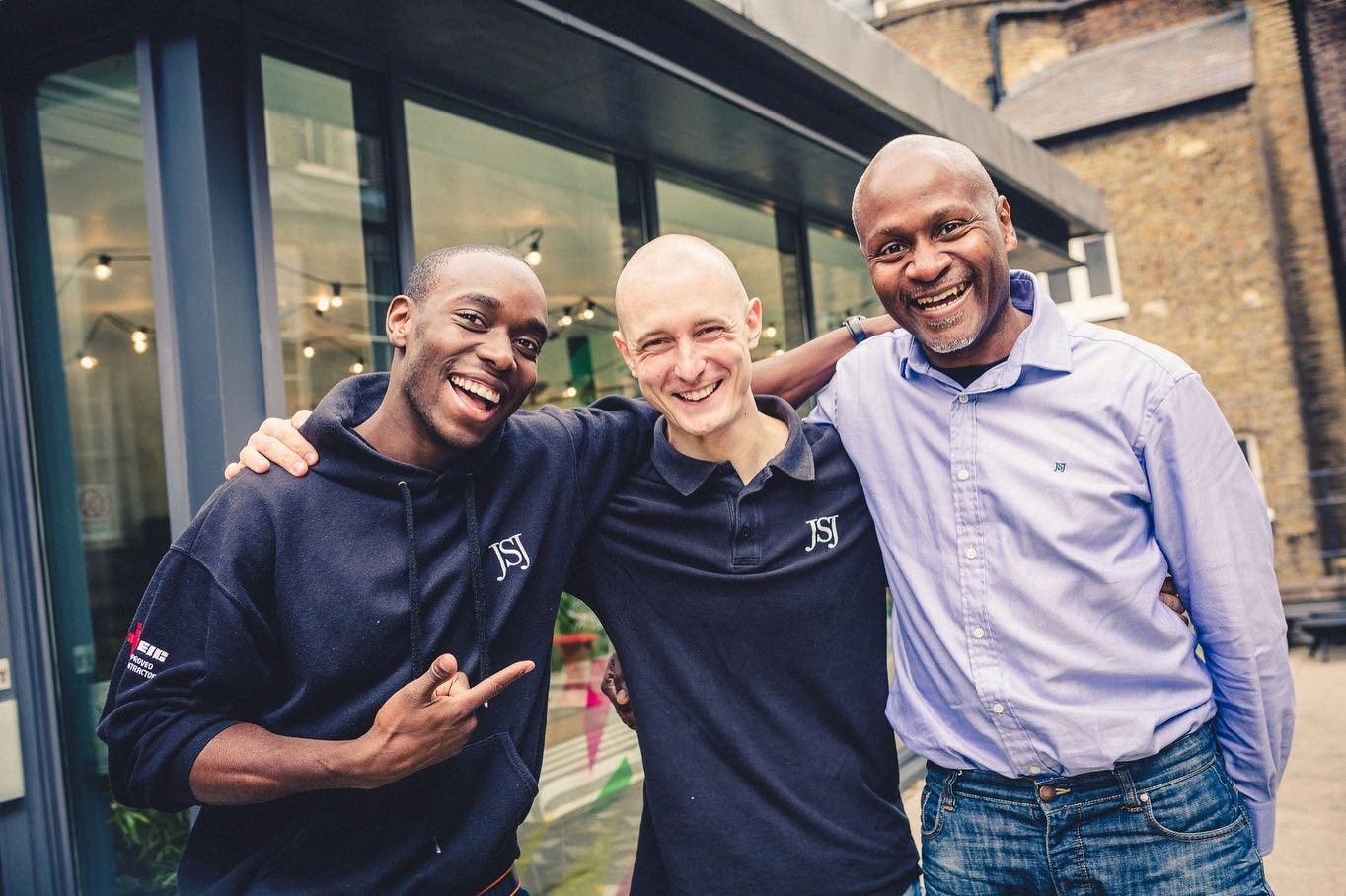
Stephan Knight, Director, JSJ Smart Homes

Stephan Knight

Director, JSJ Smart Homes

ConvertSite logo

Your website should quote, qualify, and book for you. Stop being the bottleneck on every quote, every booking, every price question.

© 2026, Stay Bold B.V.

Use cases

Get started

Comparisons

Resources

Legal

Convert wordmark