








In short_
Jotform is a broad form and workflow suite. It can collect data, run real-time calculations, create multipage apps, accept payments, route approvals, gather signatures, generate PDFs, and connect submissions to operational systems.
ConvertSite is built around the public buying journey. Build the pages, questions, business rules, live results, A/B tests, analytics, and next steps in one visual system so each visitor receives a price, match, or configuration before they enquire.
Choose Jotform when forms feed a larger data collection, approval, signature, or document workflow. Choose ConvertSite when the interactive experience needs to be the website and sales journey, not only a form placed inside it.
In short_
Jotform is a broad form and workflow suite. It can collect data, run real-time calculations, create multipage apps, accept payments, route approvals, gather signatures, generate PDFs, and connect submissions to operational systems.
ConvertSite is built around the public buying journey. Build the pages, questions, business rules, live results, A/B tests, analytics, and next steps in one visual system so each visitor receives a price, match, or configuration before they enquire.
Choose Jotform when forms feed a larger data collection, approval, signature, or document workflow. Choose ConvertSite when the interactive experience needs to be the website and sales journey, not only a form placed inside it.
The real purpose_
What each tool is actually built for

Jotform is built for forms, data collection, and operational workflows.
Jotform combines a form builder with Apps, Tables, Workflows, Approvals, Sign, PDF Editor, Store Builder, and AI Agents.
Its strengths include real-time calculations, conditional logic, payments, e-signatures, automated documents, approval routing, more than 20,000 form templates, and more than 150 integrations. Jotform Apps can also create multipage experiences with navigation and role-based access.

ConvertSite is built for interactive landing pages and sites.
ConvertSite makes the public buying experience the center of the system. Ask the right questions, apply pricing, matching, qualification, or configuration rules, and show a useful answer while the visitor is still on the page.
Build the surrounding pages, interactive flow, result screens, A/B tests, analytics, payments, forms, and follow-up actions in the same visual builder. Use Documents when the result should become a branded quote or proposal.
The details_
Feature comparison
Loading table...
Breakdown_
Plans & pricing
ConvertSite
You build for free on the Free plan (all components, free AI building via MCP, no publishing).
Starter at $25/month unlocks publishing, analytics, and submission emails.
Builder at $50/month adds your own custom domain and Zapier webhook.
Business at $100/month adds full Zapier, HubSpot, and removes ConvertSite branding.
Jotform
ConvertSite plan
Price
Key features
Free
$0/mo
250 AI credits, all components, build and test, no publishing
Starter
$25/mo
500 AI credits, publish live, submission emails, analytics, funnels
Builder
$50/mo
1,000 AI credits, custom domain, Zapier webhook, localisation, custom API
Business
$100/mo
2,500 AI credits, full Zapier, HubSpot, no ConvertSite branding
ConvertSite
Business plan — full features
$100
20% off annual. Free to build on any plan.
All tools: calculators, quote forms, quizzes
HubSpot + full Zapier integration
No ConvertSite branding
2,500 AI credits/month
No submission or lead caps
Documents add-on available (+$50/mo)
Jotform
Business plan — full features
$49
What's missing_
The feature Jotform does not have
The important difference is not whether Jotform can calculate or create PDFs. It can do both, and Jotform Apps can create multipage experiences with navigation. Jotform is also much stronger for approvals, e-signatures, regulated intake, and large template-driven form operations.
The practical difference is what the system is organized around. Jotform starts with a form or app submission, then stores, routes, signs, approves, or documents the data. ConvertSite starts with the public website journey, then connects the page, questions, business rules, live answer, A/B test, analytics, and next step in one experience.
Both can generate branded PDFs. Jotform PDF Editor turns form responses into documents. ConvertSite Documents is designed to turn the result of an interactive sales journey into a quote, proposal, or other data-filled document.
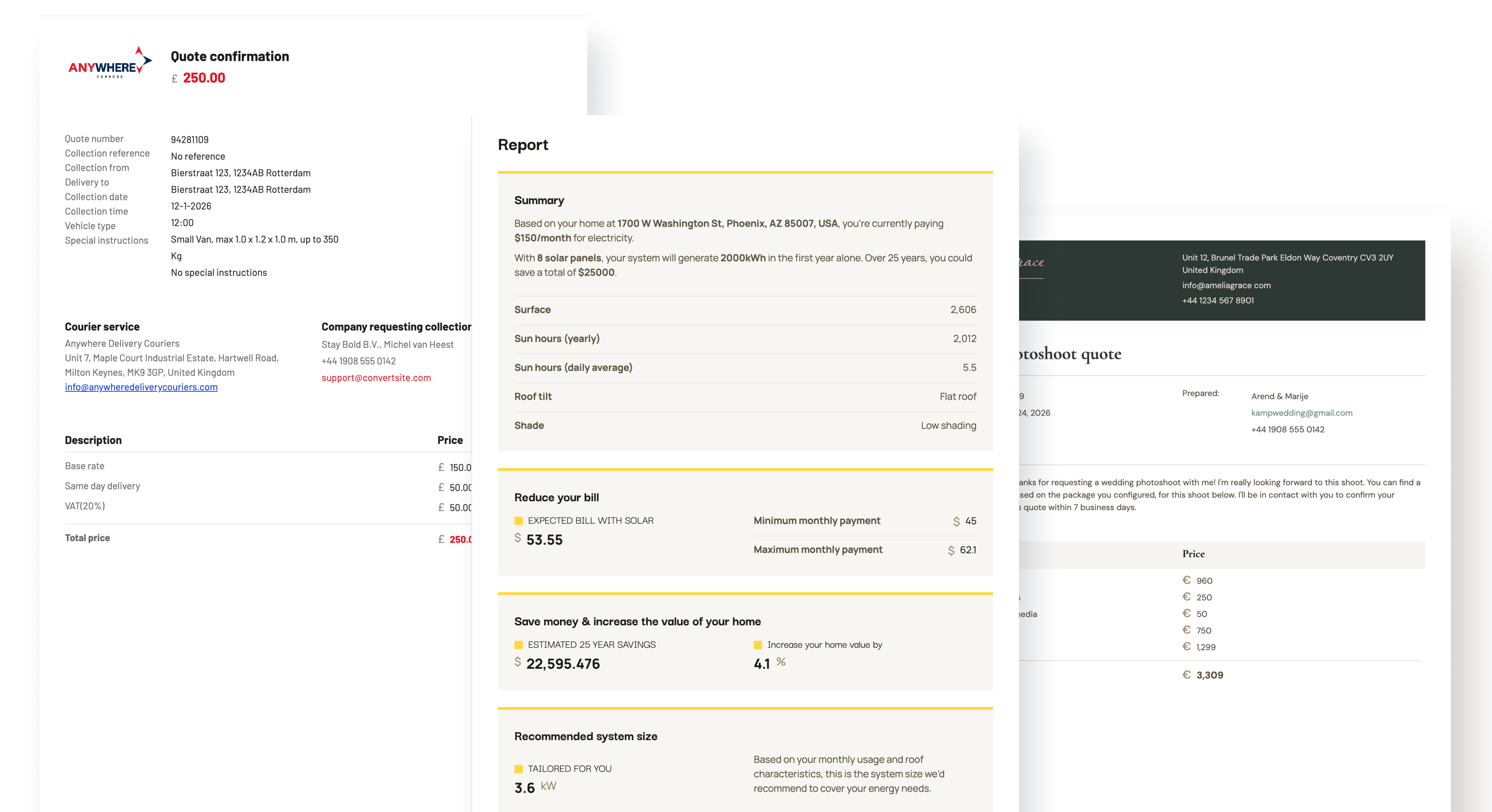
What a customer actually experiences
A visitor completes your pricing calculator, sees their quote on screen, then immediately receives a branded PDF proposal in their inbox: itemised, on-brand, and ready to share with their team. No manual follow-up. No "we'll send a quote within 24 hours." The sale moves faster because the buyer has everything they need the moment they finish the tool.


The right tool for the job_
Who should use each tool
The key difference_
Form operations or an interactive sales site
With Jotform...
With ConvertSite...
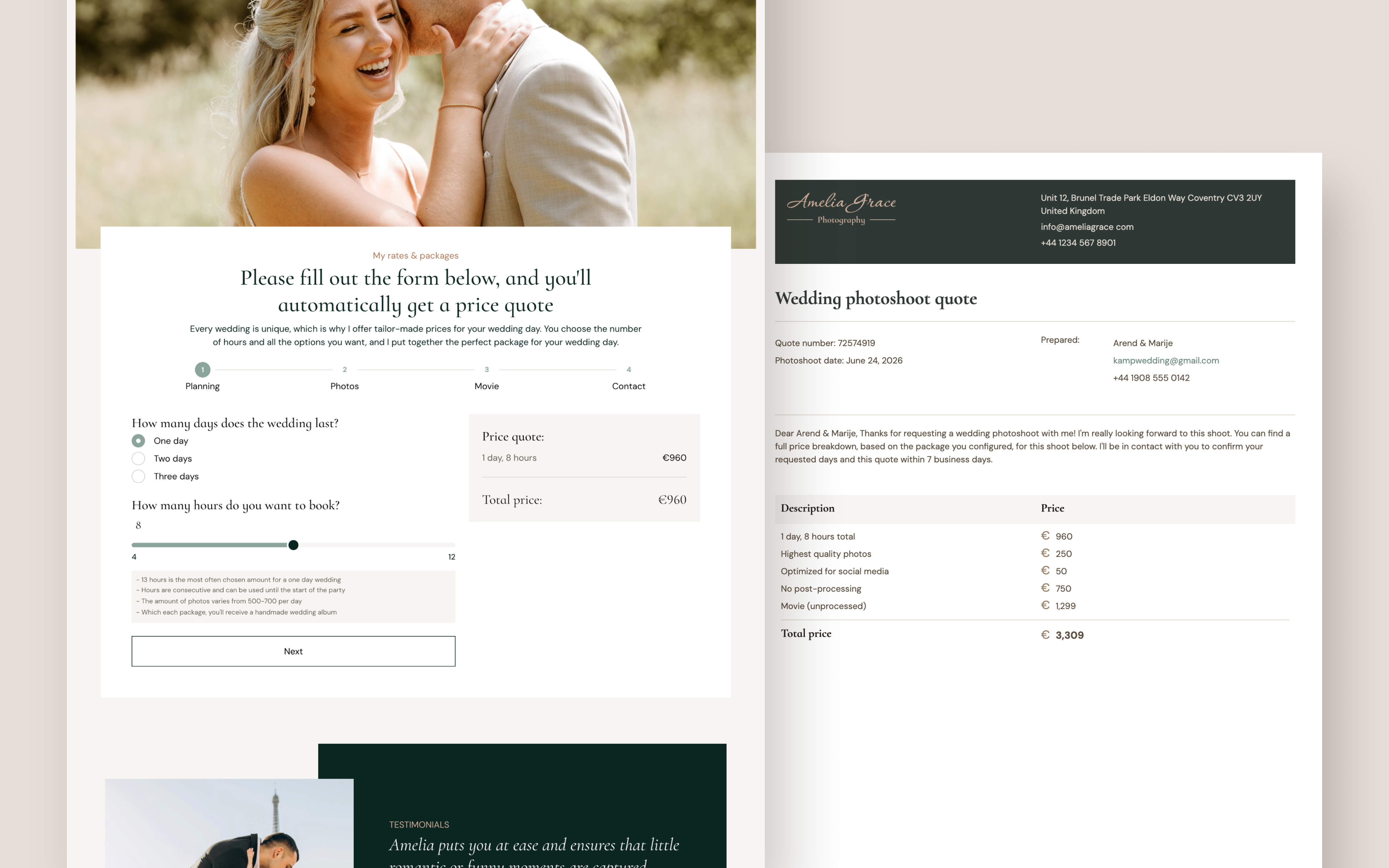
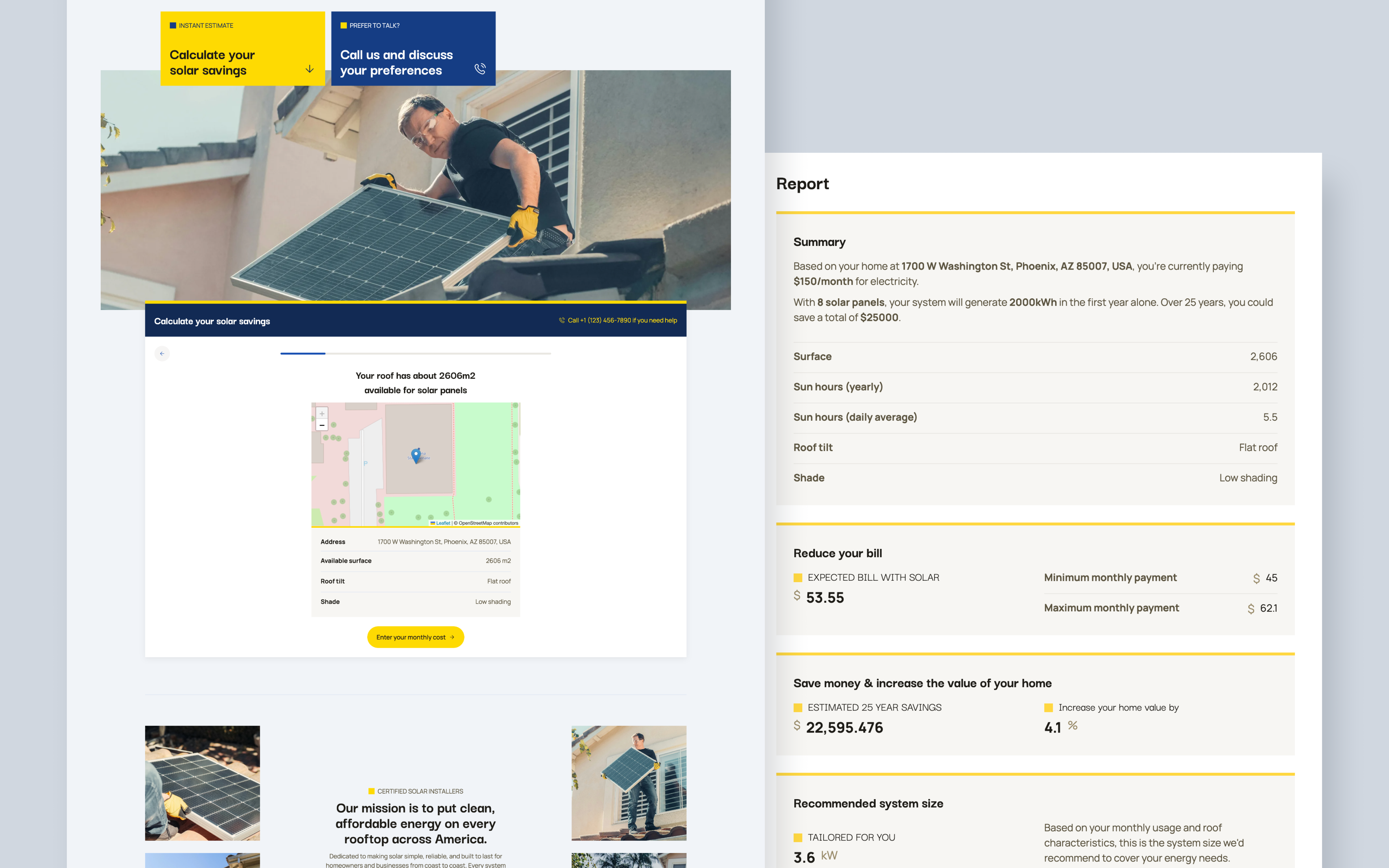
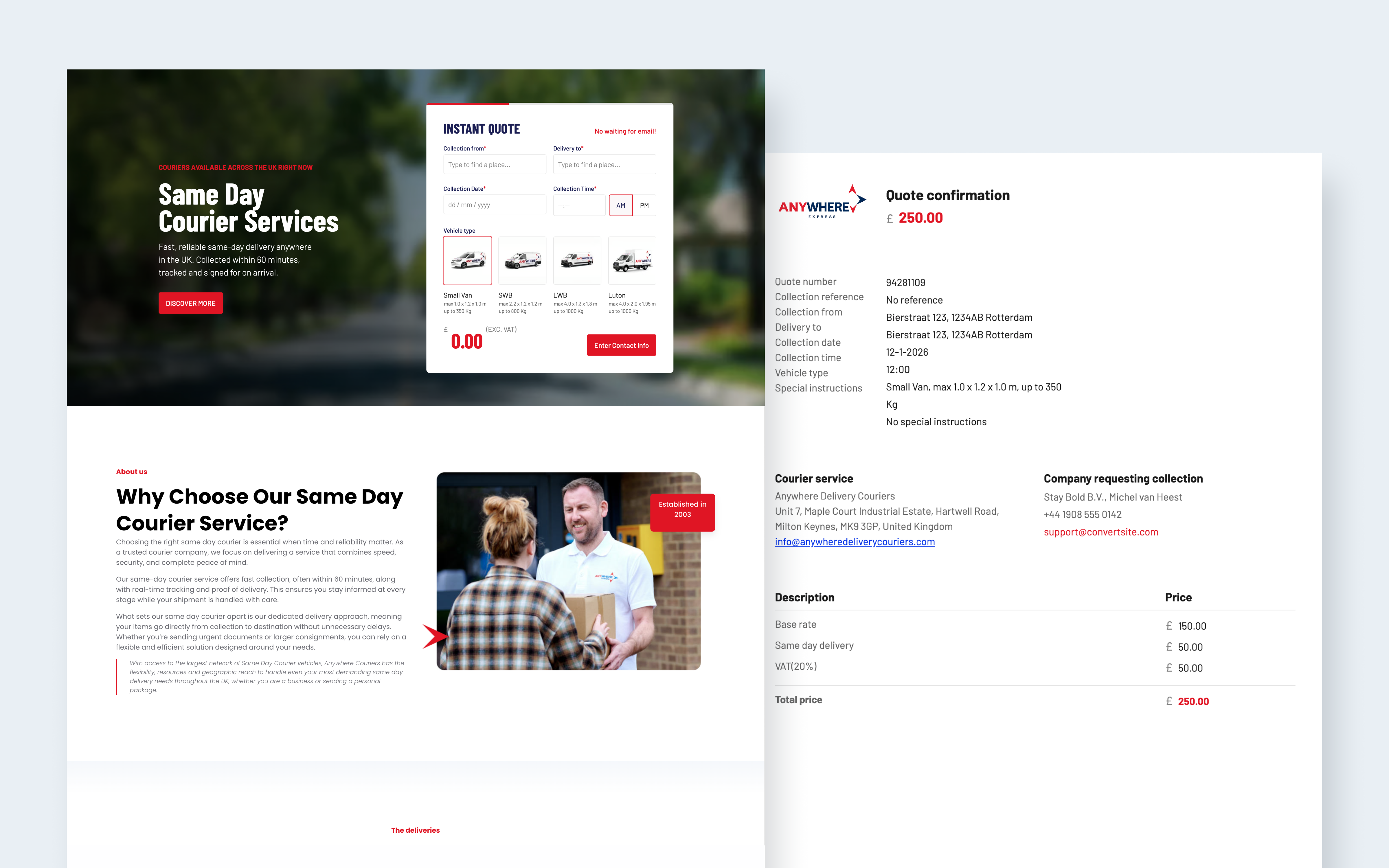
Examples of what you can build with ConvertSite

Everything you want to know_
Frequently asked questions


Use cases
