








In short_
Webflow gives teams detailed design control, a CMS, and ways to build custom interactions, including AI-generated code components. It can build a working calculator, not just the page around it.
Choose ConvertSite when a tailored price or recommendation is central to the buying journey. The page, questions, calculation rules, and next step are connected in one visual builder.
The useful distinction is how your team maintains that experience when the offer changes, not whether either platform can build a complete website.
In short_
Webflow gives teams detailed design control, a CMS, and ways to build custom interactions, including AI-generated code components. It can build a working calculator, not just the page around it.
Choose ConvertSite when a tailored price or recommendation is central to the buying journey. The page, questions, calculation rules, and next step are connected in one visual builder.
The useful distinction is how your team maintains that experience when the offer changes, not whether either platform can build a complete website.
The real purpose_
What each tool is actually built for

Design and publish a site with custom interactions
Webflow suits teams building content-rich sites around a reusable design system. Its CMS, visual layout controls, templates, and apps support a wide range of marketing projects.
Code components extend that site with calculators and multi-step forms. You can generate them with AI or import developer-built components, then configure exposed settings visually. Analyze and Optimize add native measurement and testing.

Turn a service page into a useful first quote
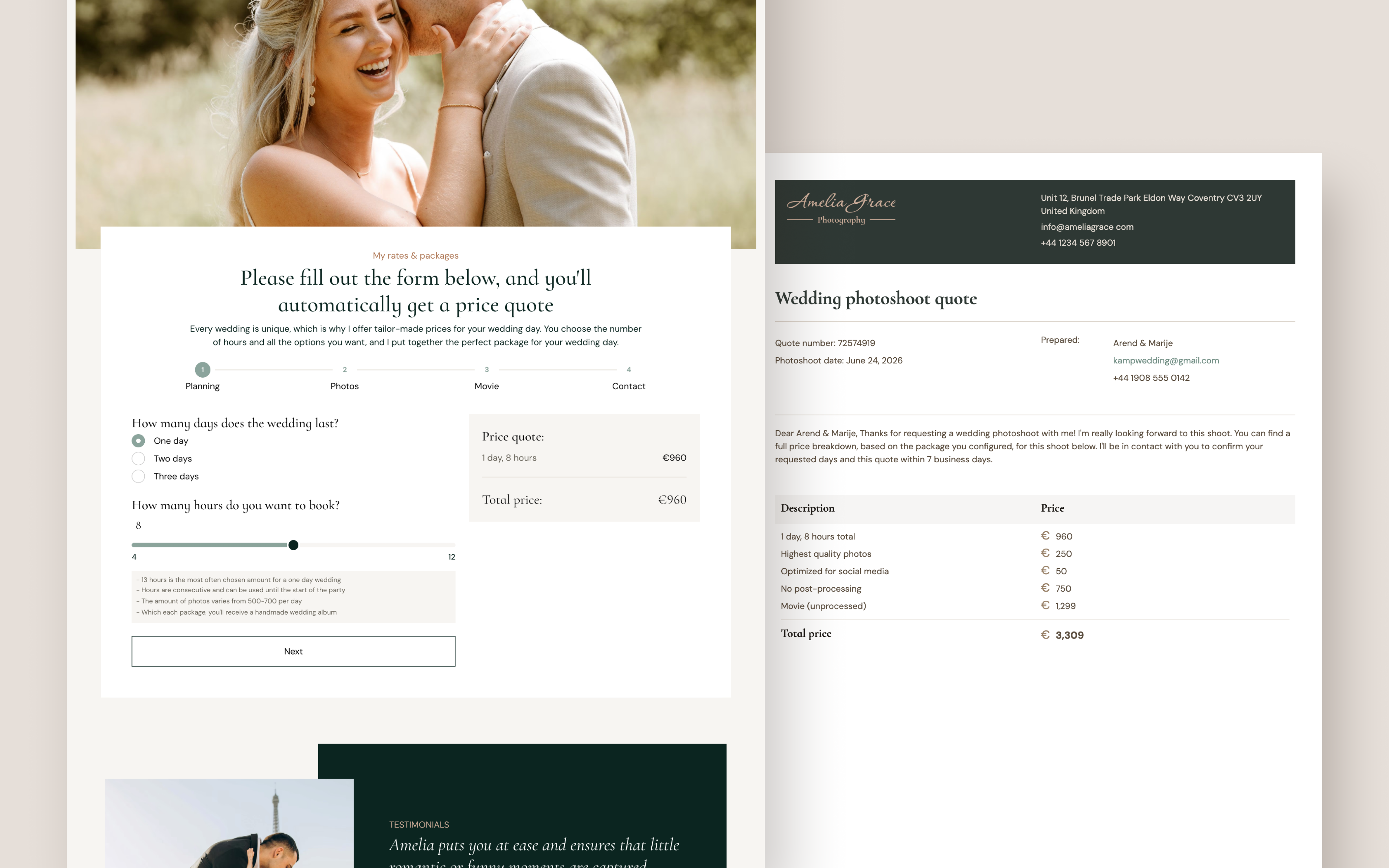
A cleaning company could ask about property size, visit frequency, and extra services, then show an estimate before the visitor sends a request. The buyer gets a clearer price; the team gets the details behind it.
Build the explanation, questions, and calculation together in ConvertSite. When your minimum charge or recurring-service discount changes, update the rule in the visual builder and test the result.
Use analytics and A/B testing to improve the same journey, from the first question to the request.
The details_
Feature comparison
Loading table...
Breakdown_
Plans & pricing
ConvertSite
You build for free on the Free plan (all components, free AI building via MCP, no publishing).
Starter at $25/month unlocks publishing, analytics, and submission emails.
Builder at $50/month adds your own custom domain and Zapier webhook.
Business at $100/month adds full Zapier, HubSpot, and removes ConvertSite branding.
Webflow
ConvertSite plan
Price
Key features
Free
$0/mo
250 AI credits, all components, build and test, no publishing
Starter
$25/mo
500 AI credits, publish live, submission emails, analytics, funnels
Builder
$50/mo
1,000 AI credits, custom domain, Zapier webhook, localisation, custom API
Business
$100/mo
2,500 AI credits, full Zapier, HubSpot, no ConvertSite branding
ConvertSite
Business plan — full features
$100
20% off annual. Free to build on any plan.
All tools: calculators, quote forms, quizzes
HubSpot + full Zapier integration
No ConvertSite branding
2,500 AI credits/month
No submission or lead caps
Documents add-on available (+$50/mo)
Webflow
Business plan — full features
$39
What's missing_
The feature Webflow does not have
The handover matters as much as the first build. Who can add a minimum charge, change which questions appear, or update the estimate without breaking the request?
A Webflow component can expose useful controls for those changes. Check what it exposes and how you will handle a new rule, rather than assuming every update needs a developer.
ConvertSite provides native formulas, conditions, and actions for this work. The team managing the service can update the buying journey alongside the page.
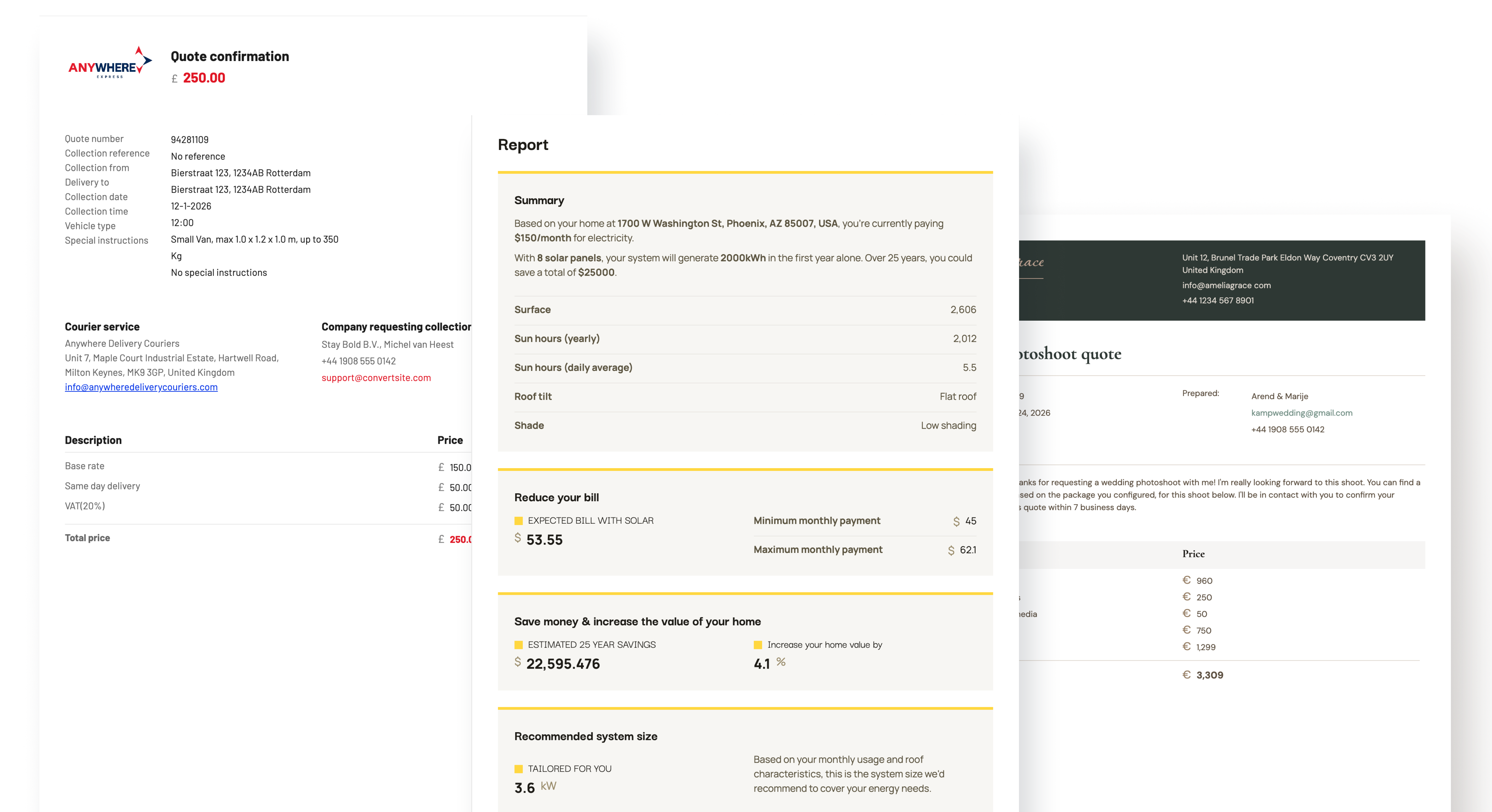
What a customer actually experiences
A visitor completes your pricing calculator, sees their quote on screen, then immediately receives a branded PDF proposal in their inbox: itemised, on-brand, and ready to share with their team. No manual follow-up. No "we'll send a quote within 24 hours." The sale moves faster because the buyer has everything they need the moment they finish the tool.


The right tool for the job_
Who should use each tool
The key difference_
What happens when your pricing rules change?
With Webflow...
With ConvertSite...
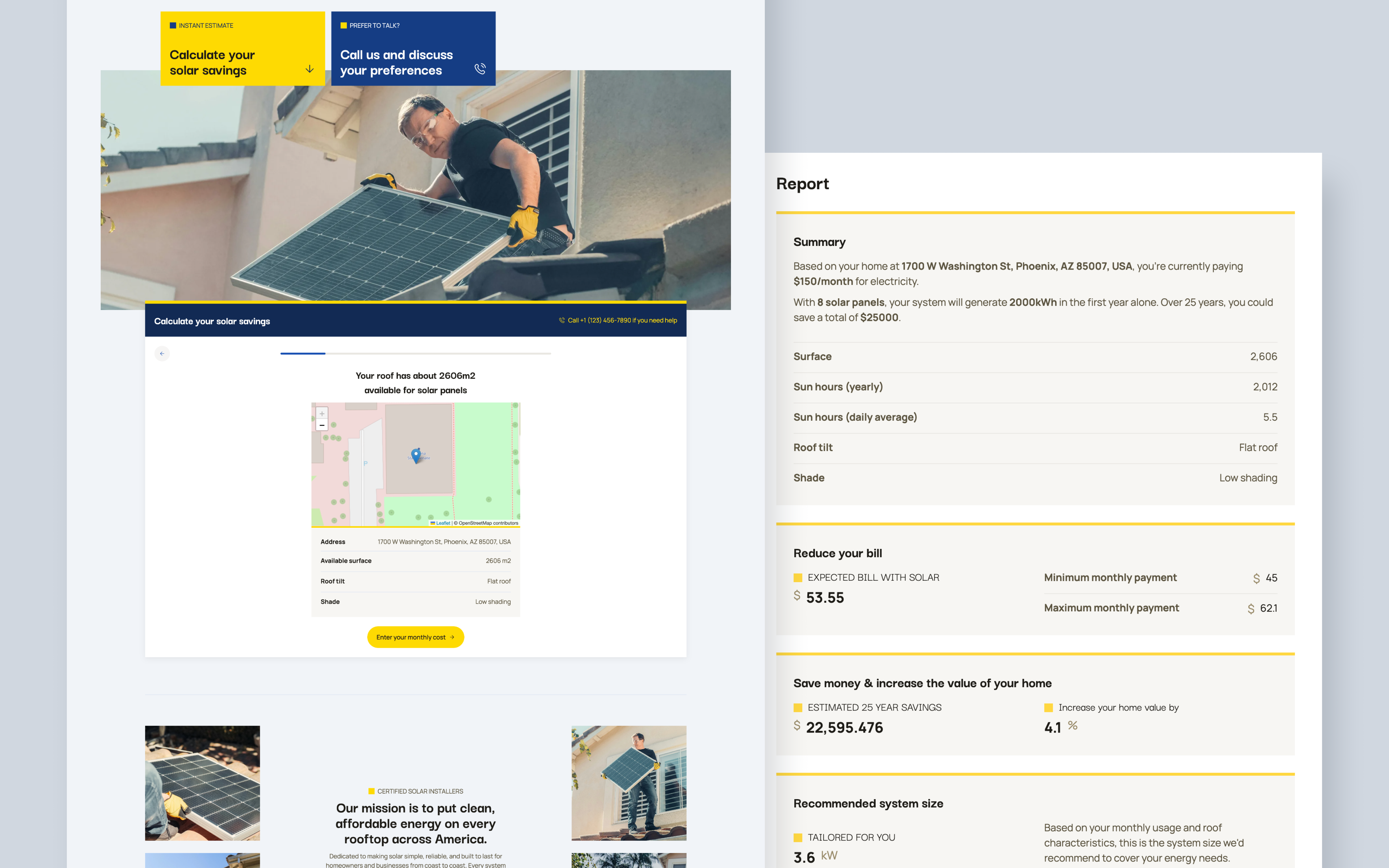
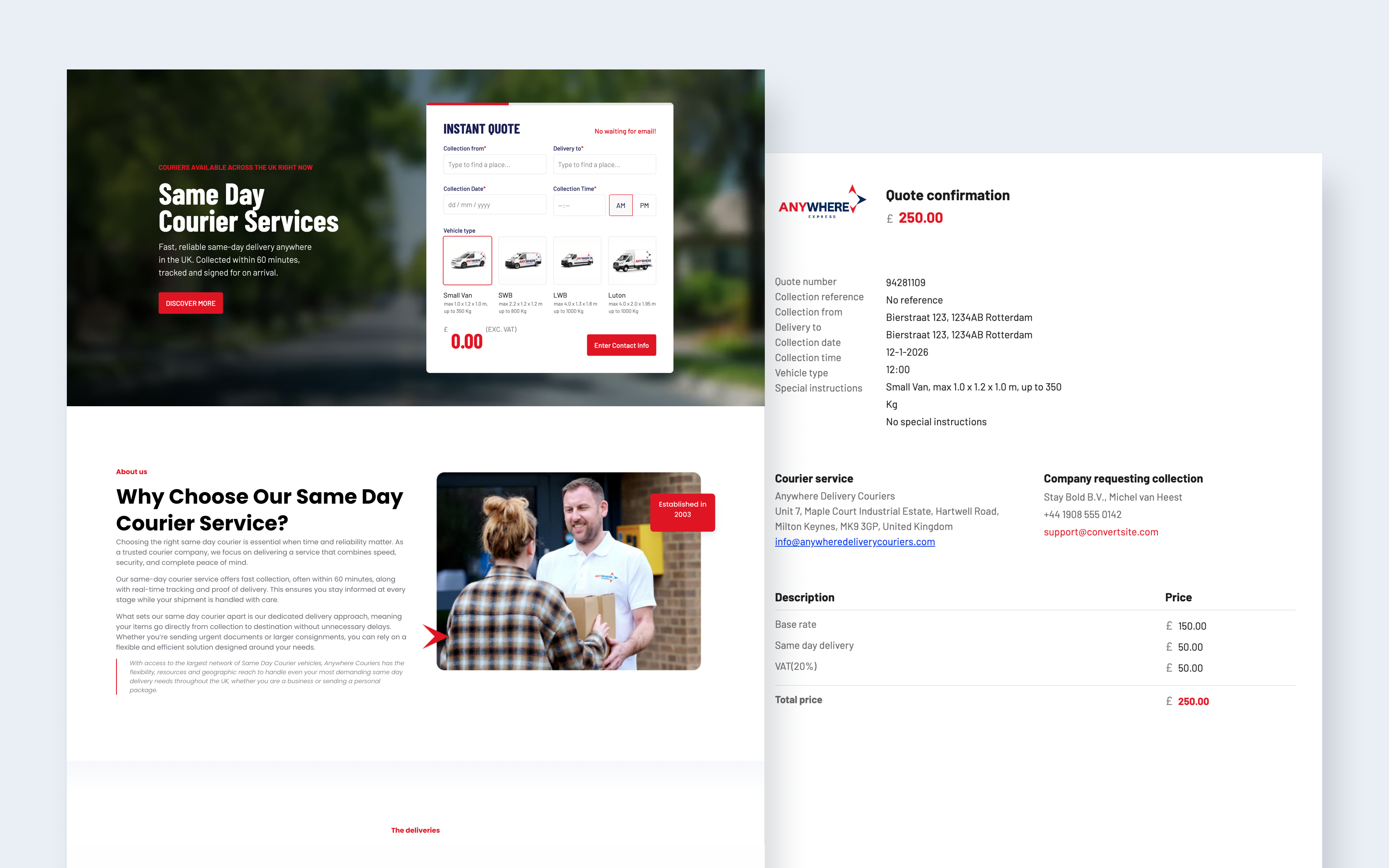
Examples of what you can build with ConvertSite

Everything you want to know_
Frequently asked questions


Use cases
