








Our recommended way to build with AI_
Build with an AI that can research, test, and improve your ConvertSite project.
Ask Codex or Claude to research your idea, build its pages, tables, logic, and documents, then test and refine the result.
No ConvertSite AI credits used. Everything stays editable in ConvertSite.
Trusted by 1000+ businesses around the world




Research, build, test, improve_
It researches the job. Builds it. Then checks its work.
With browser access enabled, Codex can open what it builds, try different inputs, fix issues it finds, and test again. Add your feedback at any step.

Research
Read your website, files, and relevant sources.

Build
Create or change the real ConvertSite project.

Test
Open it in a browser and try different scenarios.

Refine
Fix issues, add your feedback, and test again.
A rent affordability calculator, based on an Excel sheet
We connected Codex to ConvertSite and gave it an Excel rent affordability model. It built a working calculator directly in ConvertSite. The same project stays editable, so you can keep refining it with Codex or make changes in the ConvertSite visual builder.
Want to work in the same way?
Why we recommend building this way_
More context. Real browser checks. Room to keep improving.
Use the research and browser tools in Codex or Claude Code, connected to your actual ConvertSite project.


What your AI does
What's being built in ConvertSite
builds, output in
ConvertSite

Describe the outcome you want
Share your website, files, and business rules. Your agent can research the details and work out what needs to be built to make your idea work.
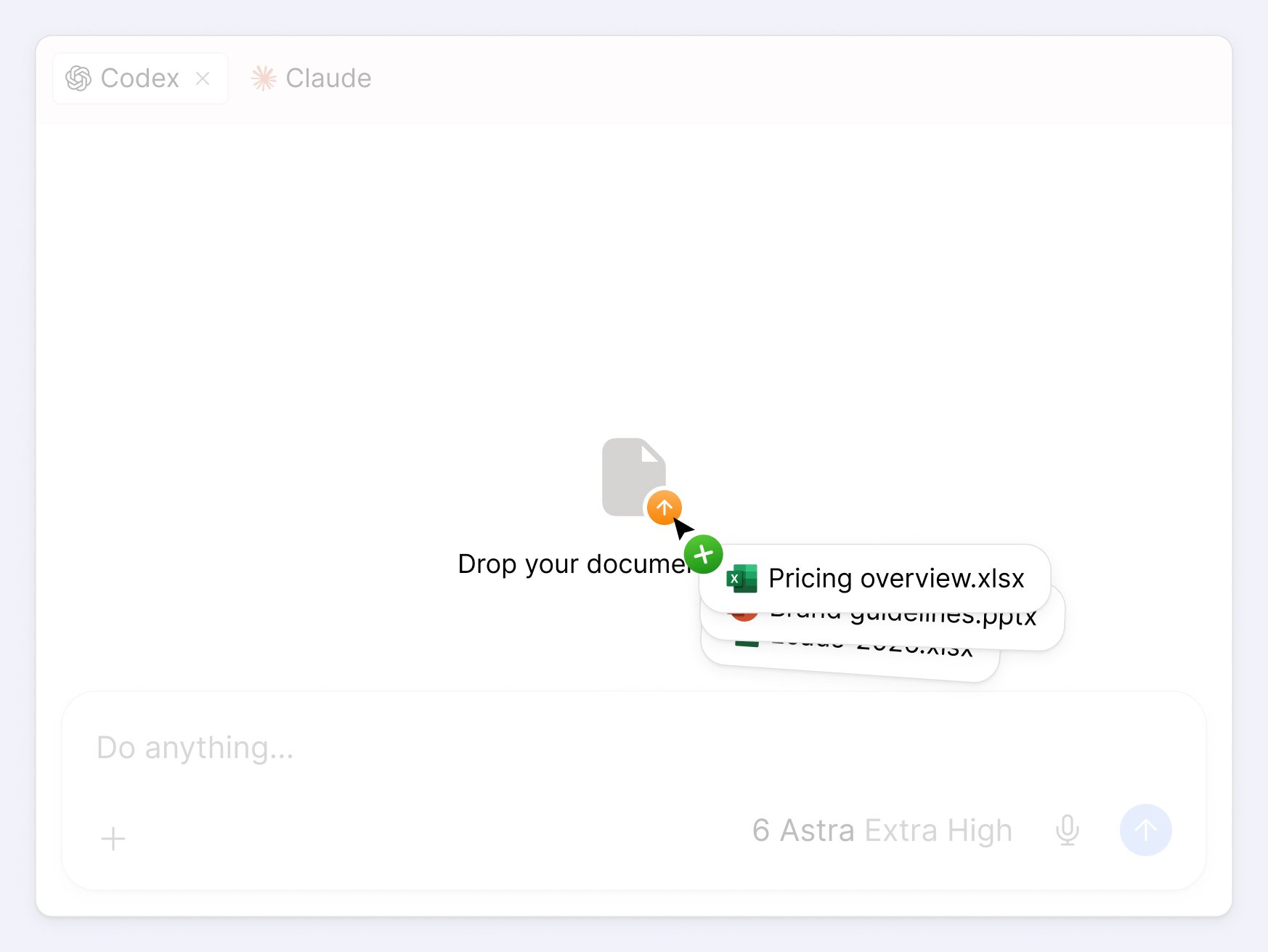
Pages, tables, logic, and documents
Create the data tables behind a quiz, its questions and scoring logic, or the documents your project needs—all through conversation.

Let it try what it built
Ask it to open the result in a browser, enter different values, follow conditional steps, and check desktop and mobile layouts.
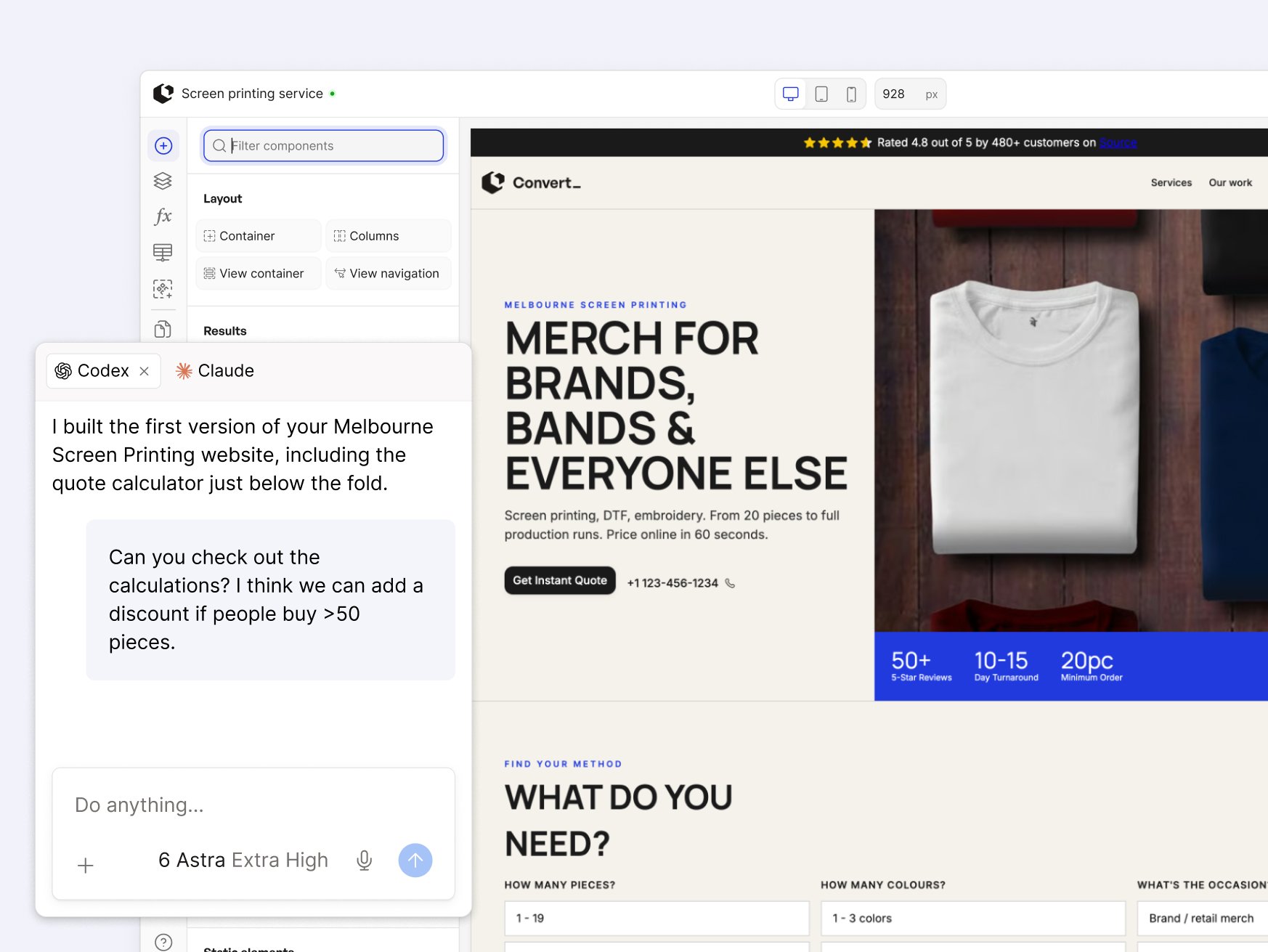
Issues found in the actual experience
Your agent can inspect a calculation or interaction, make a correction in ConvertSite, and try the scenario again.

Keep improving it together
Ask for a simpler flow, another pricing rule, or a different layout. Your agent can make the change and check the result again.
The same project, ready for another revision
Continue in the conversation or edit in ConvertSite’s visual builder. The first version is a starting point.
Why run on ConvertSite?_
Build with AI. Fully managed on ConvertSite.
Your AI does the building. ConvertSite provides integrated forms, calculations, emails, and PDFs. Publish it as a hosted site or embed, track conversions, then keep editing the same project with AI or in the visual builder.
A platform that keeps it running
Publish a site or embed your project in an existing website. ConvertSite handles the hosting, and your published project keeps working when you close the chat.

Connect your own domain.
Share preview links with your team before going live.



























Connect your AI_
Set up Codex or Claude. Then start building on ConvertSite.
Connect your agent
Start a new conversation in Codex or Claude. Paste in the installation prompt, and sign up for a convertSite account to connect your agent with ConvertSite.

Start your first build
Share a file, your pricing spreadsheet, business rules, a design, or describe a change. Ask your AI to build in ConvertSite, then open the result and test it.
Publish it to the web
Publish what you build with one click. Run it as a standalone site on its own domain, or embed it in your existing website with a single code snippet.
Try the full workflow in Codex or Claude
Review my website at [URL] and the files I’ve attached. Ask me what you need to understand the project, then use the ConvertSite MCP to build it in ConvertSite. Open the result in a browser, test representative inputs and layouts, fix issues you find, and show me what to review next.
Everything you want to know_
Frequently asked questions


Use cases
