








Best Free Quoting Software (9 Top Picks for 2026)





Shane Curry

Shane Curry

Free quoting software is a tool that lets businesses generate, send, and track professional client quotes without paying a monthly fee.
The best free quoting software in 2026 is the one that fits your pricing complexity, whether that's a simple fixed-price estimate or a multi-variable calculation with conditional rules and integrations.
This guide compares nine of the strongest free quoting tools for 2026, from basic quote generators for freelancers and small teams to interactive calculators that handle complex pricing logic without code.
Manual quoting (spreadsheets, back-and-forth emails, copy-paste errors) slows your sales cycle and costs you deals. Free quoting software fixes that, and the right tool pays for itself in time saved on day one.
Free quoting software lets businesses generate professional client quotes without paying a monthly fee, with most tools also offering paid upgrades for advanced features.
The right tool depends on your pricing complexity. Simple flat-rate quotes work with most tools, but conditional pricing and multi-step configurations need an interactive calculator.
Convert_ is the only tool on this list with a true free-forever plan that handles complex pricing logic, conditional rules, and embeddable calculators without code.
Goodhart Coffee saved 40 hours per week on quoting and doubled their bookings after switching from manual spreadsheets to an automated Convert_ quote calculator.
Document automation tools like PandaDoc, Qwilr, and Quotient work best for static proposals. Calculator-based tools like Convert_ work best for dynamic pricing.
Look for CRM integrations, analytics, and automation features before committing to any paid plan.
Tool | Best For | Key Features | Free Plan |
Convert_ | Complex pricing and automated quoting | Interactive calculators, conditional logic, integrations | Yes (Free Forever) |
PandaDoc | Sales document automation | Quote templates, document tracking, CRM integrations | Limited |
Qwilr | Interactive proposal pages | Web-based quotes, templates, integrations | Trial |
Fergus | Trade businesses | Job quoting tools, price books, templates | Trial |
Refrens | Simple quote and invoice workflows | Templates, reporting, invoice conversion | Yes |
QuoteCloud | Template-driven quotes | E-signature, templates, payments | Yes |
Quotient | Simple quoting workflows | Quick quotes, client chat, approvals | Yes |
QuoteWerks | CRM-integrated quoting | Database syncing, integrations | Trial |
Nusii | Proposal-style quotes | Content variables, integrations | Trial |
Handles complex pricing calculations
Conditional logic for dynamic quoting
Embeds into any website
No coding required
High customization
Integrations with analytics and CRM tools
Unlimited users
Free forever plan
Home Renovation & Construction Estimator
Convert_ allows businesses to build interactive quoting tools that customers can use to generate instant estimates.
Instead of sending static quotes manually, companies can create price quote calculators that automatically generate pricing based on customer input.
These tools can handle advanced pricing logic, including multi-step product configurations and conditional pricing structures.
Businesses can customize quote forms with branding elements such as logos, colors, and images. The quoting tools can also be embedded directly into websites, so customers can generate quotes without leaving the page.
Convert_ integrates with analytics tools to track how customers interact with quoting tools. This data can help businesses improve their quoting processes and understand customer behavior.
A free forever plan allows teams to test the platform and generate quotes with limited monthly usage.
See it in practice. Goodhart Coffee replaced a manual spreadsheet quoting process with a Convert_ calculator on their website. The team now saves 40 hours per week on quoting and doubled their bookings within the first quarter. Read the full Goodhart Coffee case study for the workflow walkthrough.
Easy to create and manage quotes
Document analytics and alerts
CRM integrations
Multi-purpose document automation
Core features limited in the free plan
Some integrations require paid upgrades
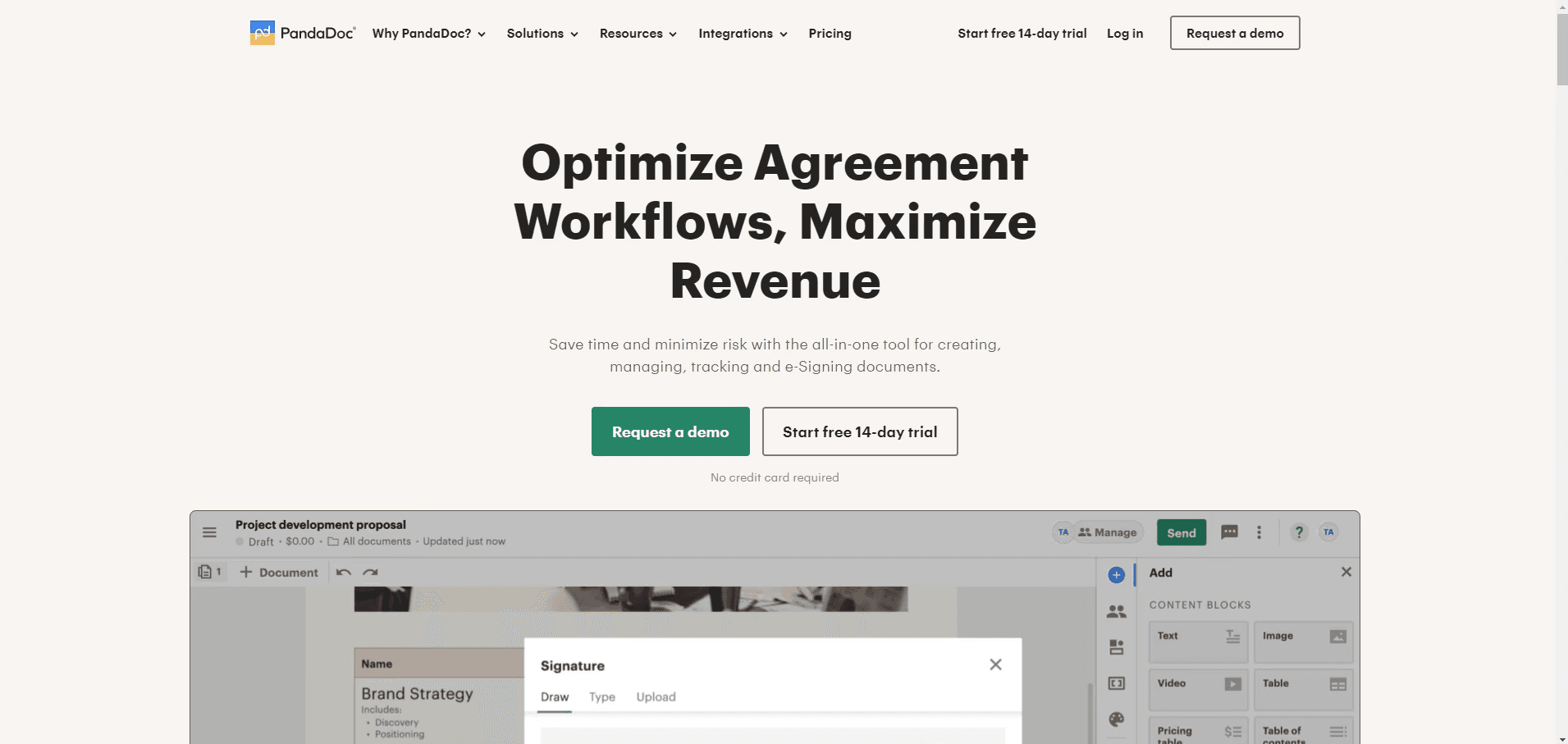
PandaDoc is a document automation platform that allows businesses to create quotes, contracts, proposals, and forms.
Users can build quote templates and quickly send them to clients. The platform includes tracking features that notify sales teams when customers open or accept quotes.
PandaDoc also integrates with CRM platforms such as Salesforce and HubSpot to help teams keep customer information synchronized.
However, the free plan provides limited functionality compared to the paid plans.
Interactive webpage quotes
Integrations with Salesforce and HubSpot
Template library
Mobile-friendly proposals
Paid plans can be expensive
Limited customization compared with some tools
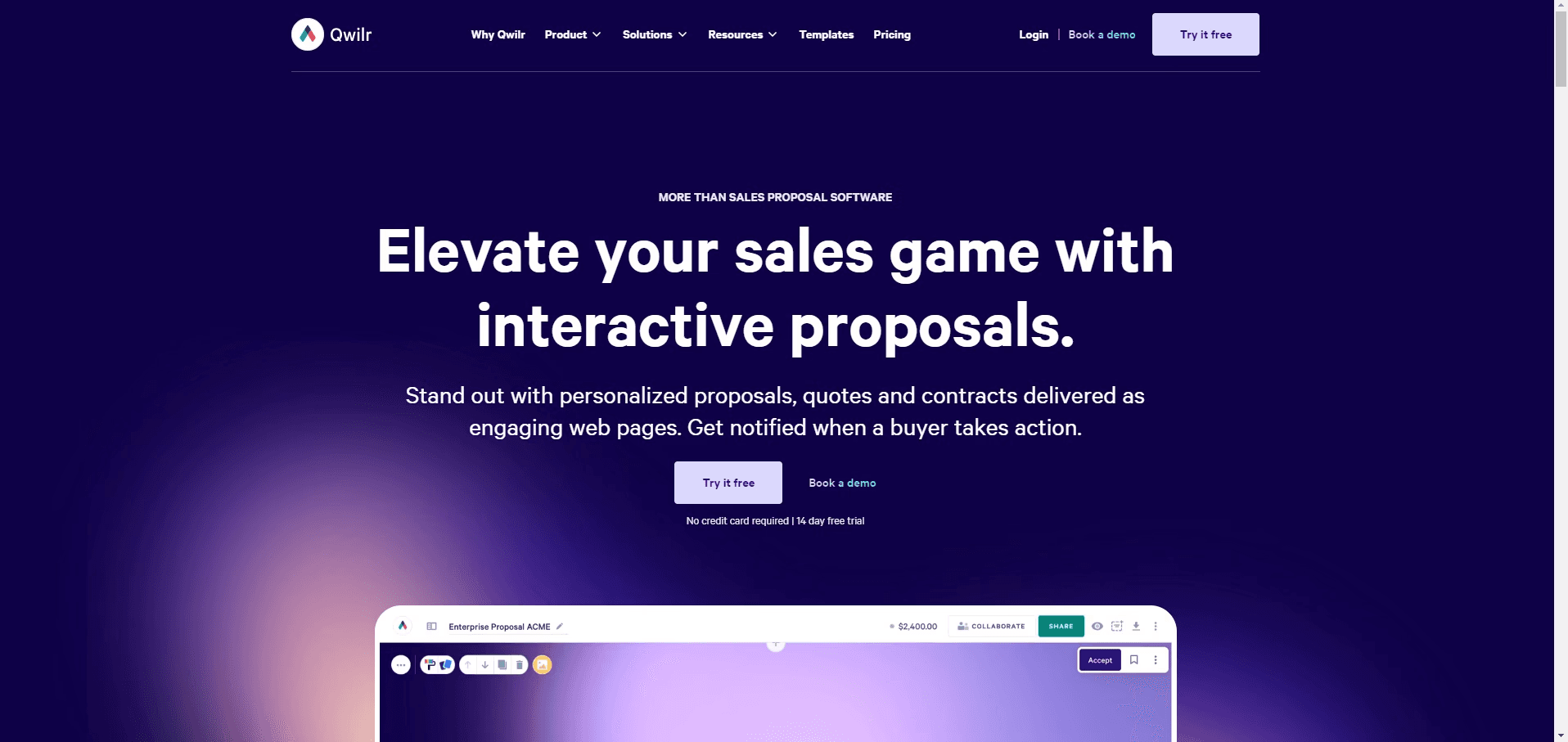
Qwilr allows businesses to send quotes as interactive web pages rather than static documents.
These pages can include multimedia elements such as images, videos, calendars, and maps.
Clients can review quotes, select options, and accept agreements directly through the web page interface.
This format can make proposals more engaging for customers, although customization options are somewhat limited.
Designed for trade businesses
Quote templates
Price book uploads
Free training resources
Short trial period
Limited reporting in entry plans
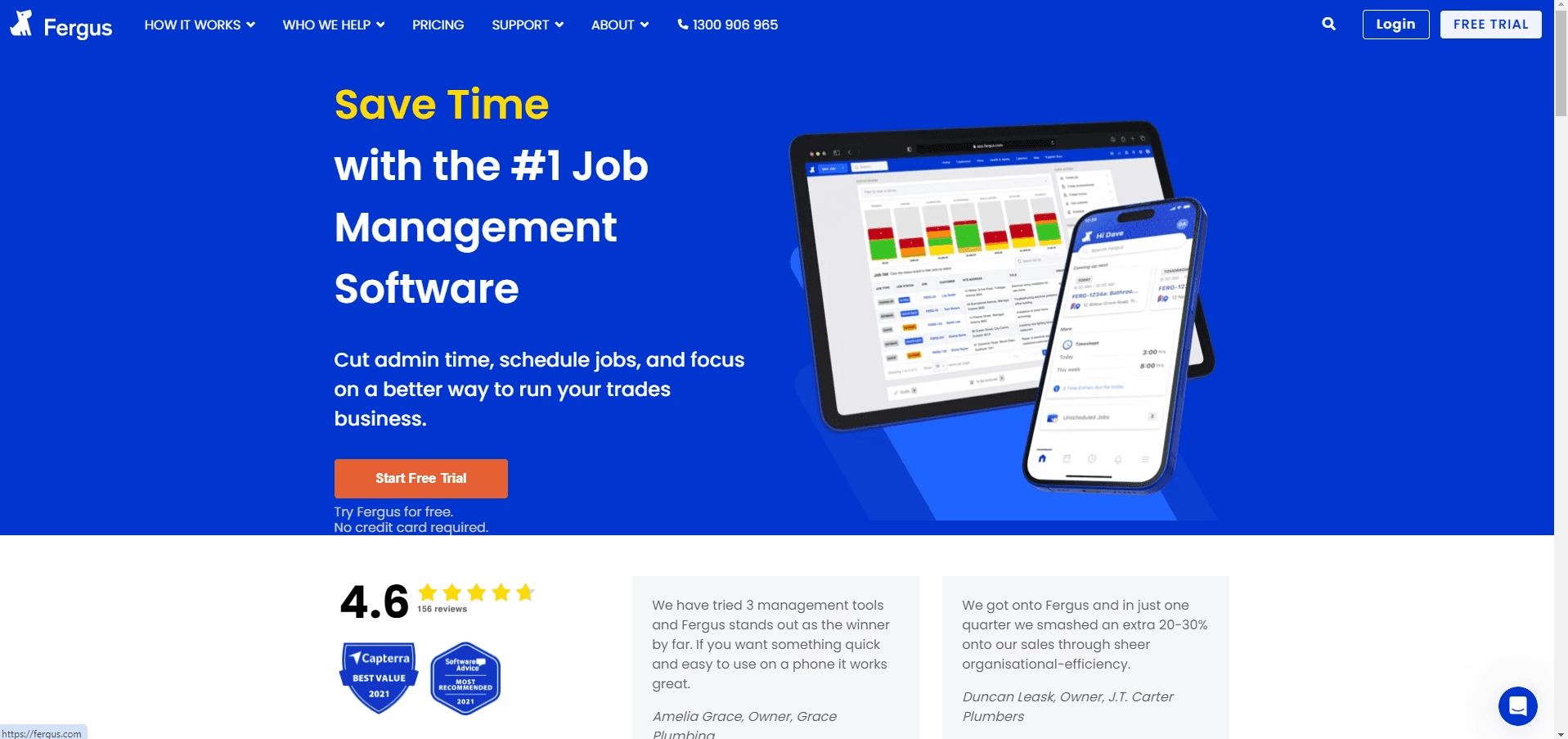
Fergus is designed specifically for trades and service businesses.
The platform helps teams create quotes, manage jobs, and track invoices in a single system.
Users can upload price books, generate recurring quote templates, and connect the software to accounting tools.
However, the entry plan does not include some advanced reporting features.
User-friendly interface
Quick quote and invoice creation
Reporting tools
Customer data management
Limited template options
May struggle with complex calculations
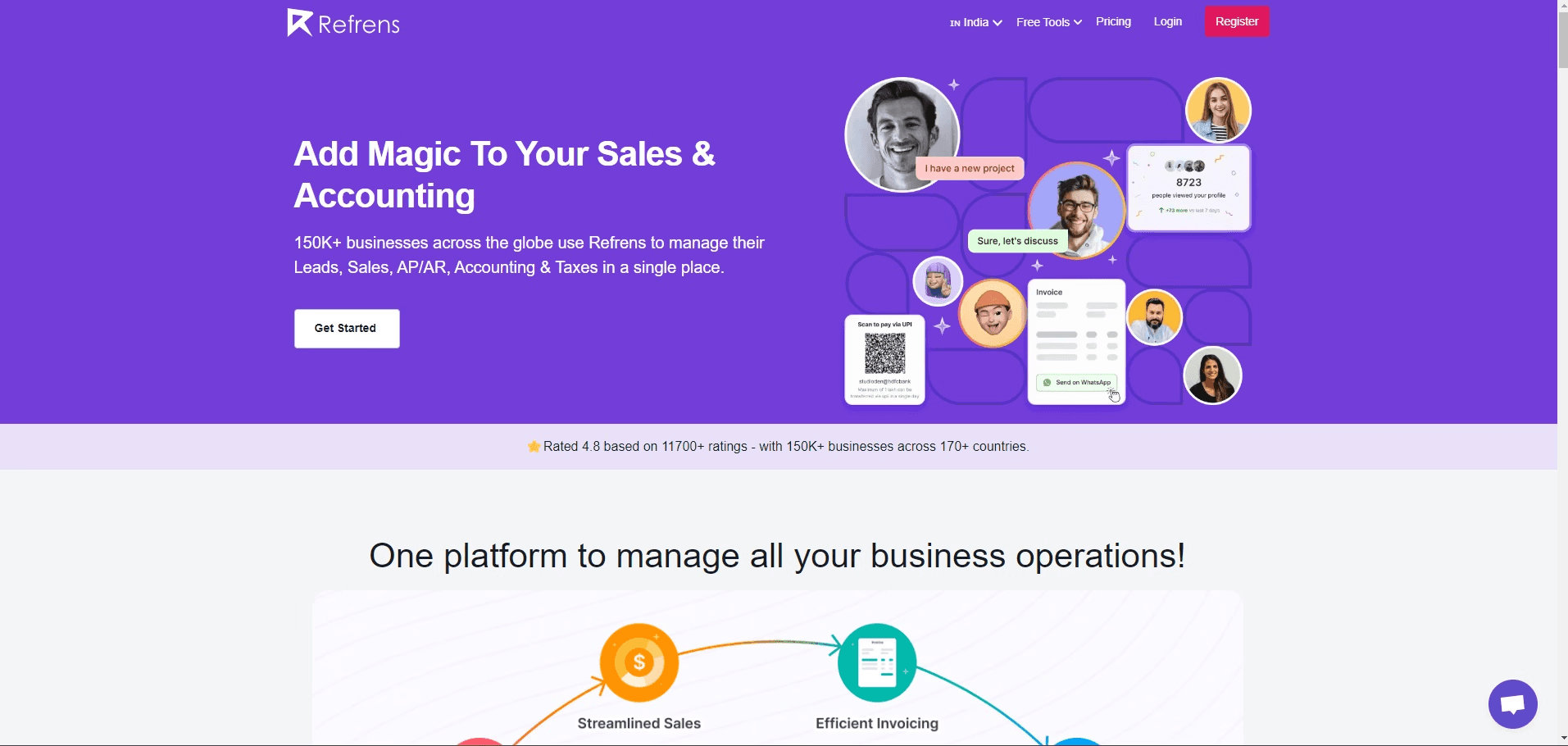
Refrens focuses on making quoting and invoicing simple for freelancers and small businesses. Users can generate quotes quickly and convert them into invoices with a single click.
The platform also includes reporting features to help track quote performance and sales activity.
However, businesses with complex pricing models may find their calculation capabilities limited.
Customizable templates
Quote tracking alerts
E-signature support
Payment collection features
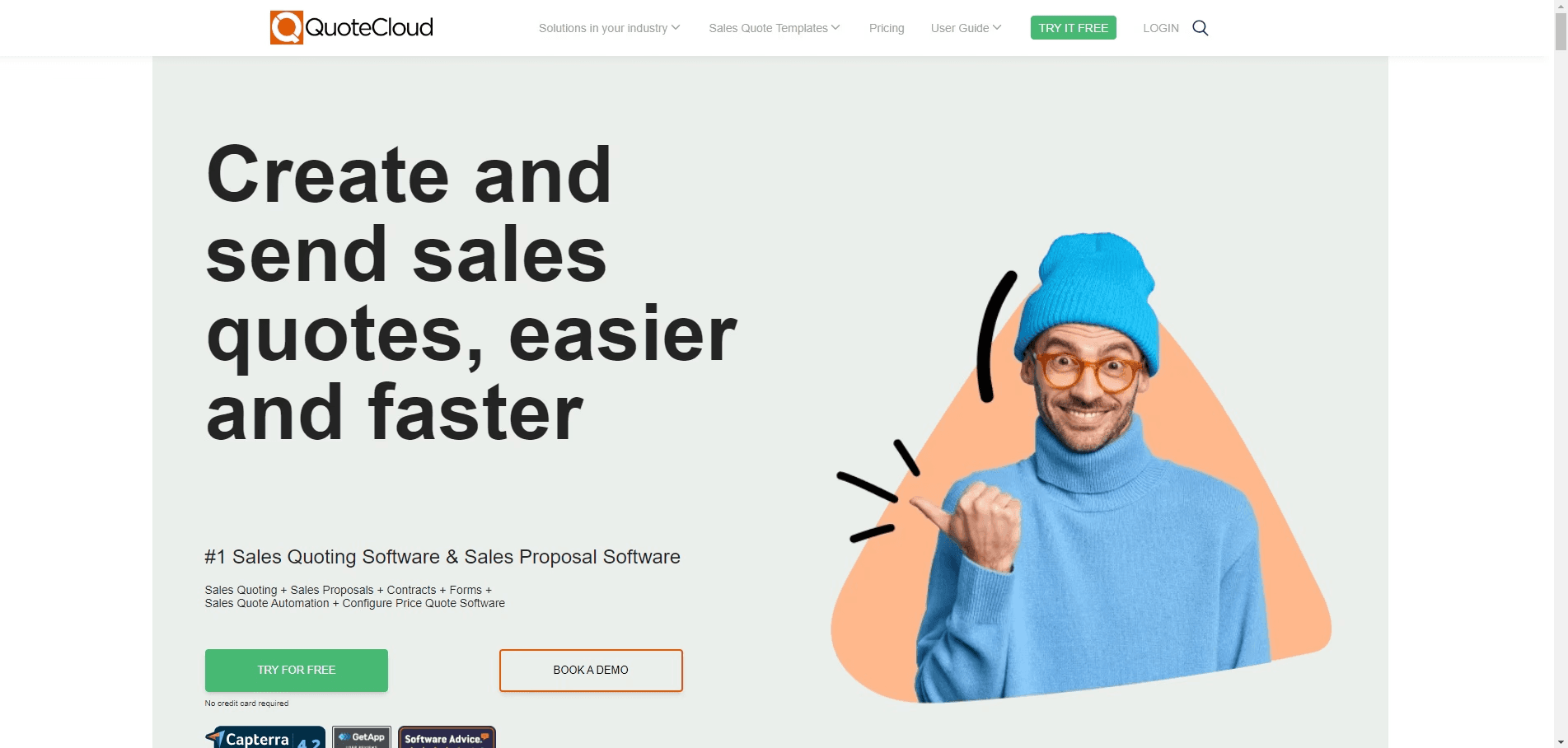
QuoteCloud allows businesses to create visually branded quotes using pre-built templates. Customers can review quotes online and approve them using electronic signatures.
The platform also supports payment collection directly from approved quotes.
However, integration options are limited unless users upgrade to higher-tier plans.
Simple quote creation
Quick client approvals
Easy-to-use interface
Limited to quotes only
Minimal proposal features
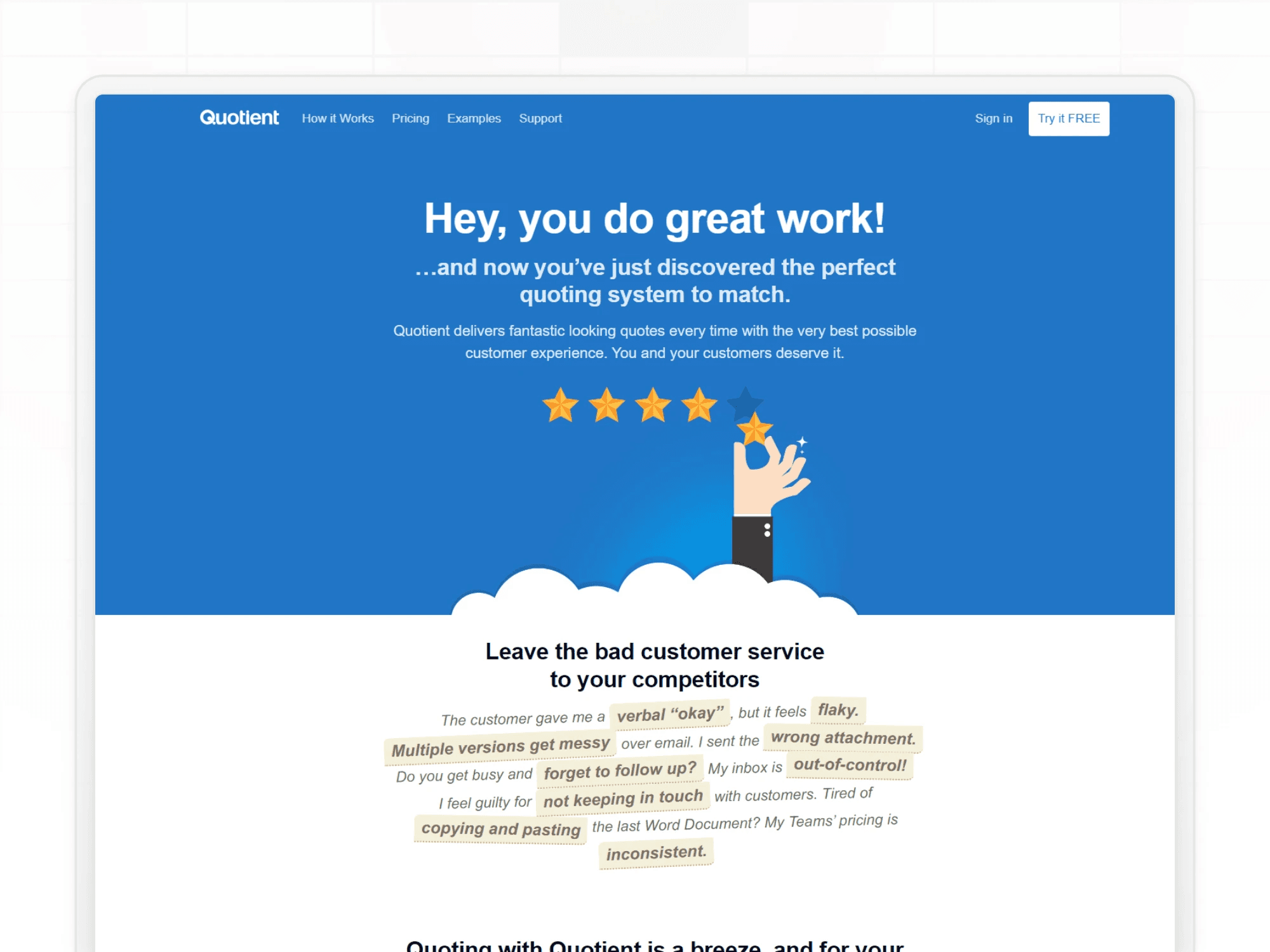
Quotient is designed to make sending quotes as simple as possible. Users can create quotes quickly and include images, files, and links for additional context.
Clients can discuss details through built-in chat features and approve quotes with a single click.
While the platform is straightforward, it lacks advanced proposal-building tools.
Integrates with CRM systems
Centralized quoting database
Extensive third-party integrations
Complex pricing structure
Advanced features often require add-ons
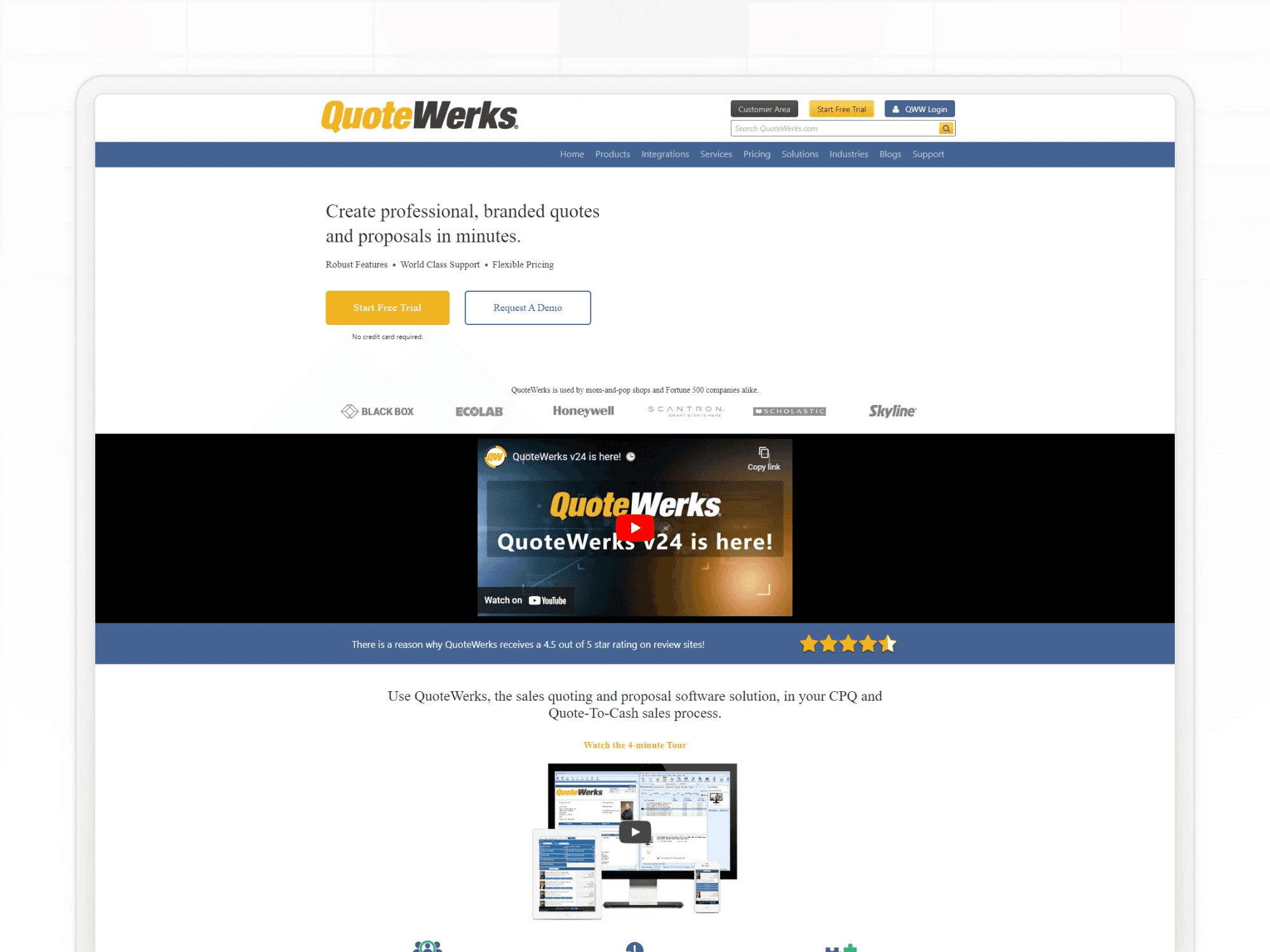
QuoteWerks provides a structured quoting environment designed for businesses that rely heavily on CRM integration. Teams can create quotes using centralized product data and connect them to CRM records.
The platform supports many integrations, including accounting, payment processing, and vendor systems.
However, its pricing structure can be complicated, and many features require additional modules.
Reusable proposal content
Integrations with marketing tools
Notification alerts
Limited customization options
Small template library
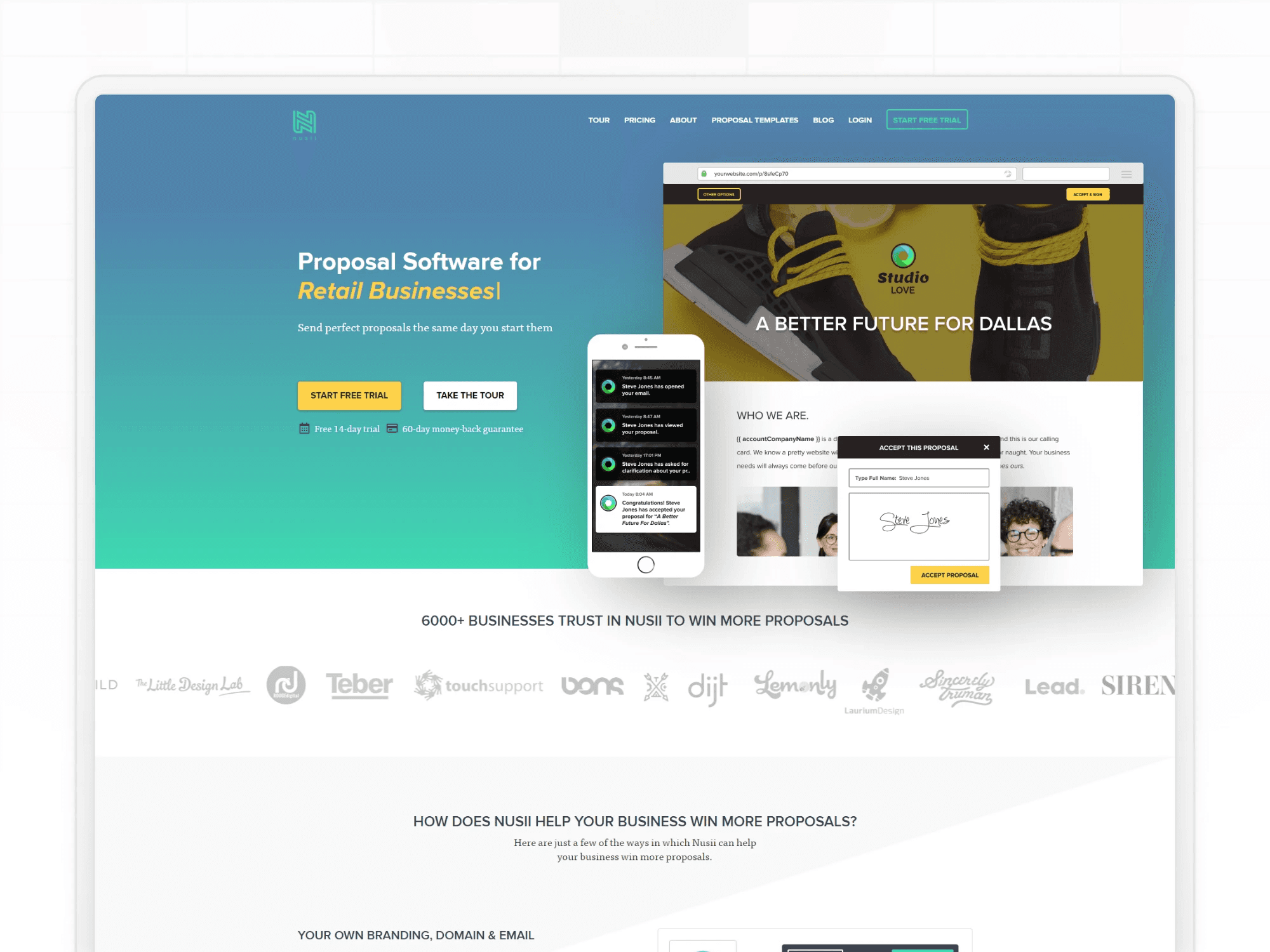
Nusii focuses on creating structured proposals and quotes using reusable content blocks. Users can store commonly used sections and quickly assemble proposals for different clients.
The platform also provides notifications when prospects view or interact with quotes.
Customization options are somewhat limited compared with other tools.
Choosing the right quoting software depends on how your business generates estimates.
Here are several factors to consider.
Look for software with a clear and intuitive interface, so your team can create quotes quickly. The easier the quote software is to use, the more likely your team will adopt it and get the best out of it.
Your quotes should reflect your brand and pricing structure. Good quoting tools allow you to customize templates and layouts.
Automation features such as templates, automatic calculations, and workflow rules can dramatically reduce quoting time and errors.
Analytics help track quote performance and identify opportunities to improve your sales process.
If multiple team members participate in the quoting process, collaboration tools such as comments and notifications can help streamline workflows.
Integration with CRM, accounting, and marketing software ensures consistent data across your business systems.
Consider a platform that can handle increased quoting volume as your business grows.
If you send simple, fixed-price quotes to a small list of clients, a basic tool like Refrens or Quotient covers it. If you send polished, document-style proposals, PandaDoc or Qwilr will do the job.
If your pricing changes based on customer inputs, project complexity, location, or volume, you need an interactive calculator, not a static document tool.
That's where Convert_ wins. Build a quote calculator that delivers instant prices on your website, qualifies leads automatically, and routes booked deals straight into your CRM, on a free-forever plan.
If you're tired of building quotes in spreadsheets, chasing follow-up emails, and watching deals stall because customers can't get a price fast enough, start your free Convert_ account and ship your first quote calculator this week. Pick a template, customize it for your pricing, embed it on your site. No code, no card, no trial expiry.
Frequently asked questions answered








