Continue the conversation after the post_
Help followers decide from their phones
Your posts get people interested. Their next question is specific.
Build the first useful part of the sales conversation into the page.
Keep your key links within reach.

Answer the price question

Help followers choose a service

Give enquiries more context
Show what their request could cost_
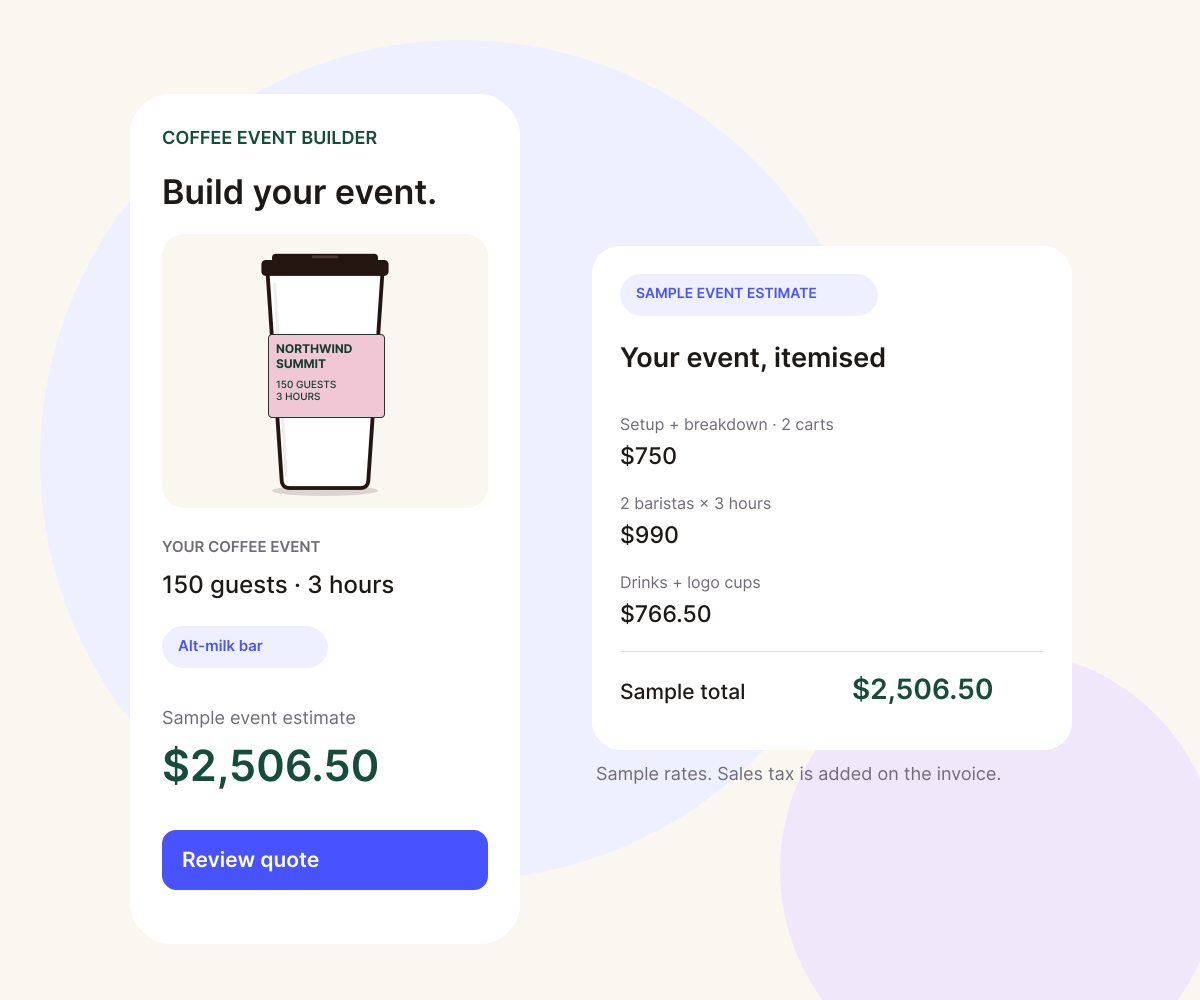
Let visitors build an estimate from your bio link
The price in your post may be a starting point. The visitor still needs to know what their event could cost.
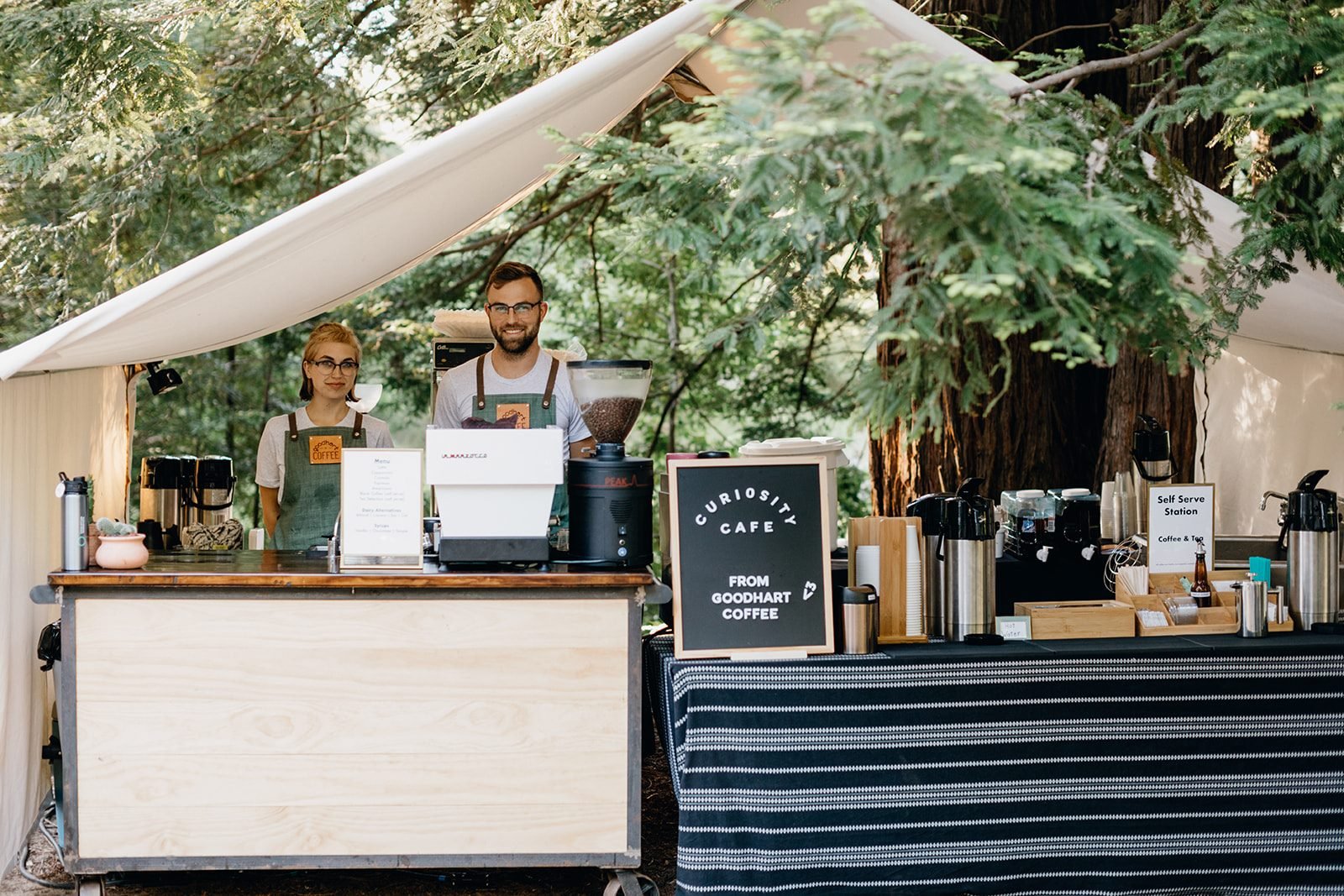
A coffee event configurator can ask for guest count, service hours, and the drinks menu, then apply your rates. Show the cost of staffing and any extras in an itemised estimate.
Visitors can explore the options before they contact you. Explain the estimate’s assumptions and confirm the date, availability, and final quote separately. The coffee event example uses sample rates.
Guide the choice_
Match followers to a service that fits
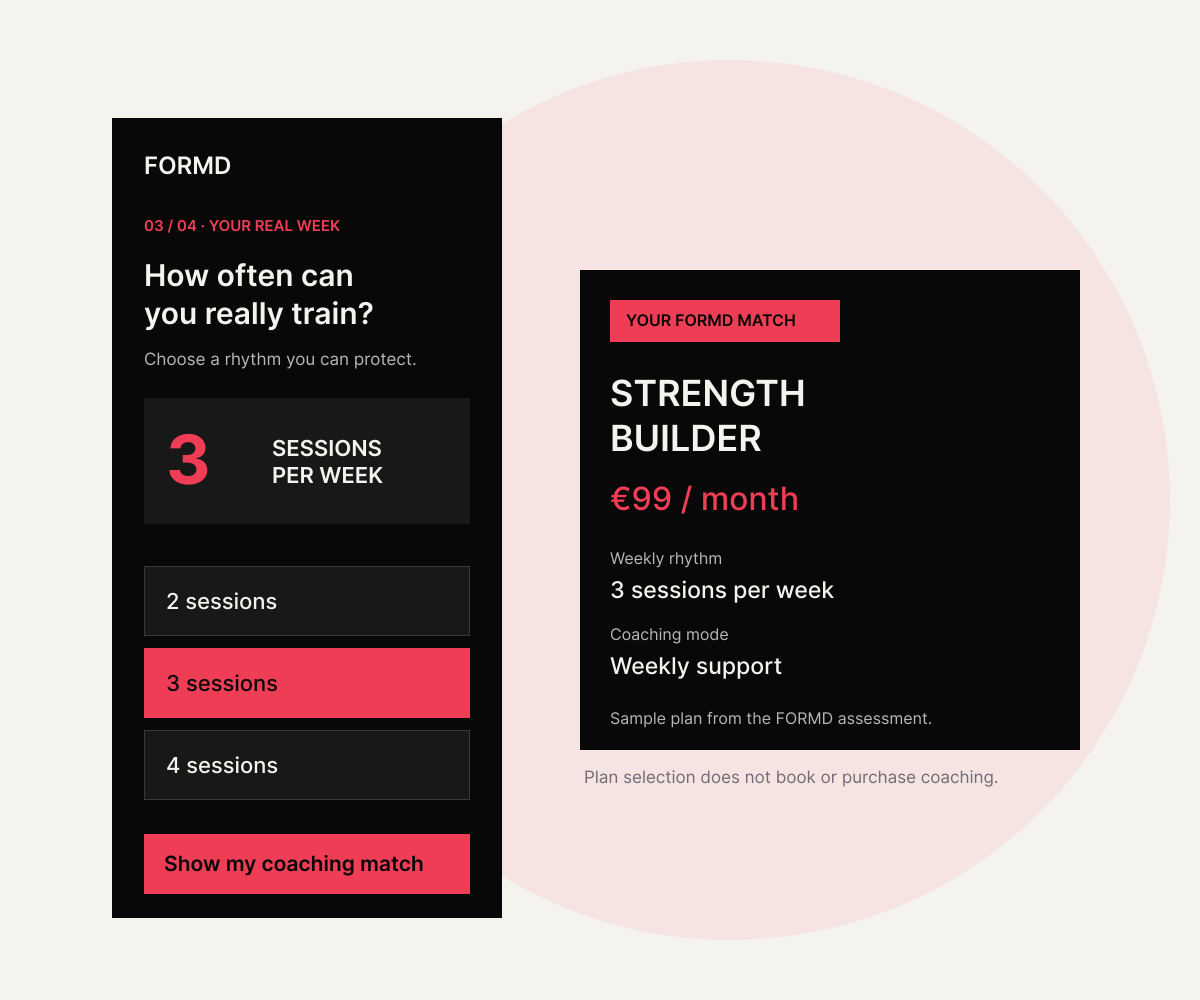
Help followers choose a coaching plan that fits their goal and weekly routine. Ask what they want to achieve, how often they can train, and what support they prefer.
The gym assessment shows a recommended plan, weekly training rhythm, and sample monthly price. Visitors can understand the recommendation before deciding on their next step. Set the matching rules and connect the enquiry or sign-up process your business needs.
Collect the details once_
Give your team the request behind the enquiry
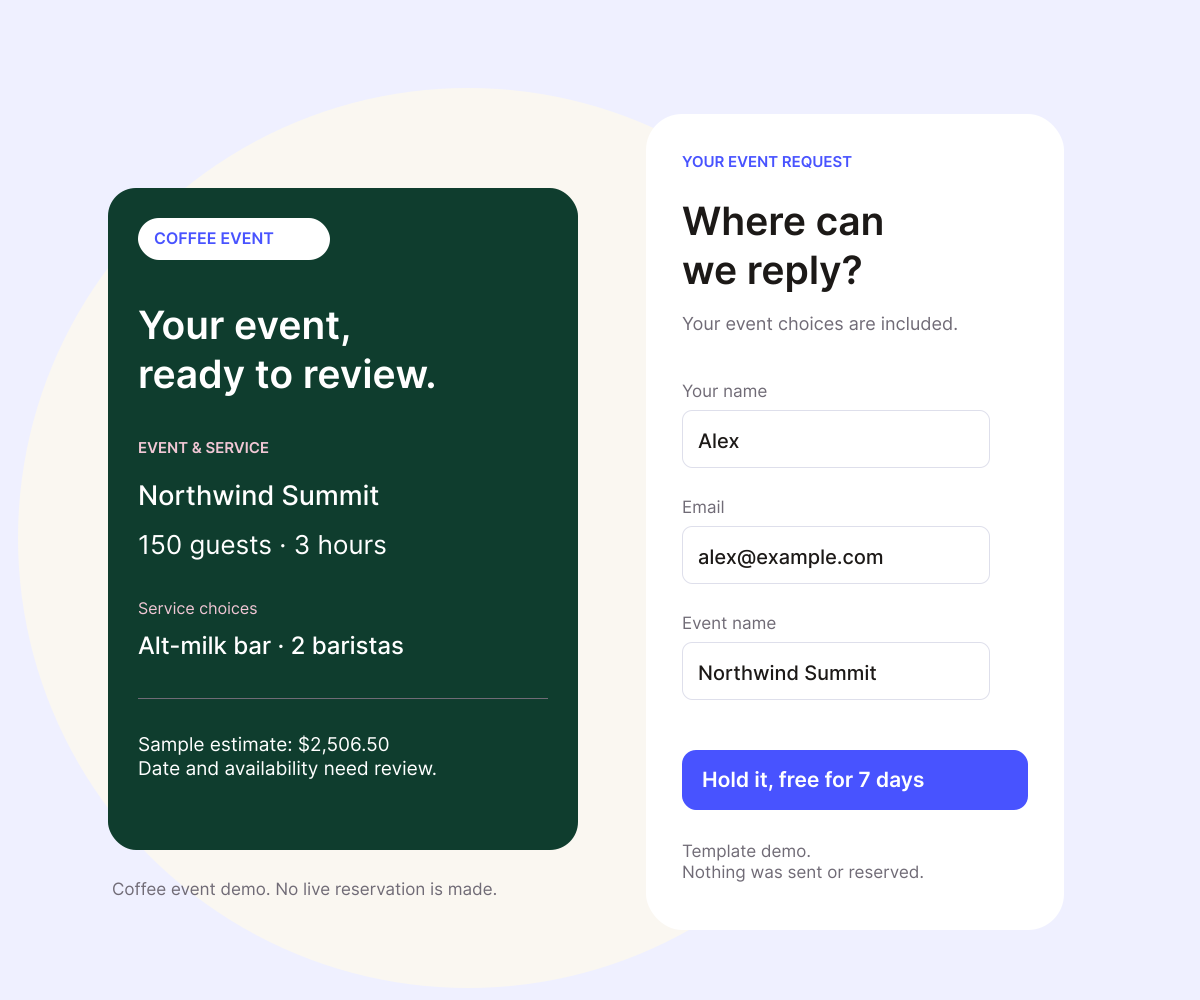
Ask for contact details after the visitor has explored an estimate. Keep the choices that explain the request alongside their details.
For coffee catering, that might mean 150 guests, three service hours, an alt-milk menu, and the event name. Your team can review the requirements before discussing the venue and date.
Make clear whether a submission is an enquiry or a booking request. The coffee event demo does not make a live reservation or send an email.
One page for your social traffic_
Put the next step within reach on mobile
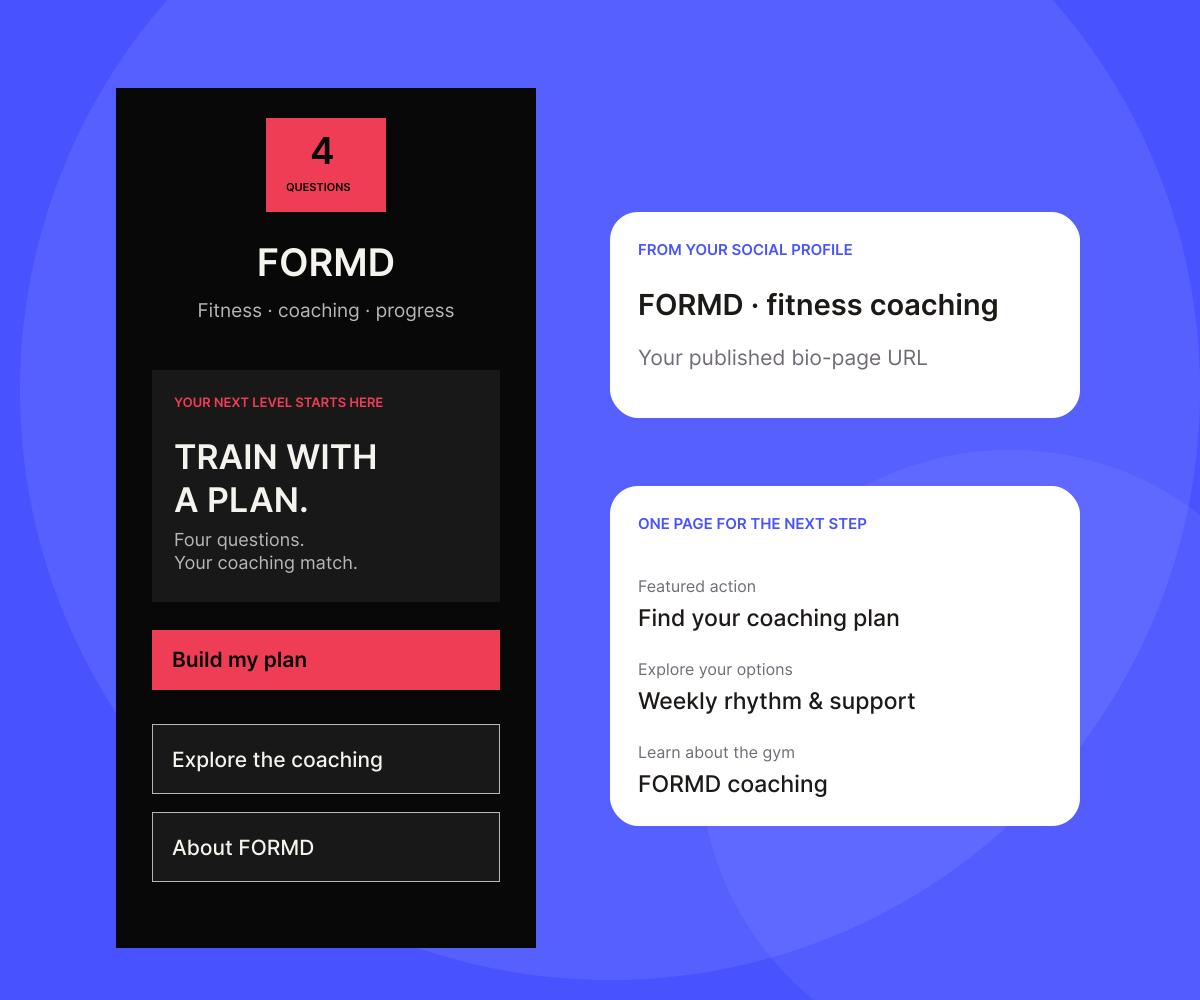
Build a branded landing page around the mobile visit. Keep the introduction short and put the main action near the top. A gym could feature its coaching assessment first, with programme information and key links below.
Keep questions readable and buttons comfortable to tap on a small screen. Use the published URL in social profiles that allow an external link. Check the full flow on a phone and inside the social app’s browser before promoting it.
Build the page around the buying question_
Tools for an interactive link in bio

Relevant follow-up questions

Pricing calculations

Your page design

Guided service choices

Layouts for mobile visits

Enquiry forms
Flexible, versatile & powerful_
Loved by 1,000+ businesses around the world
Join 1000+ founders who turned their site into their hardest-working employee.

97%
Quoting costs cut

40+ hours
Saved per week

100% of leads
Arrived qualified


Everything you want to know_
FAQ: Link in bio questions