From requirements to an estimate_
An online quote builder for your pricing rules
An online quote builder is software that adds an instant quoting tool to your website.
Your prices, service options, and next step

Give buyers an instant estimate

Keep control of your pricing rules

Receive quote requests with context
Your rates and business rules_
Apply your own pricing logic
Connect quantities, package choices, and optional extras to your pricing formulas. Use conditional rules to show relevant questions, apply minimum charges, or identify requests that need review.
Decide which combinations you can price automatically. Explain what happens when a visitor selects an unsupported option or needs a service outside your usual scope.
A result buyers can understand_
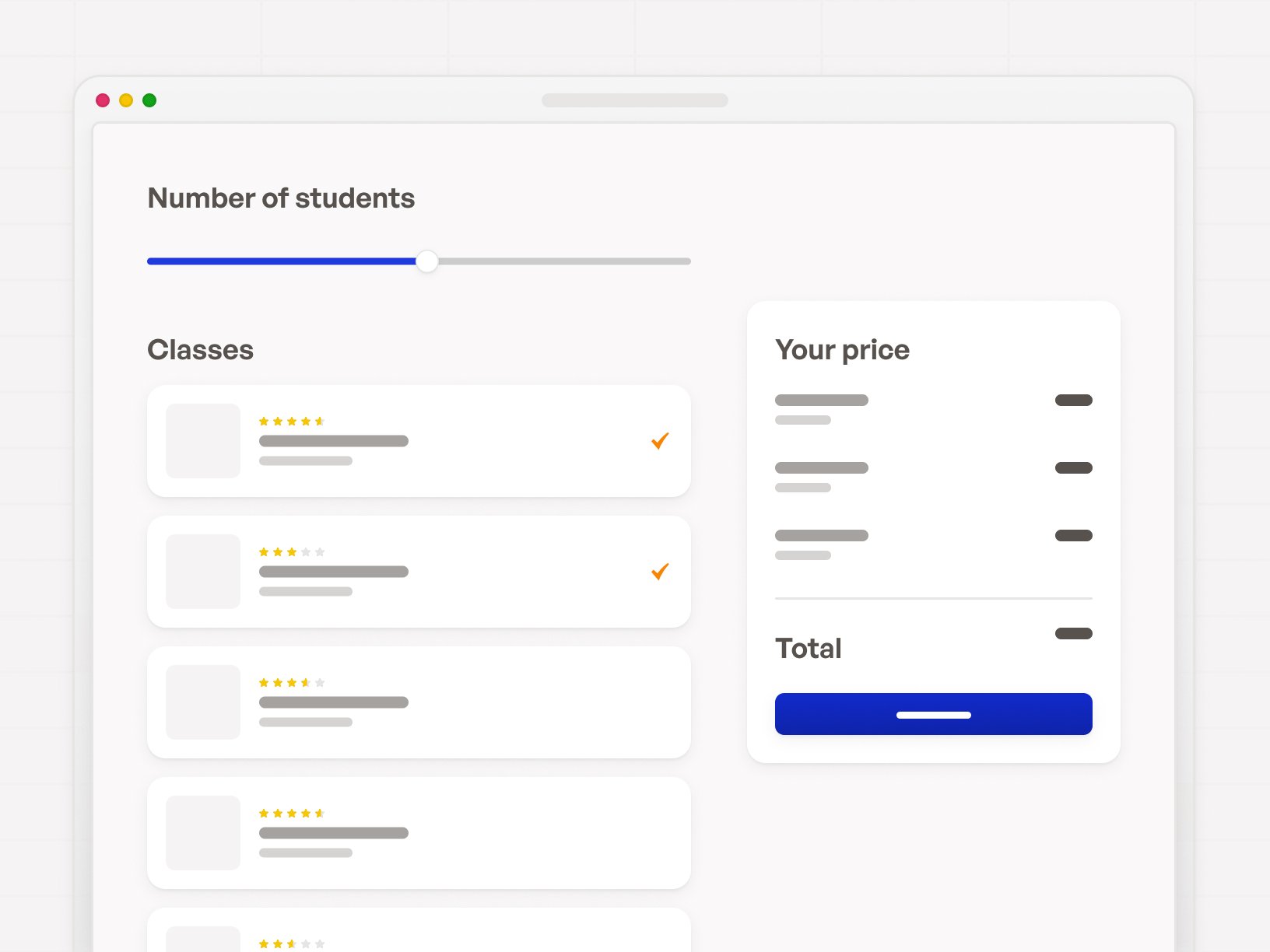
Show an itemised estimate
Display the main estimate alongside a breakdown of the selected services and extras. State whether tax, delivery, travel, or other charges are included.
When the final price needs confirmation, label the result as an estimate and explain what your team still needs to check. Give the visitor a next step that matches the result.

From estimate to enquiry_
Keep the quote request connected
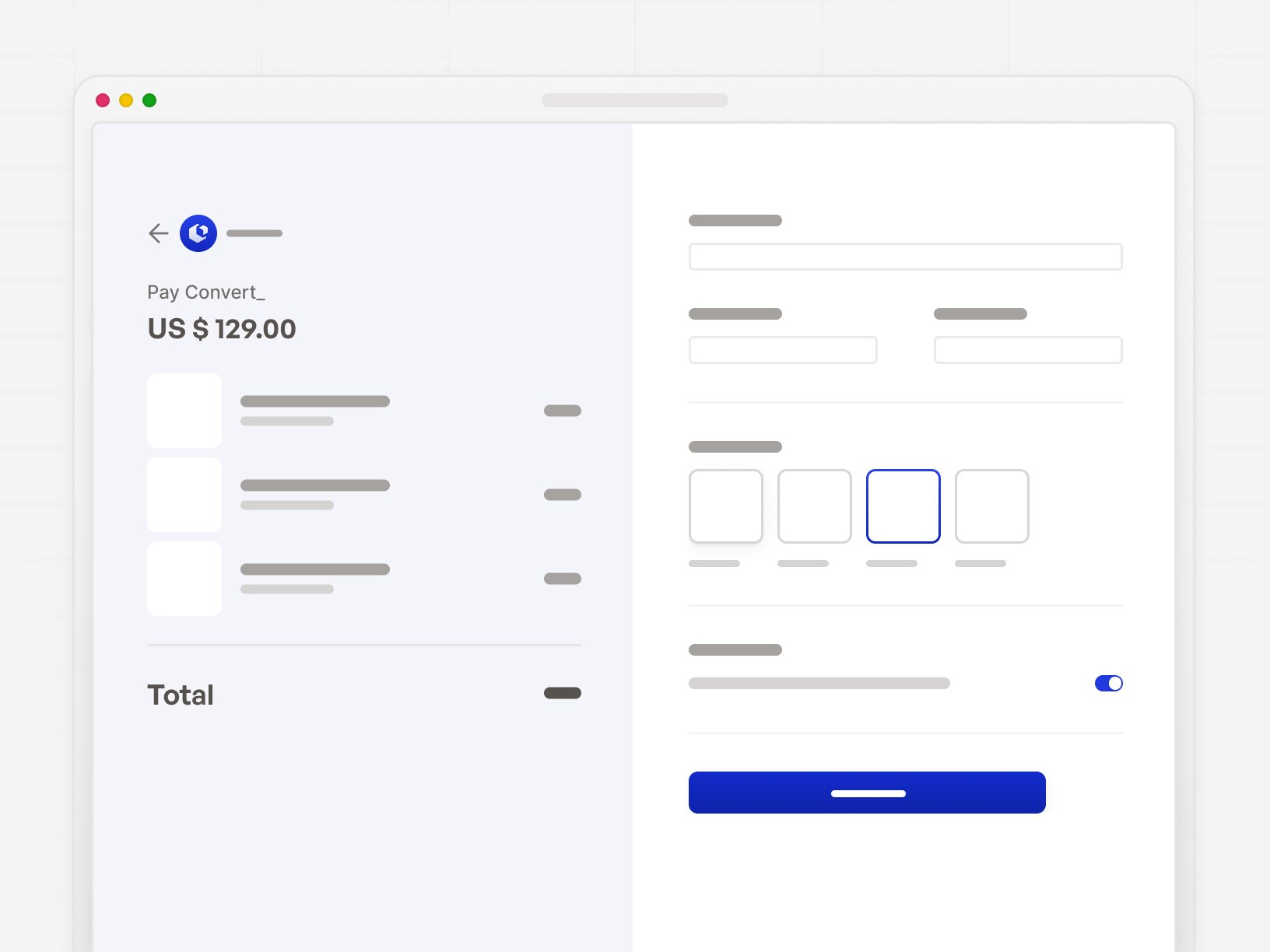
Let visitors request a quote or review after exploring their options. Ask for the contact details and project information needed for that next step.
Configure the handoff so the request includes the relevant answers and estimate. Apply explicit fit criteria, such as service area or minimum order, when qualification is part of your flow.
Build around your quoting process_
Quoting Software Features

Inputs that shape the quote

Formulas and conditional logic

Optional payment step

Handoff to email or CRM

Build with AI or edit directly

Publish or embed
Flexible, versatile & powerful_
Loved by 1,000+ businesses around the world
Join 1000+ founders who turned their site into their hardest-working employee.

97%
Quoting costs cut

40+ hours
Saved per week


100% of leads
Arrived qualified



Everything you want to know_
FAQ: Quote builder commonly asked questions