
Accordion
The Accordion groups expandable header and content items into a list. Use it to keep long content out of the way until a visitor opens it, for example an FAQ, service terms, or product details.
Properties
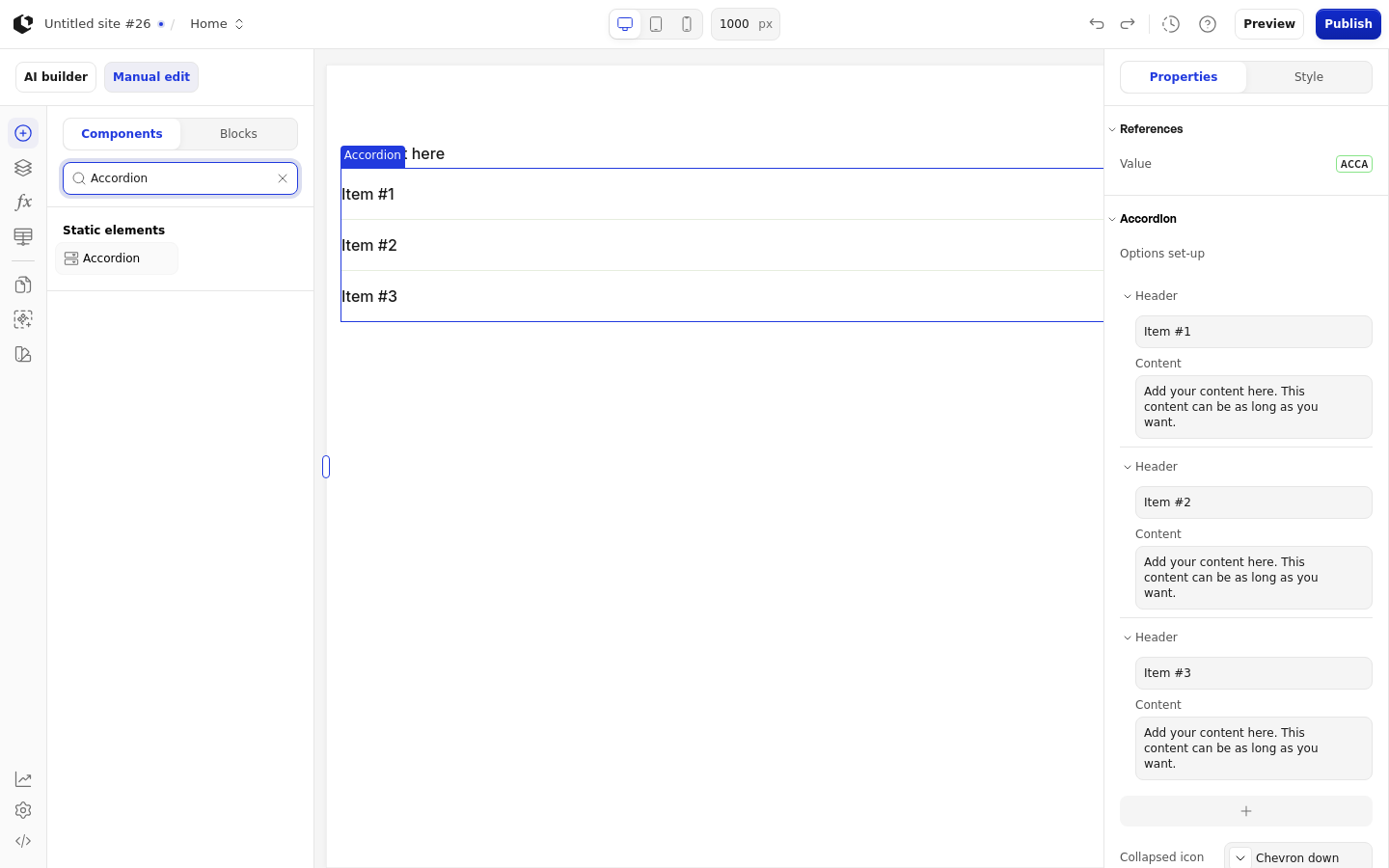
The properties live in the inspector under the Accordion group. Each item's header and content accept text or a formula.
Property | What it does | Default |
|---|---|---|
Options set-up | The accordion items, each with a header and content | Three items: Item #1, Item #2, Item #3, each with content "Add your content here. This content can be as long as you want." |
Default expanded | Which item starts open | Empty, so nothing is open |
Multiple open | Whether visitors can open more than one item at once | On |
Collapsed icon | Icon shown next to a collapsed item | Chevron-down |
Expanded icon | Icon shown next to an expanded item | Chevron-up |
Logic | Controls when the element is visible, with options Always and Formula | Always |
The Accordion has no explicit empty-state text. Invalid or non-record items are skipped, and an item without a valid header falls back to "Add header".
References
References expose the accordion's state as data you can use in formulas and other elements. Assign a reference to store the value in a variable.
Value: the accordion's value reference.
Options set-up and the icon properties are configuration, not references, so they are not available as data.
Styling
The Accordion can be styled per state and per part of the element.
Style states: Active, Checked, Default, Disabled, Focus, Hover.
Named targets: wrapper, item, item-last, header, icon, content.
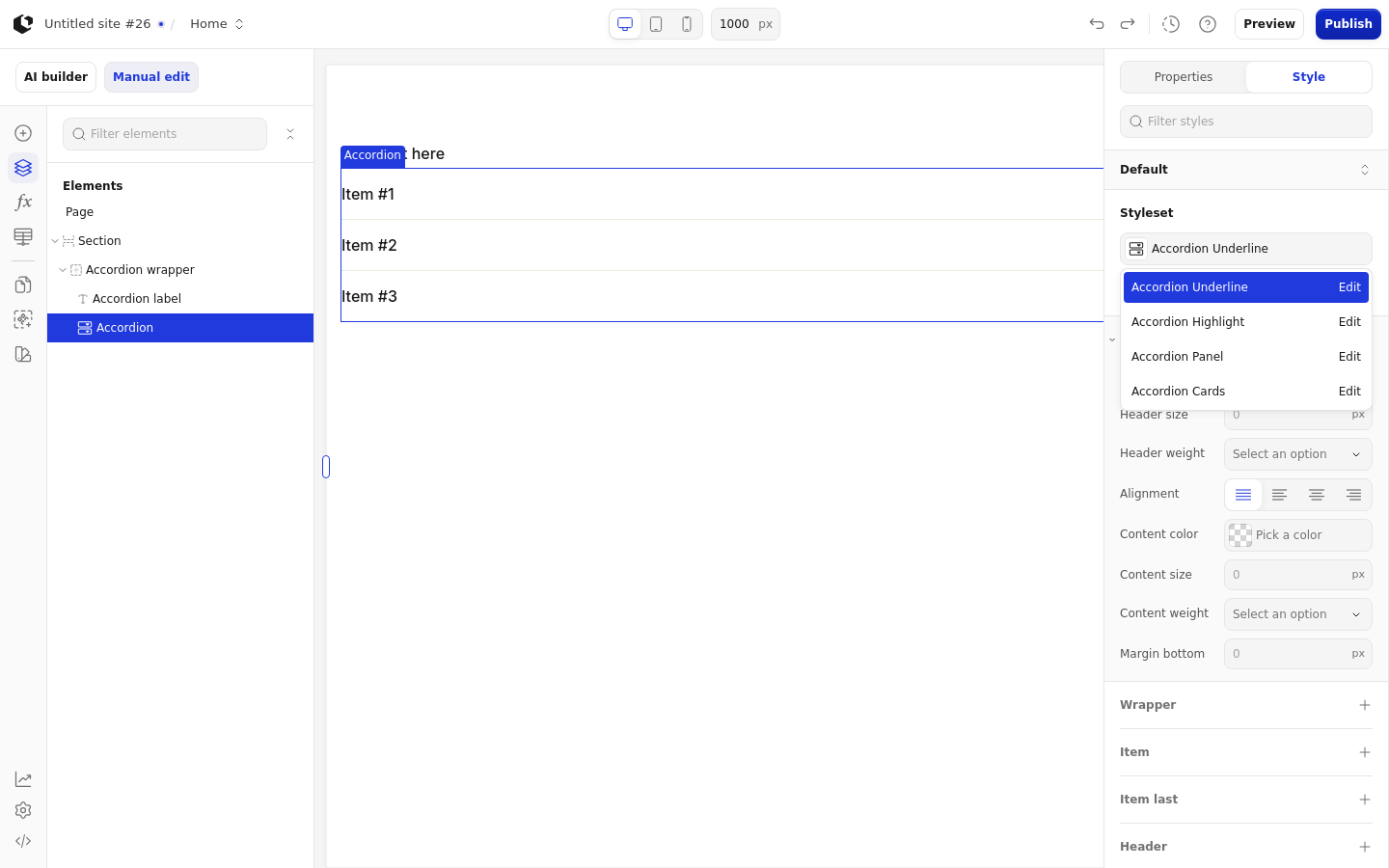
Named styles: Accordion Underline, Accordion Highlight, Accordion Panel, Accordion Cards.
Quick styles target the header (color, size, weight, alignment) and content (color, size, weight), plus a margin on the wrapper. Apply general styling from the Style tab: quick styles, style sets, and CSS overrides per state and per breakpoint. See the styling reference for the full system.
Related articles
UI Elements: overview of the elements.
FormulaScript Overview: using formulas in properties.