
Continuous loop
The Continuous loop runs a set of items in an endless horizontal or vertical strip. Use it for a logo, product, or partner strip that should keep moving without a break.
Properties
The properties live in the inspector under the Continuous loop group.
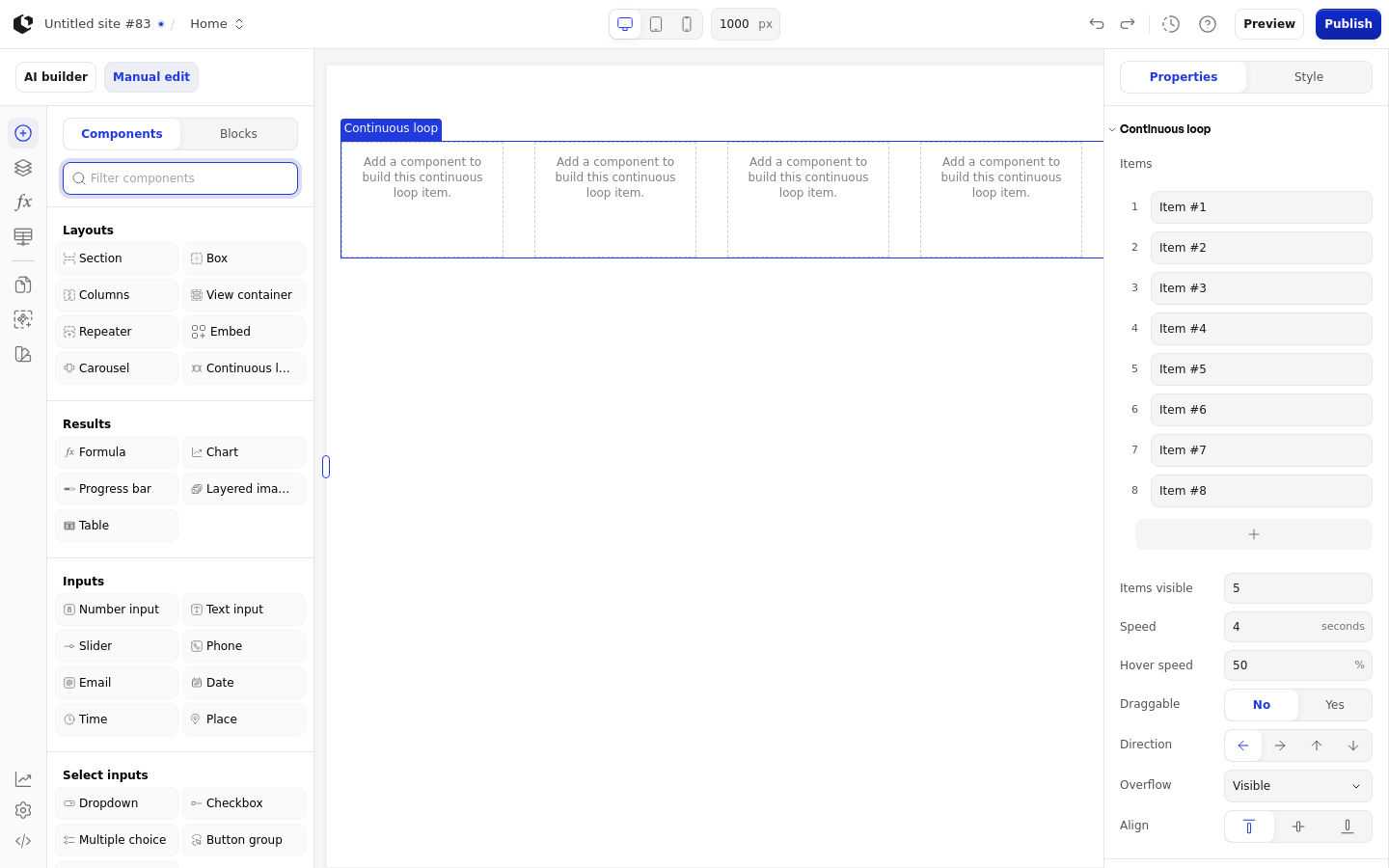
Property | What it does | Default |
|---|---|---|
Items | The items in the loop, each named in a custom editor with the placeholder "Item name". Add item before, Add item after, and Delete item manage the list. | Empty |
Items visible | Number of items shown at once | 5 |
Speed | How fast the loop moves, in seconds | 4 |
Hover speed | How fast the loop moves while hovered, as a percentage | 50 |
Draggable | Lets visitors drag the loop | Off |
Direction | Which way the loop moves | Left |
Overflow | How items outside the visible area are handled | Visible |
Align | Where items sit along the cross axis. For a horizontal direction the options are top, center, and bottom; for a vertical direction they are left, center, and right. | Depends on direction |
Logic | Controls when the element is visible | Off |
The loop shows no placeholder text when there are no items. Items visible has a minimum of 1, and Speed has a minimum of 0.1 seconds. Hover speed runs from 0 to 100. Delete item is disabled when the loop has only one item, and Align only appears once a direction is chosen.
References
The Continuous loop has no references. Its items and settings are configuration, not data you can read in formulas.
Styling
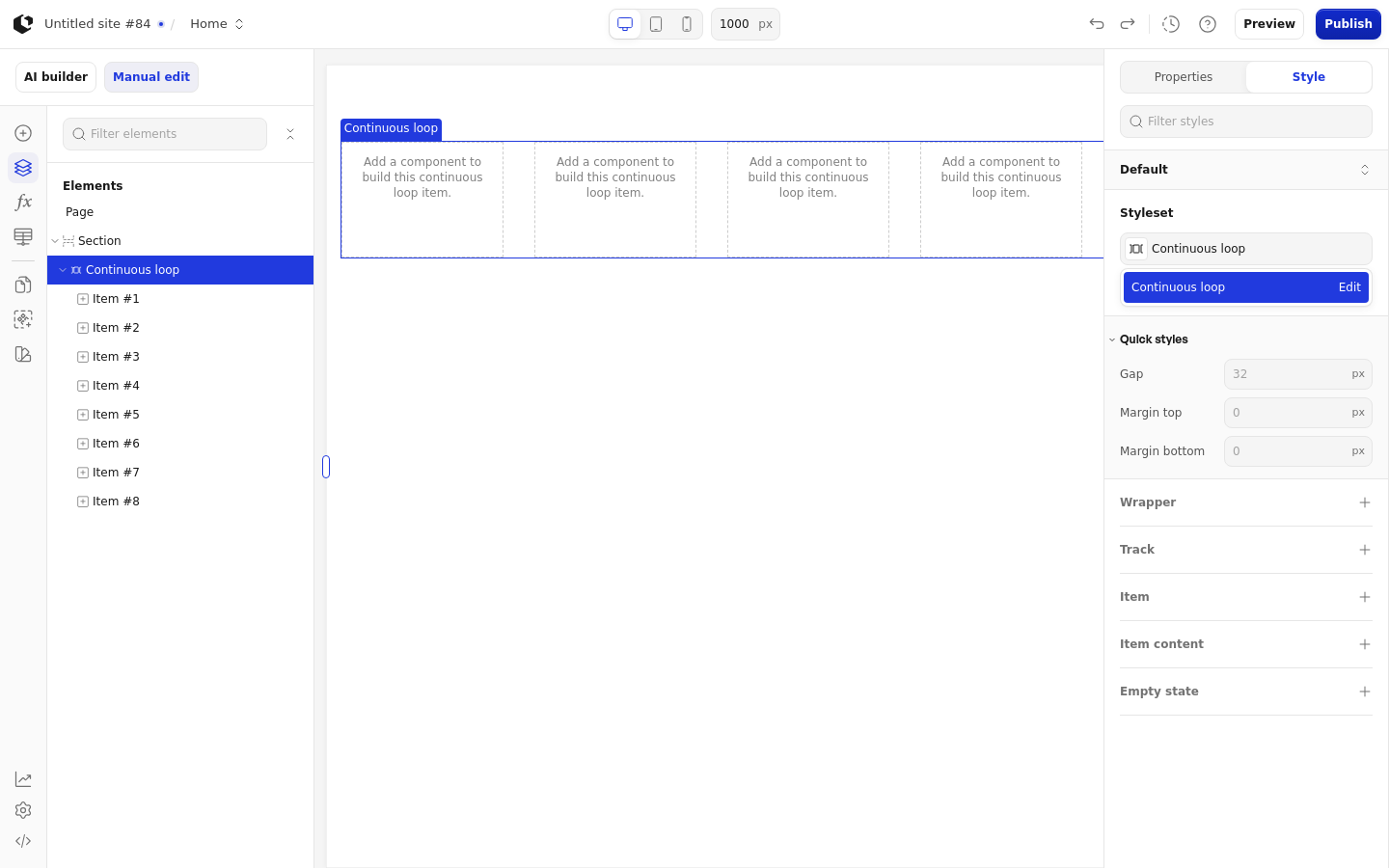
The Continuous loop can be styled per state and per part of the element.
Style states: Default, Focus, Hover.
Named targets: wrapper, track.
Named style: Continuous loop, applied by default.
Quick styles: Gap, Margin top, Margin bottom.
Apply general styling from the Style tab: quick styles, style sets, and CSS overrides per state and per breakpoint. See the styling reference for the full system.
Related articles
UI Elements: overview of the elements.
FormulaScript Overview: using formulas in properties.