
Set canonical URLs for a site
Tell search engines which address to use for your published site with the Canonical URLs setting in Share settings. Use it when another platform shows your ConvertSite site at a different address, such as a blog that lives at example.com/blog. The setting updates the metadata on your published pages as soon as you save it, without republishing.
Open Share settings
The Canonical URLs card is part of a site's Share settings.
Open the site's Settings.
Click Share settings in the sidebar.
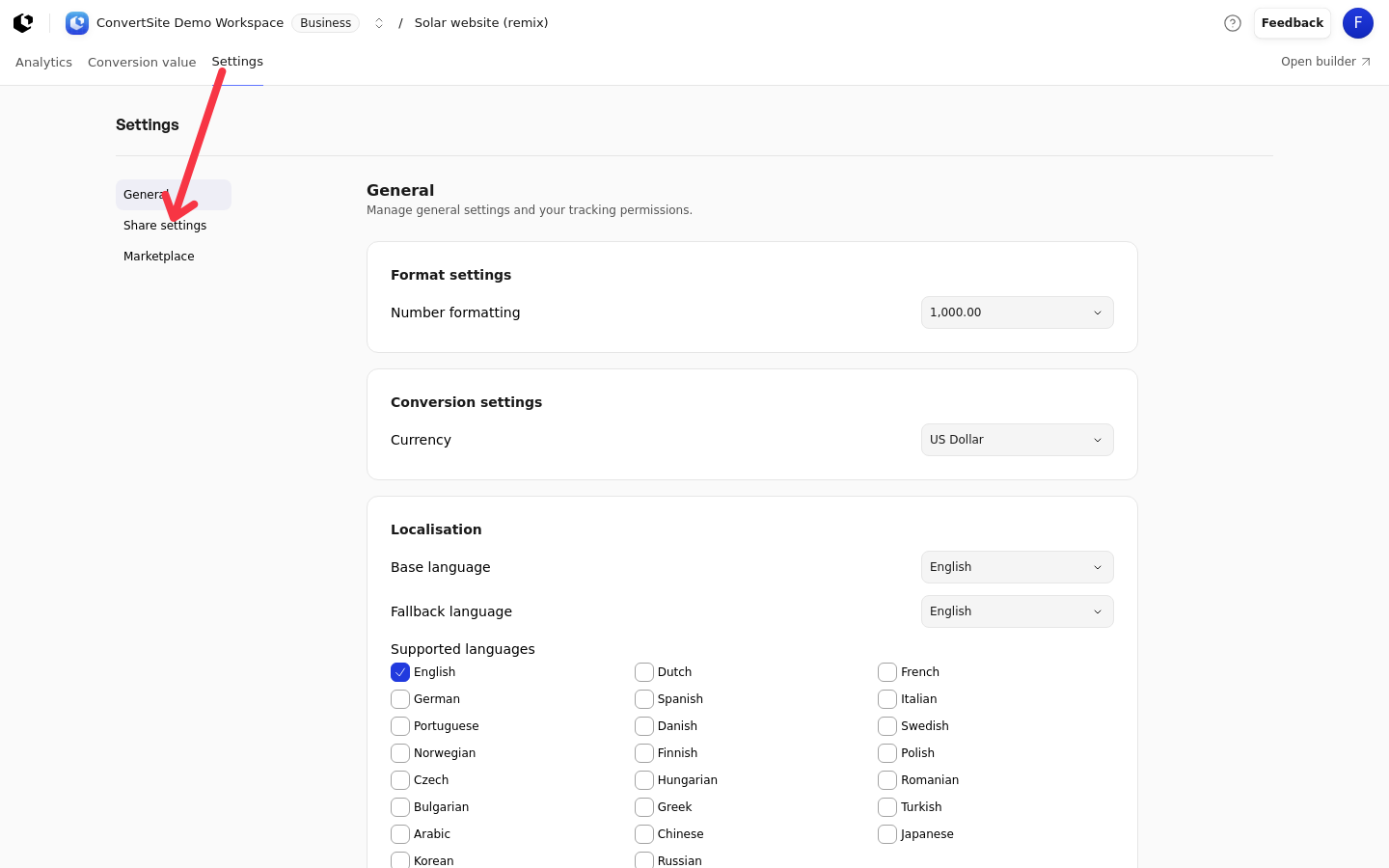
These settings use the same site access permission as the rest of the site's settings.
Enable canonical URLs
Canonical URLs are off by default. Turning them on requires a public domain; the homepage path is optional.
In the Canonical URLs card, turn on the switch.
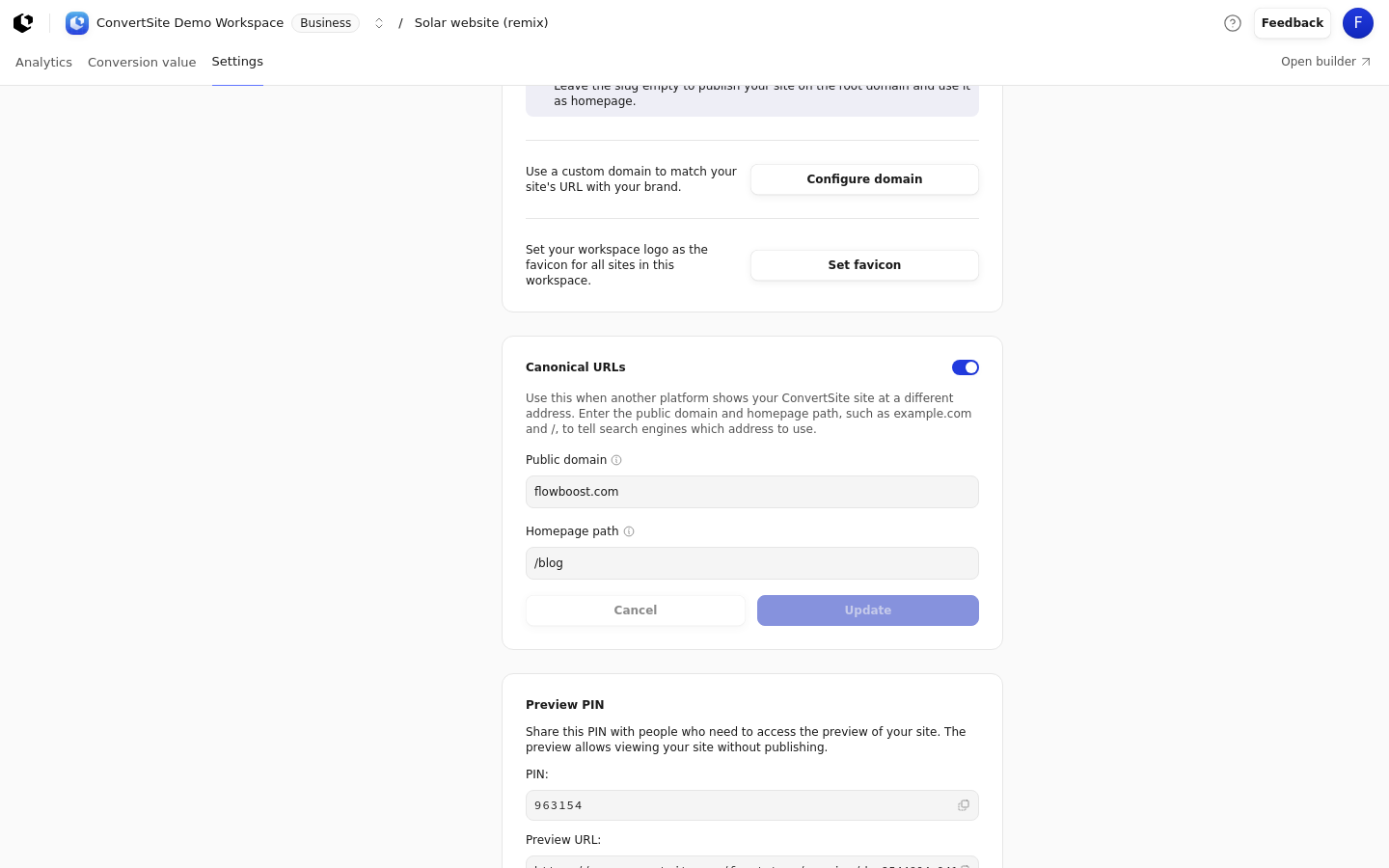
In Public domain, enter the domain visitors use to view your site, such as
example.com. Leave out any path, query, or port.In Homepage path, enter the homepage's path on the public domain. Use
/for a homepage at the domain root, or/blogfor a homepage atexample.com/blog.Click Update.
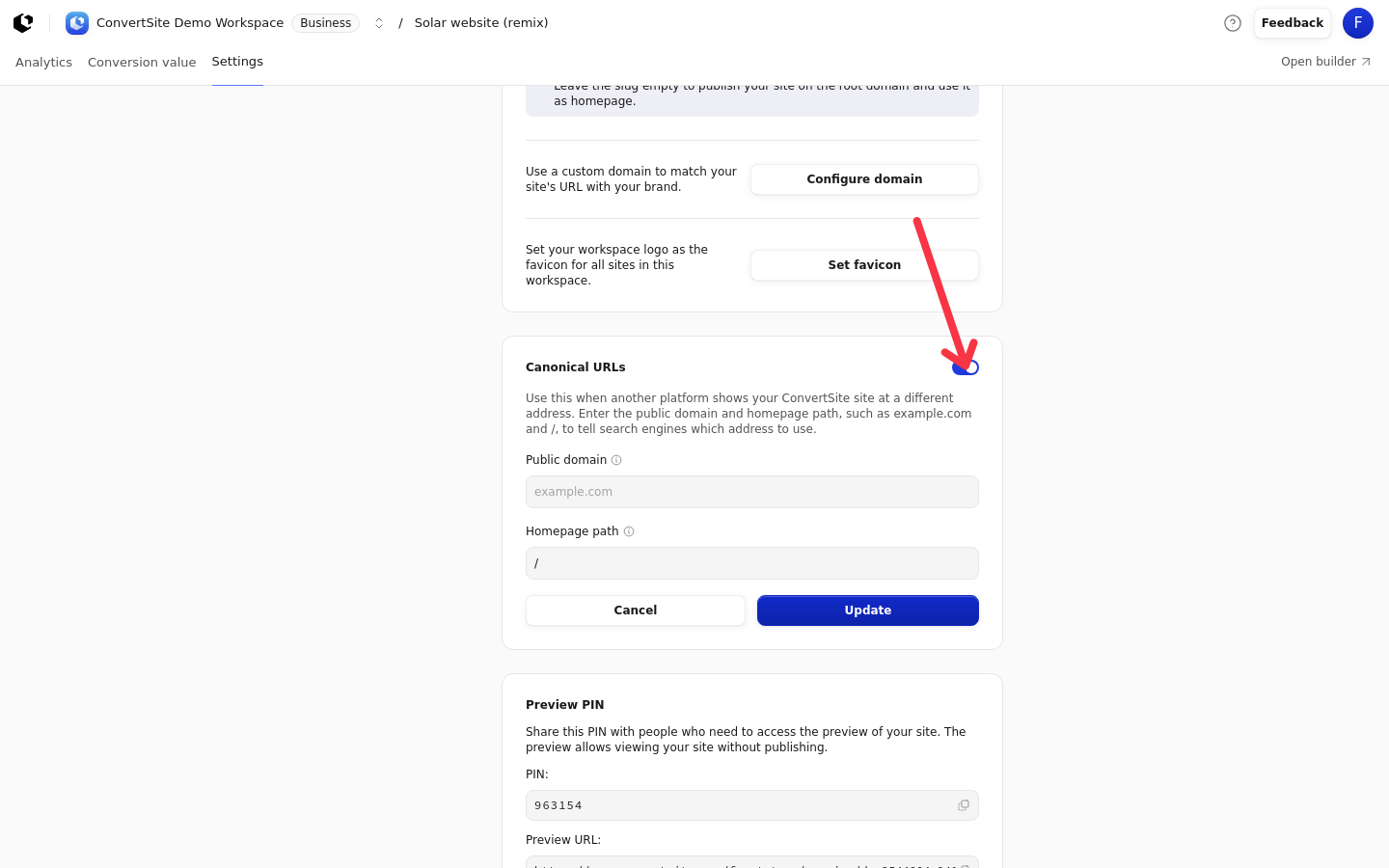
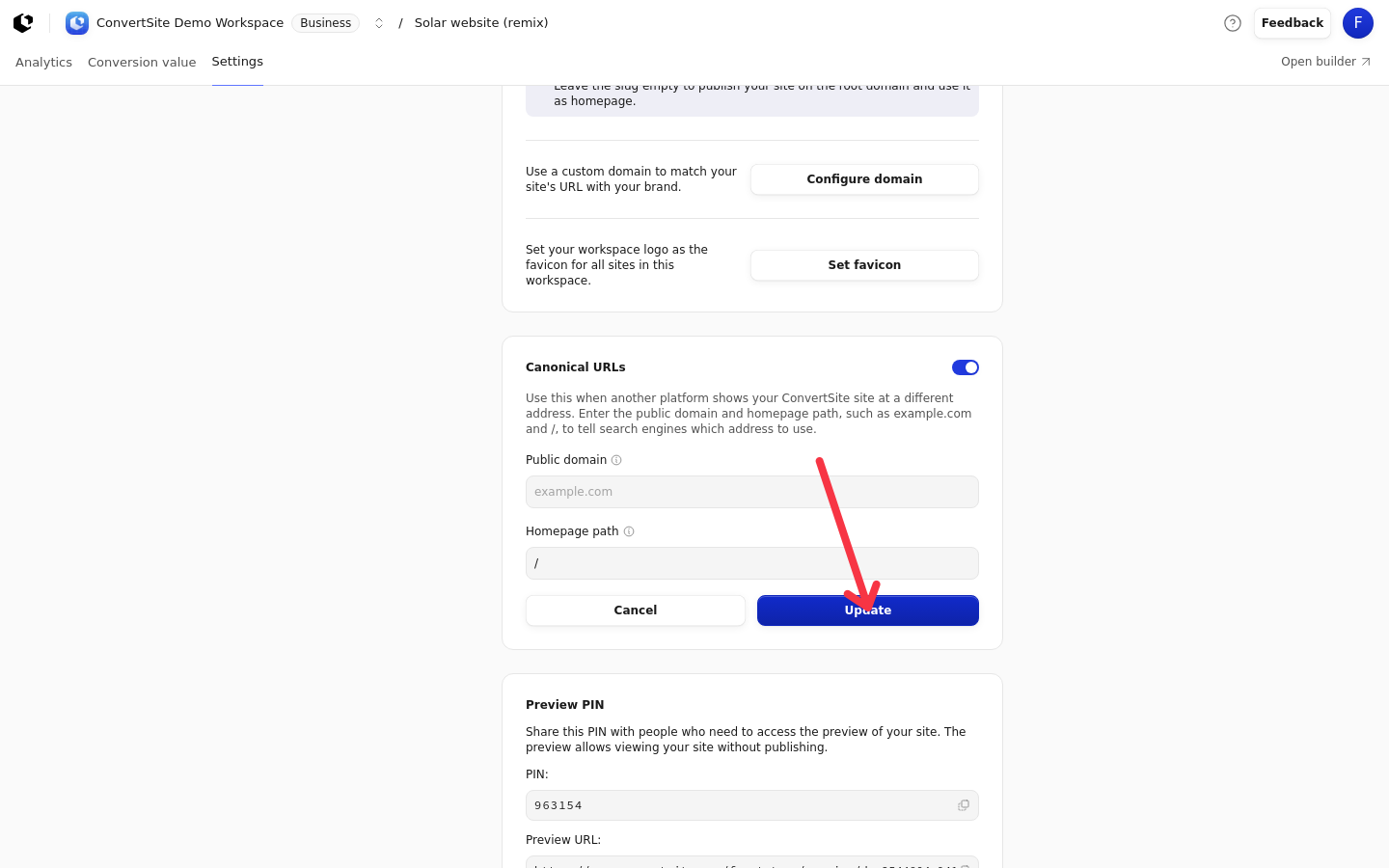
The homepage path applies only to the homepage. Pages other than the homepage keep their existing paths, and locale prefixes stay unchanged.
Invalid entries are rejected per field. The public domain shows: Enter a domain such as example.com, without a path, query, or port. The homepage path shows: Enter a path such as /blog or /. Use letters, numbers, hyphens, or underscores in each path segment.
Save, discard, or turn off canonical URLs
Nothing is saved until you click Update, and Cancel restores the saved configuration. Update and Cancel stay disabled until your draft differs from the saved settings.
Turning the switch off is different: it saves immediately, without clicking Update. Your saved public domain and homepage path are kept, so the fields show them again when you turn the setting back on.
What the setting changes
When canonical URLs are enabled, published pages use your public domain in their canonical links, alternate-language links (including the x-default entry), and Open Graph metadata. Sitemap URLs use the public domain as well. The homepage path changes only the homepage address in this metadata; other pages keep their paths.
The change applies to already published pages right away. You don't need to republish, and the site doesn't show as having unpublished changes afterwards.
Canonical URLs and custom domains
The Public domain setting only changes the addresses in your site's metadata. It doesn't make your site load at that domain. The Configure domain button in Share settings starts that separate setup. To serve your ConvertSite site at your own address, connect and verify a custom domain in Workspace Settings > Domain. See Connect a custom domain.