
Embed
The Embed shows another ConvertSite embed inside a Site. Use it to include an existing quote calculator or configurator on a landing page without rebuilding it.
Properties
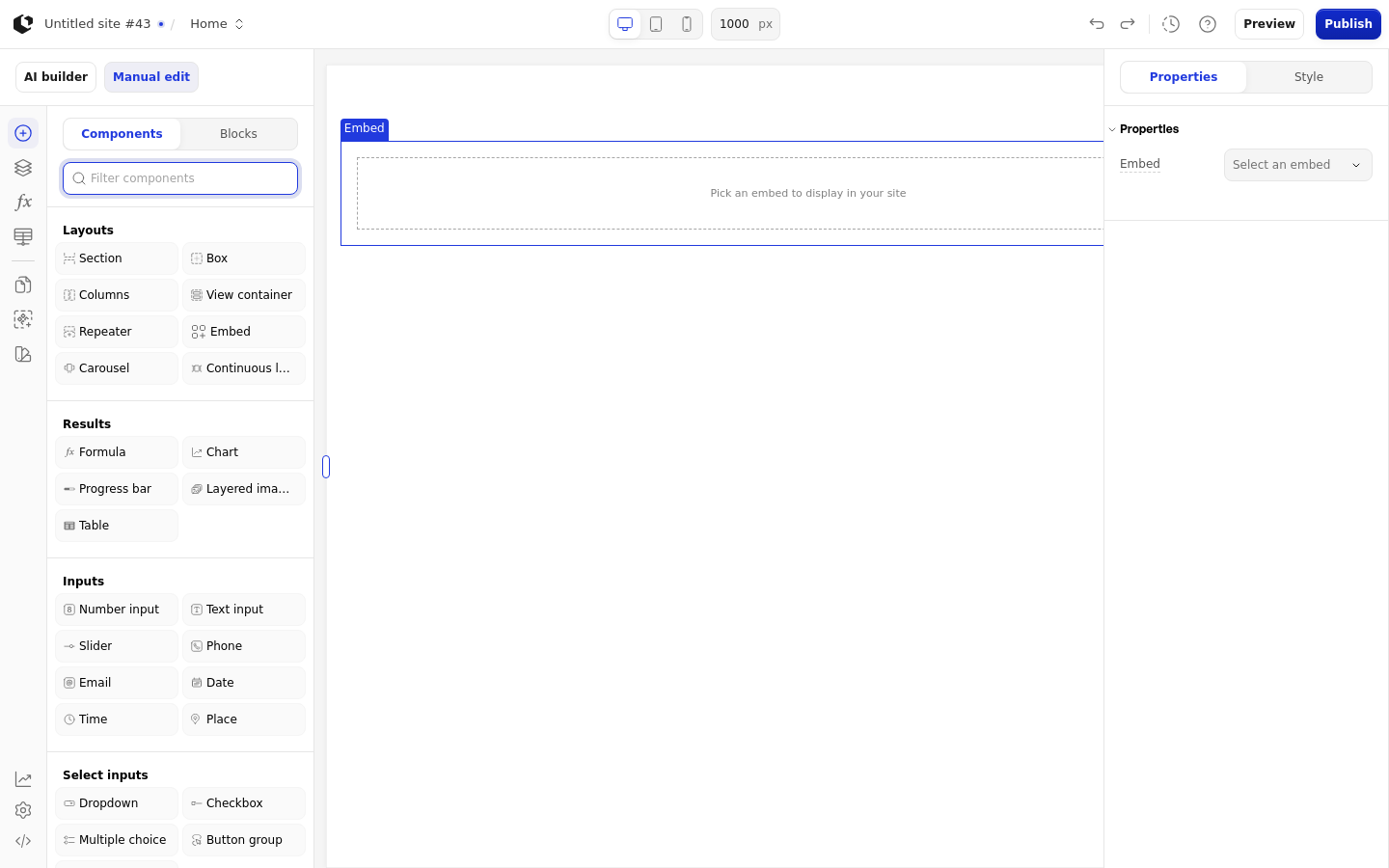
The properties live in the inspector under the Embed group.
Property | What it does | Default |
|---|---|---|
Embed | The ConvertSite embed to display. Accepts a selection, text, or a Formula. The select field shows "Select an embed" as its placeholder and the text field shows "Enter embed ID". | Empty |
Logic | Visibility logic that controls when the embed is shown | - |
A valid static UUID loads the embed. A Formula shows "Dynamic embed" in edit mode. An invalid or missing static ID shows "Pick an embed to display in your site" in edit mode. In the inspector, a valid embed shows "Edit embed" and an unknown UUID shows "No embed found with this ID". When an Embed is placed inside another embed, the Embed palette item is removed; inside a Site it stays available.
Live and preview have no separate empty-state text for an invalid embed ID.
Embed parameters
Pass named parameters into the embedded app from the inspector's "Embed parameters" group. The "Options set-up" controls give you a "Parameter" and a "Value" field, and each value can be text or a Formula.
Add a parameter row in the "Embed parameters" group.
Enter the parameter name in the "Parameter" field.
Enter the value in the "Value" field as text, or switch the value to a Formula.
Reorder or delete rows as needed.
Parameter names are case-insensitive, accept an optional data- prefix, and treat underscores as hyphens: referral_code and referral-code name the same parameter.
The editor shows "Parameter is required" when a row has a value but no name, "Invalid parameter name" when the name is not a valid parameter name, and "Parameter already exists" when another row already uses the name.
Valid parameters are passed to the embedded app when it renders. When a Formula value changes, the embedded app receives the update without reloading, and formulas that read the parameter recalculate. A blank or unsupported formula value is omitted.
Formulas in the embedded app read these values with EMBEDPARAM. Use QUERYPARAMS for URL query parameters instead.
References
The Embed has no references.
Styling
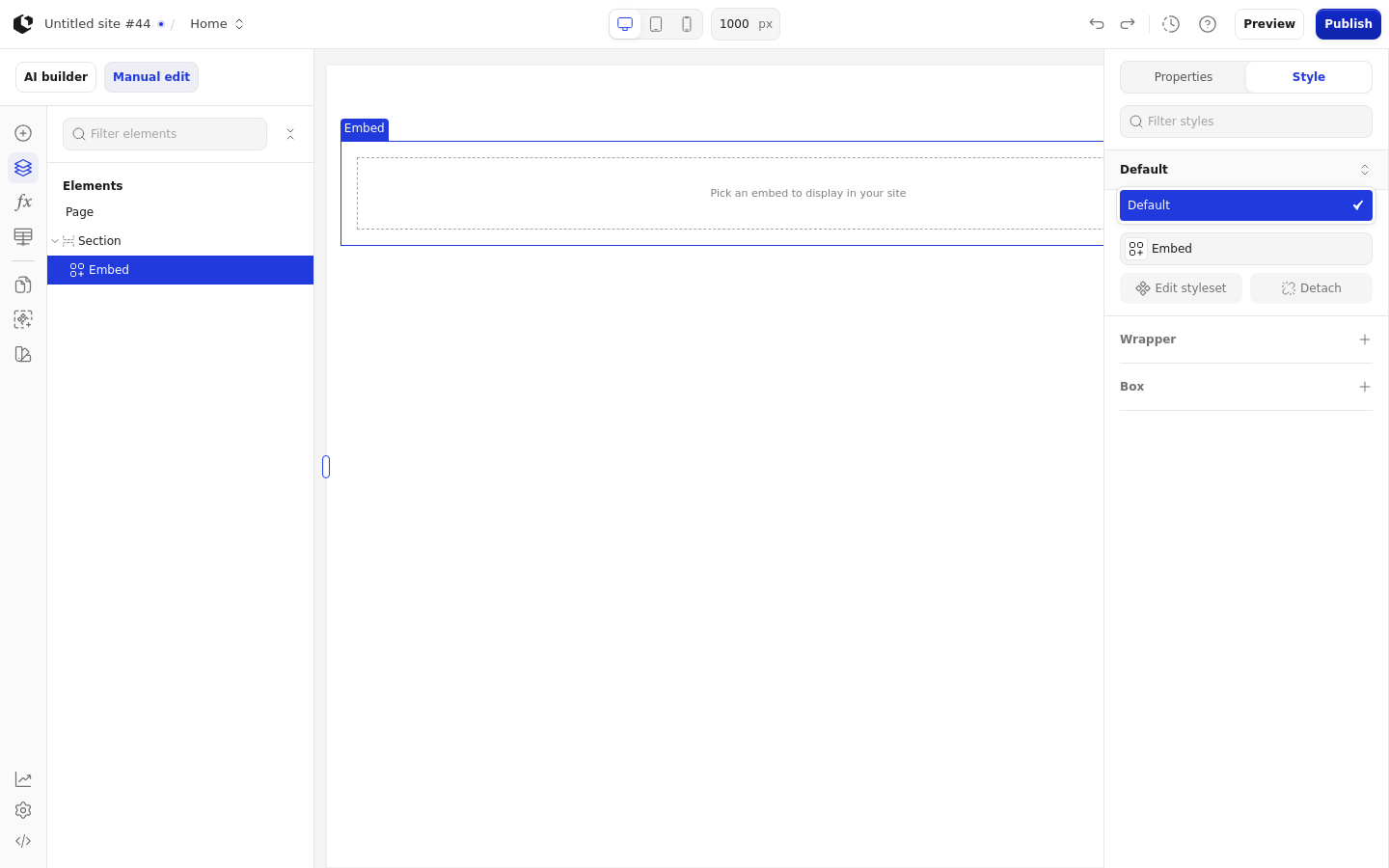
The Embed can be styled per state and per part of the element.
Style state: Default.
Named targets: wrapper, box.
Named style: Embed (default).
Site quick styles: none.
Related articles
UI Elements: overview of the elements.
FormulaScript Overview: using formulas in properties.