
HTML embed
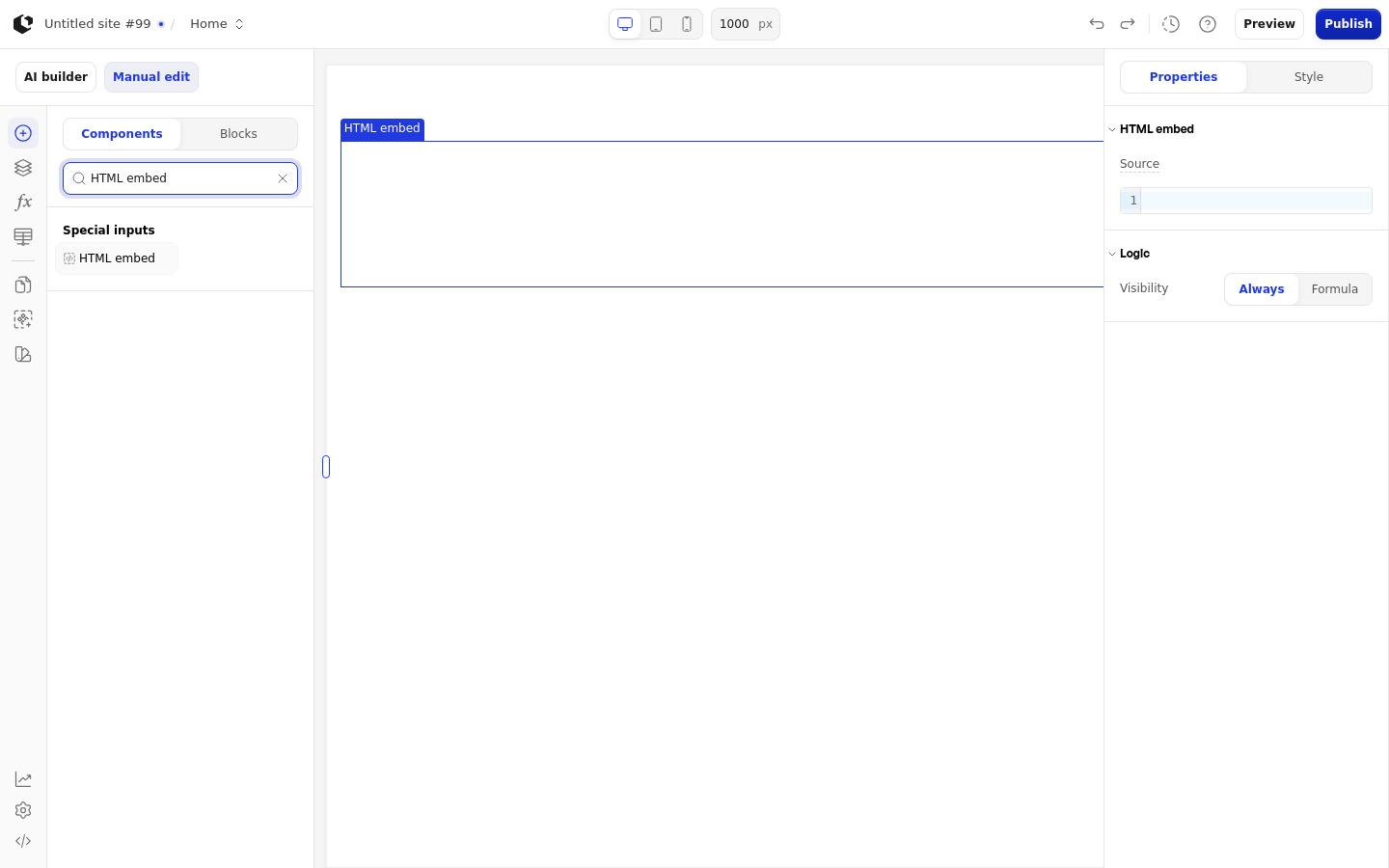
The HTML embed inserts raw HTML code or Formula-generated HTML into a Site. Use it for custom interactive markup or an external widget that no built-in element covers, such as a third-party script or a hand-written component.
Properties
The properties live in the inspector under the HTML embed group.
Property | What it does | Default |
|---|---|---|
Source | Raw HTML source code to embed, or a Formula returning it. Required. | Empty text |
Logic | Visibility logic that controls when the embed is shown | - |
In Edit and Preview the Source text is placed in a sandboxed iframe with allow-scripts, allow-forms, allow-popups, and allow-modals, and without allow-same-origin. In Live the text is inserted directly into the wrapper. A Formula source sets a runtime formula attribute, and only a string result is rendered.
References
The HTML embed has no references.
Styling
The HTML embed can be styled per state.
Style states: Active, Default, Disabled, Focus, Hover.
Named target: wrapper.
Named style: none. Default overrides have no style set key.
Quick styles: none.
There is no dedicated empty-state copy; an empty Source produces an empty embed.
Related articles
UI Elements: overview of the elements.
FormulaScript Overview: using formulas in properties.