
Arrows
The Arrows element navigates between the views of a view container with previous and next buttons. Use it to let visitors move through steps or slides in a defined order.
Properties
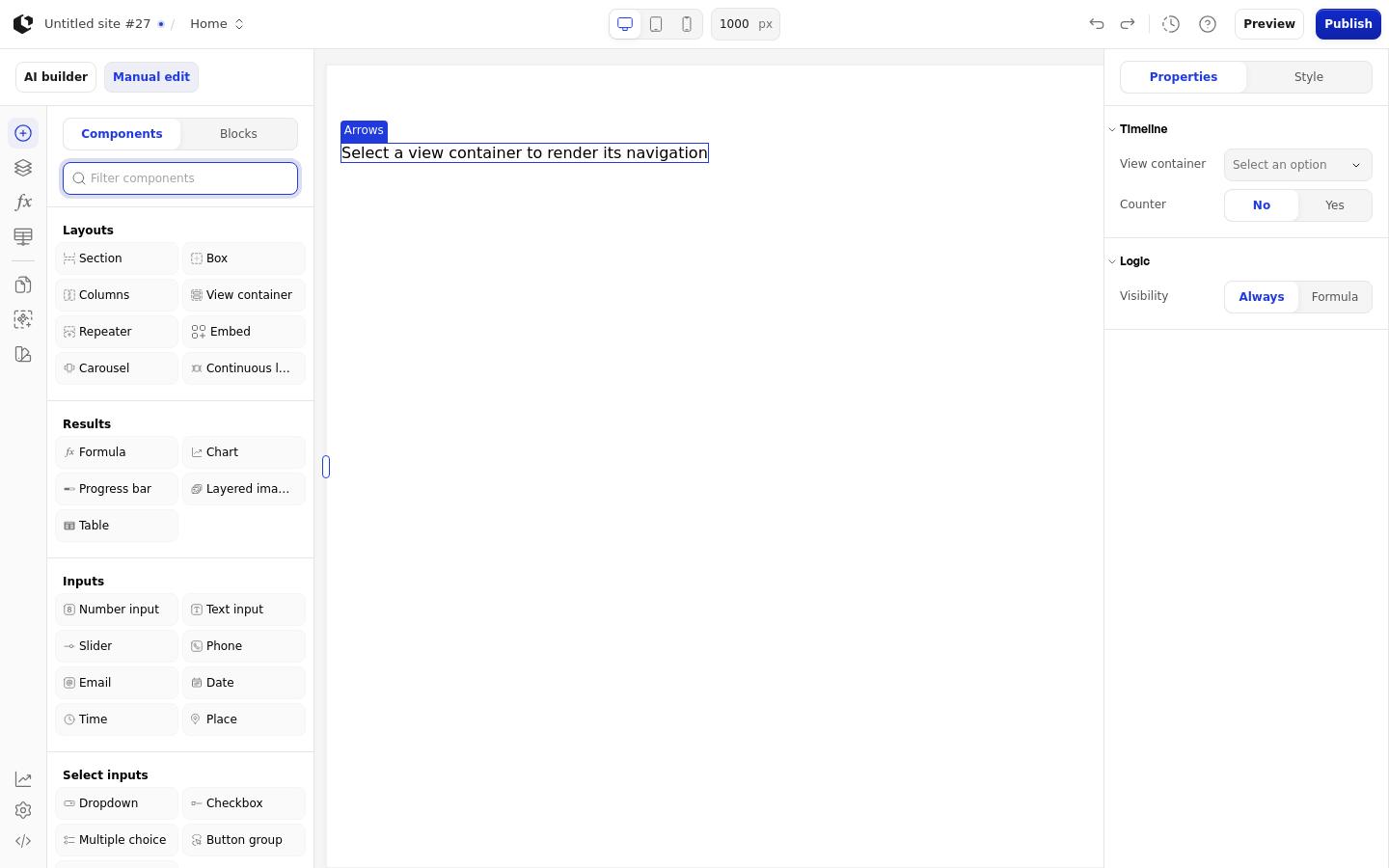
The properties live in the inspector under the Timeline and Logic groups.
Property | What it does | Default |
|---|---|---|
View container | The view container whose views the arrows navigate between | Empty |
Counter | Shows the current view number and the total, for example 2 / 5 | Off |
Logic | Controls when the arrows are visible | None |
The View container list contains only the view containers on the page. Without one selected, the element shows the message "Select a view container to render its navigation".
References
The Arrows element has no references, so it exposes no data you can use in formulas.
Styling
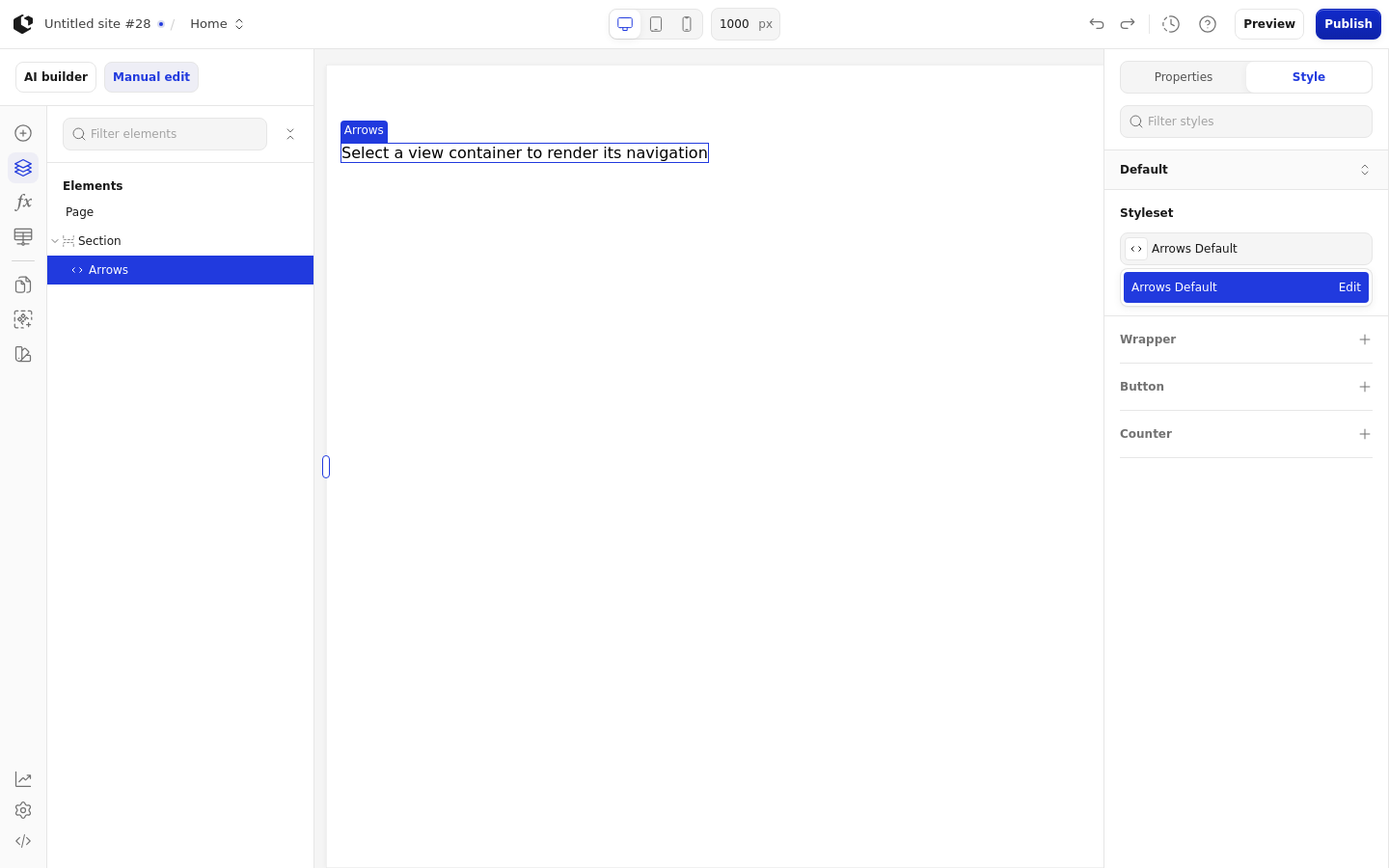
The Arrows element can be styled per state and per part of the element.
Style states: Active, Default, Disabled, Focus, Hover.
Named targets: wrapper, button, counter.
Named style: Arrows Default.
Quick styles: none.
Apply general styling from the Style tab: style sets and CSS overrides per state and per breakpoint. See the styling reference for the full system.
Related articles
UI Elements: overview of the elements.
FormulaScript Overview: using formulas in properties.