
Divider
The Divider draws a horizontal or vertical line that separates content blocks visually. Use it to divide sections of a page or document when you want a clear break between two areas without adding a full section.
Properties
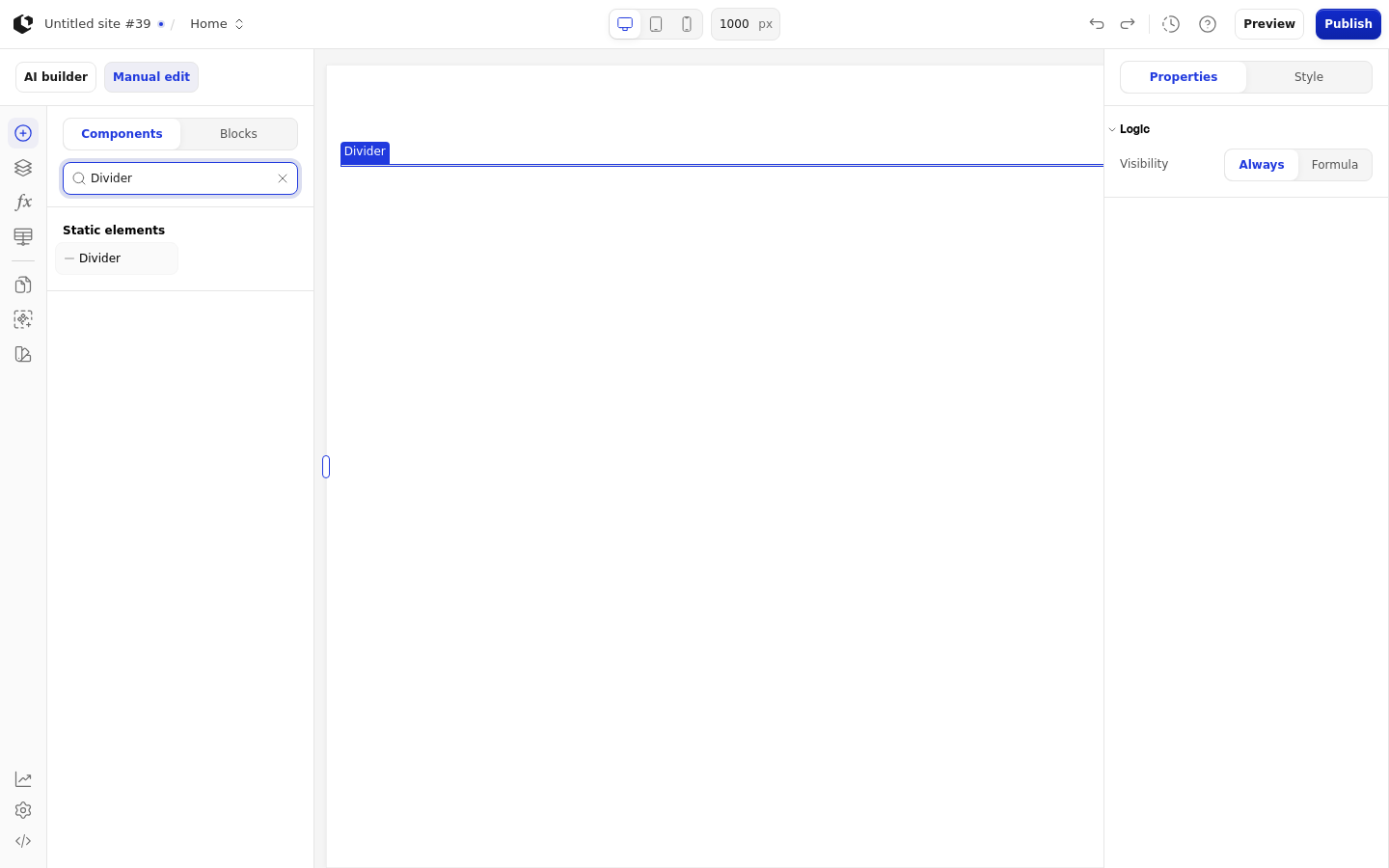
The Divider has no element properties. The only configuration available is Logic, which controls when the element renders.
References
The Divider exposes no references, so it produces no data you can use in formulas or other elements.
Styling
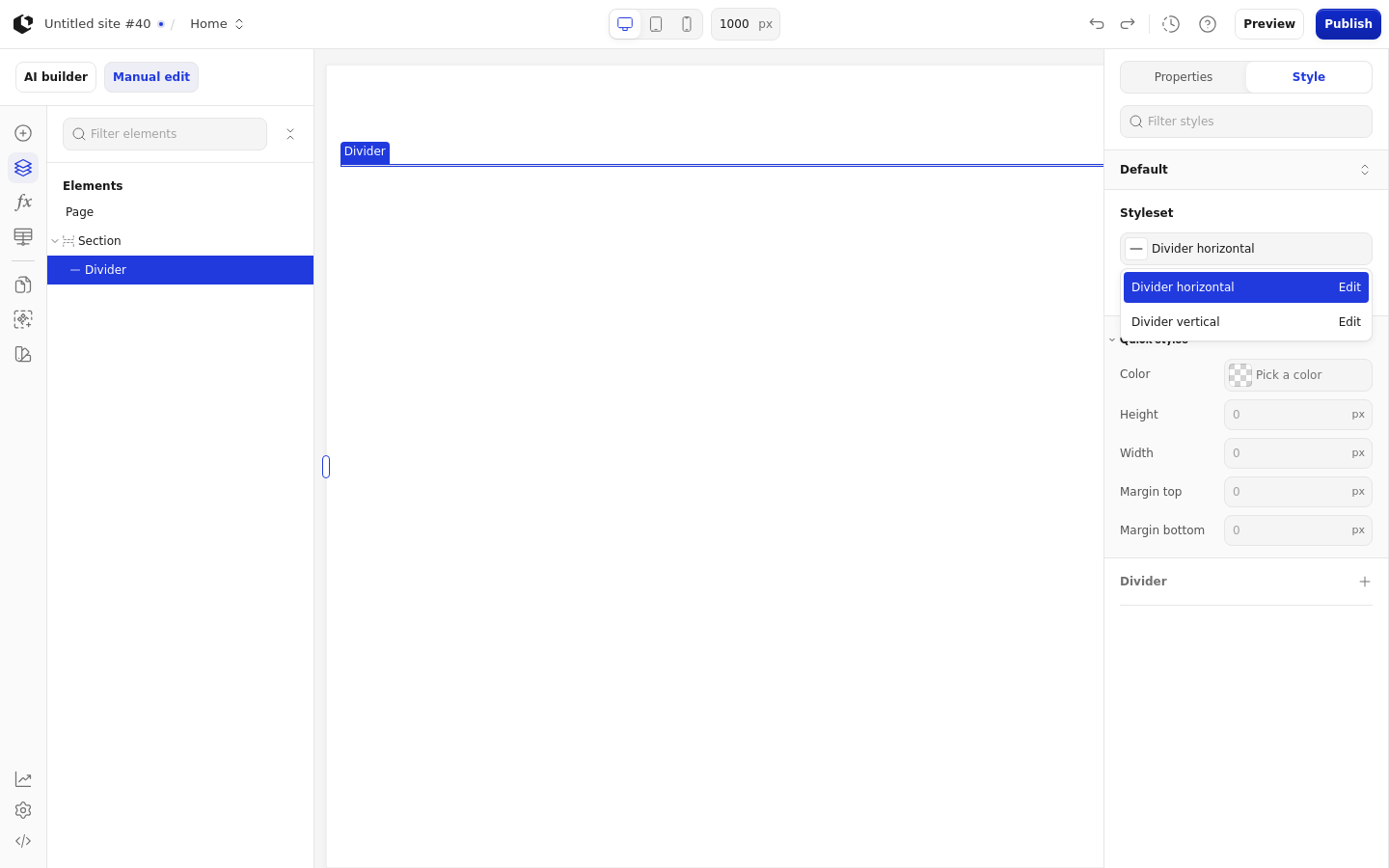
The Divider is styled per state and per target.
Style state: Default.
Target: divider.
Named styles: Divider horizontal and Divider vertical in the Site editor, with the same visible names in the Document editor.
Quick styles: Color, Height, Width, Margin top, Margin bottom.
The default margin is 24px in the Site editor and 8px in the Document editor.
The Divider has no conditional renderer, no references, and no error state.
Related articles
UI Elements: overview of the elements.
FormulaScript Overview: using formulas in properties.