
Section
The Section is a structural container that groups the content of a page area and can carry an anchor ID and a background image. Use it to build standalone page sections, for example a pricing, FAQ, or testimonial section on a site.
Properties
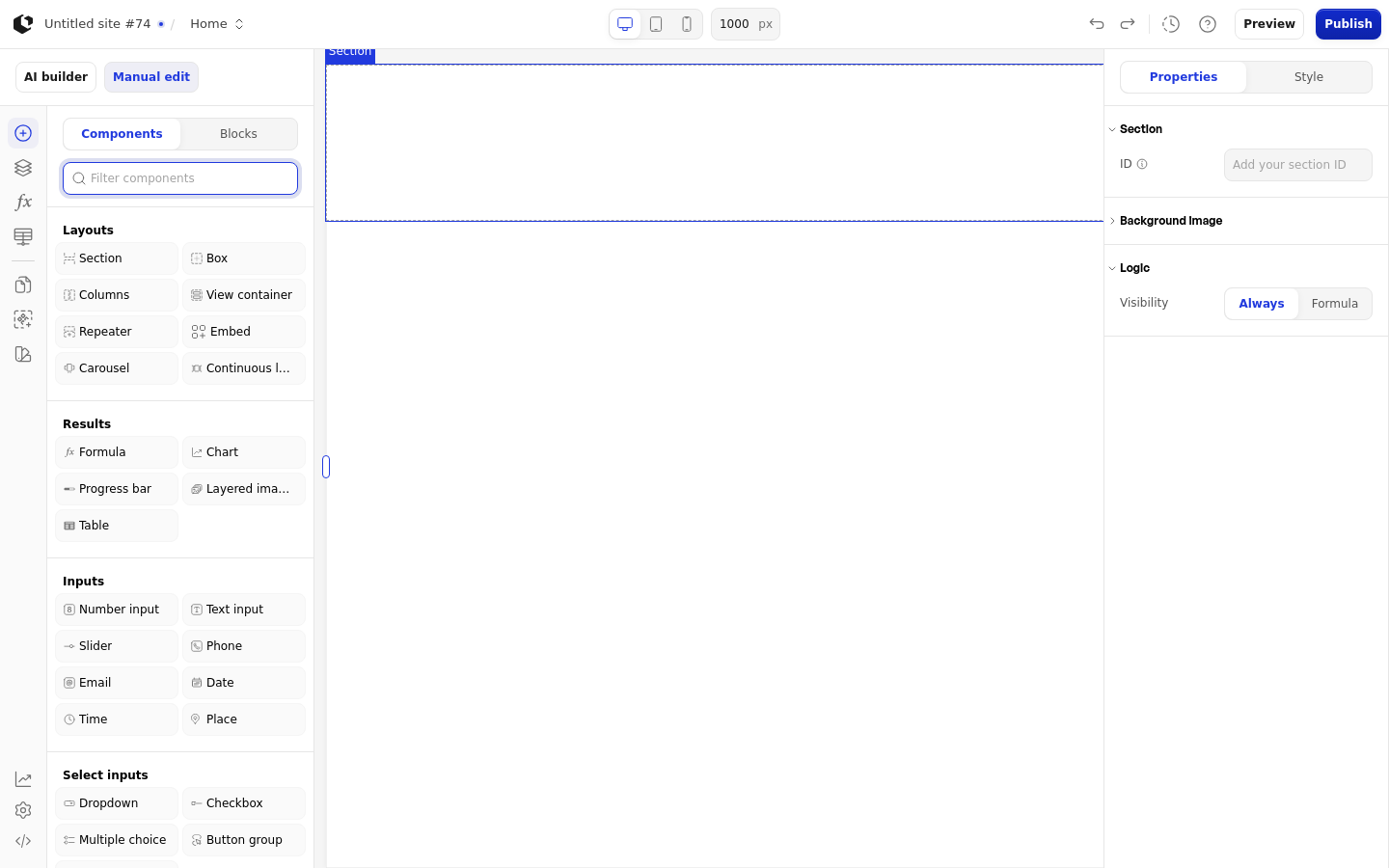
The properties live in the inspector under the Section group. Image fit, Aspect ratio, and the background image styling appear only when a background image is set.
Property | What it does | Default |
|---|---|---|
ID | Anchor ID you can link to directly | Empty |
Background image | Image shown behind the section content | Empty |
Logic | Visibility logic that controls when the section is shown | Empty |
The ID field shows the placeholder "Add your section ID" until you enter a value.
References
The Section has no data references. It exposes no values for use in formulas or other elements.
Styling
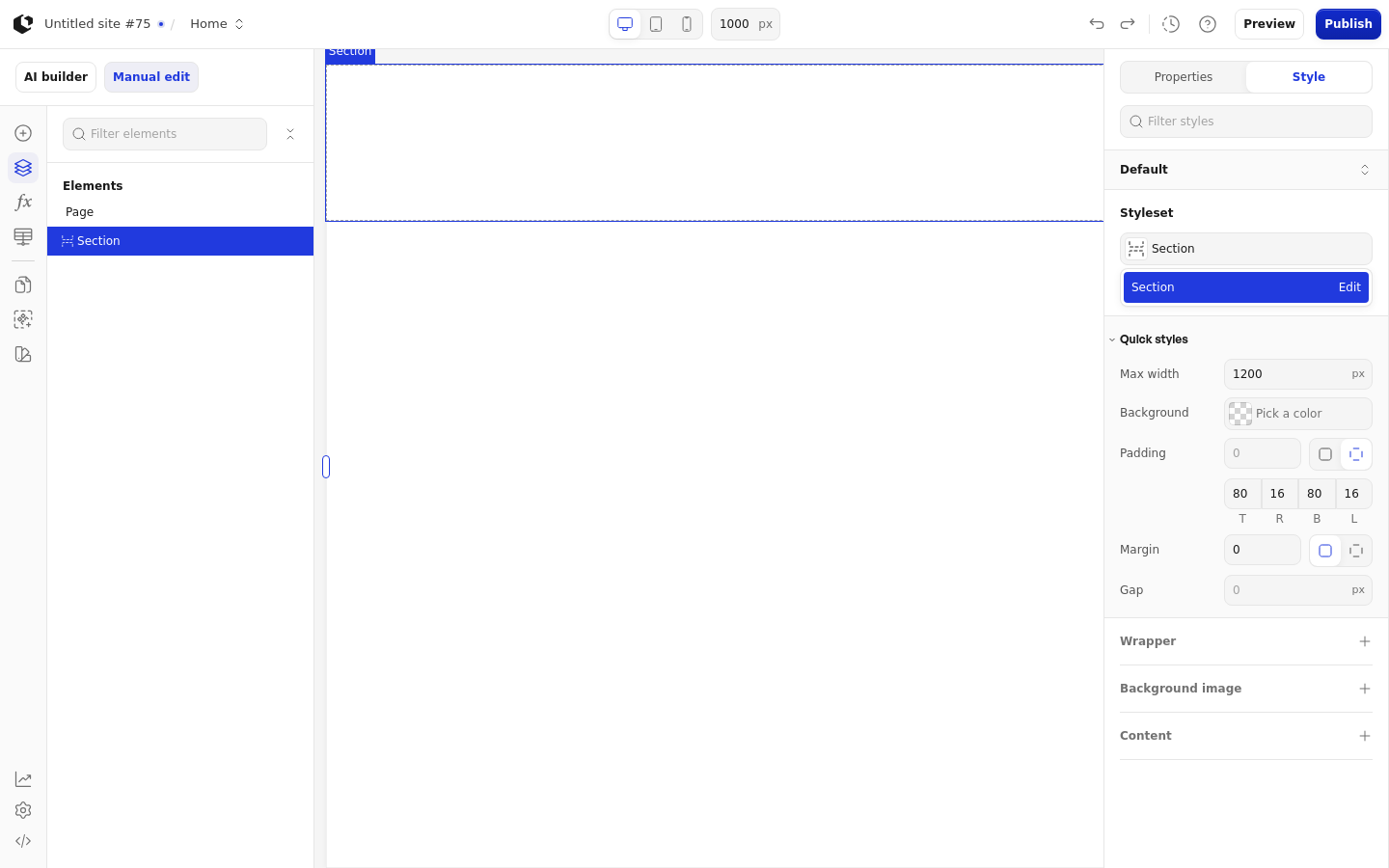
The Section can be styled per state and per part of the element.
Style states: Default.
Named targets: wrapper, background-image, content.
Named style: Section, the default style.
Site quick styles: Max width, Background, Padding, Margin, Gap, Image fit, Aspect ratio.
The Section has no interactive states and no dedicated error state, so only the Default state can be styled. Apply general styling from the Style tab: quick styles, style sets, and CSS overrides per state and per breakpoint.
Related articles
UI Elements: overview of the elements.
FormulaScript Overview: using formulas in properties.