
Formula
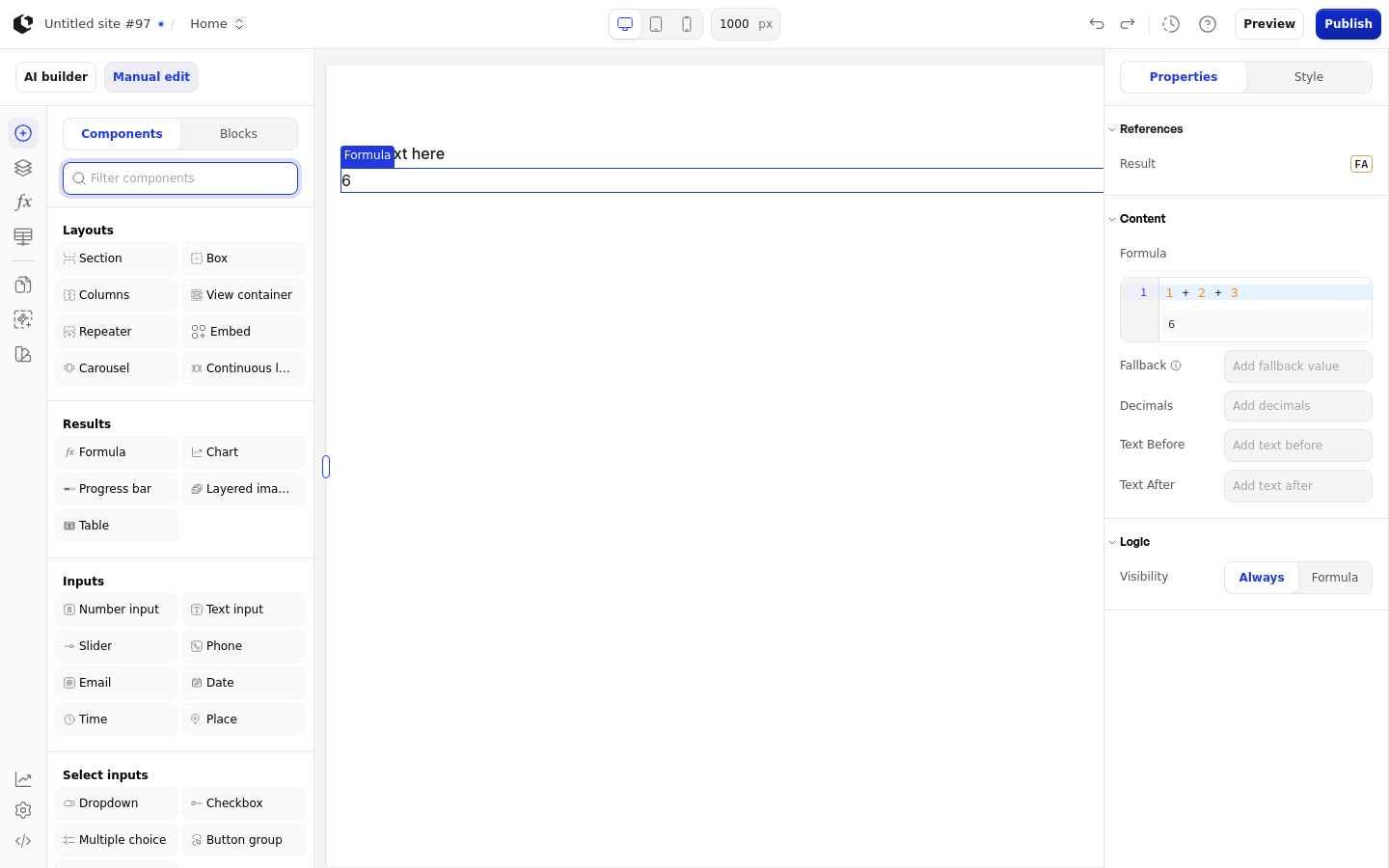
The Formula element evaluates a FormulaScript expression and shows the calculated result, with optional fallback text, decimals, and text before or after the value. Use it for a price, savings, ROI, or subtotal that updates in real time as other values change.
Properties
The properties live in the inspector under the Formula group.
Property | What it does | Default |
|---|---|---|
Formula | The FormulaScript expression to evaluate | 1 + 2 + 3 |
Fallback | Text shown when the result is empty or errors | Empty |
Decimals | Number of decimal places shown, from 0 to 20 | Empty |
Text Before | Text shown before the result | Empty |
Text After | Text shown after the result | Empty |
Logic | Visibility logic that controls when the element shows | None |
Formula is required and the element renders only when it is set. Text Before, Text After, Fallback, and Decimals are added to the output only when a value is set.
References
References expose the calculated output as data you can use in other formulas and elements.
Result: the calculated output of the Formula.
Assign Result as a reference to store the value in a variable.
Styling
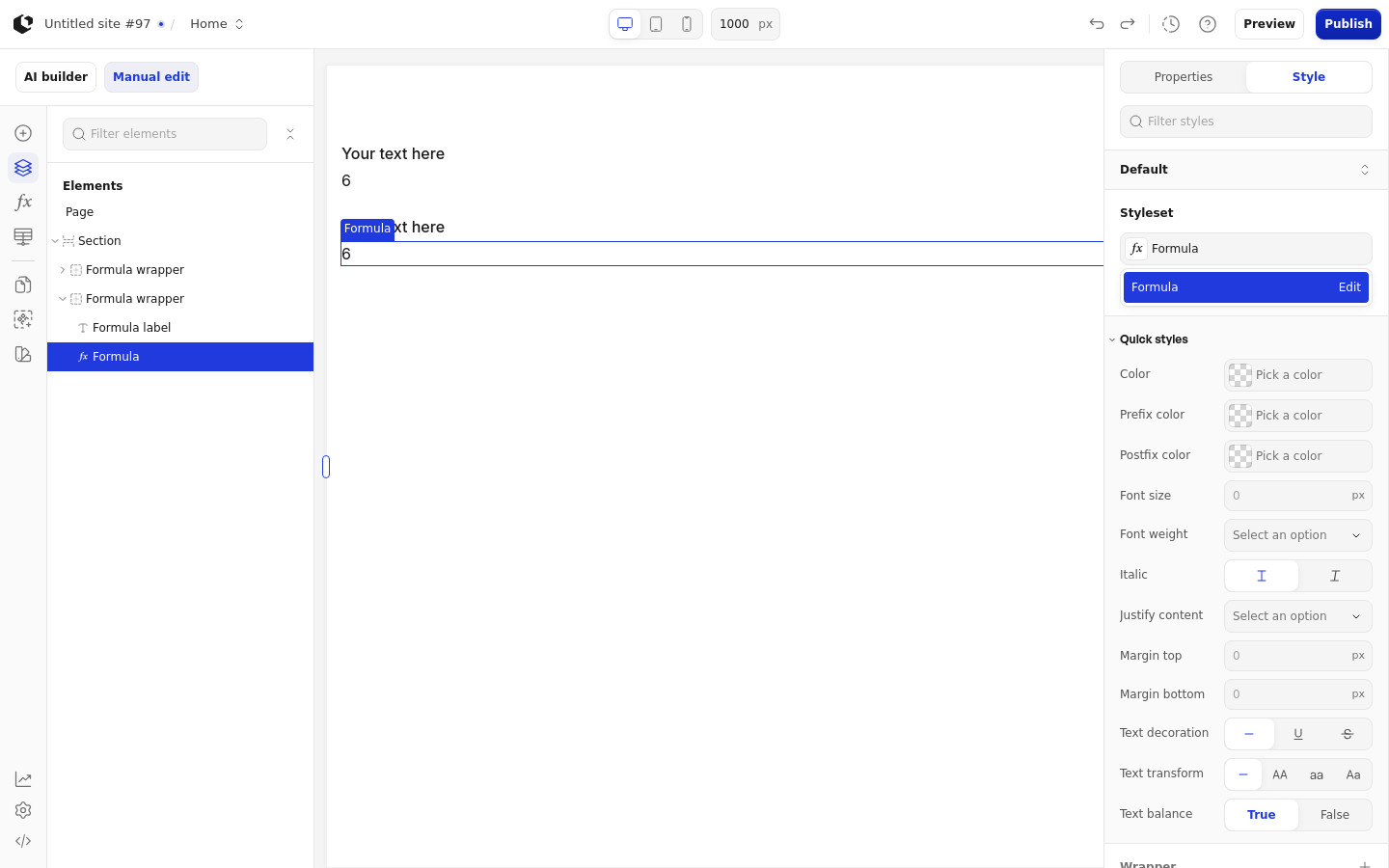
The Formula can be styled per state and per part of the element.
Style states: Active, Default, Hover.
Named targets: wrapper, formula, prefix, postfix.
The Site named style is Formula, and the Document named style is Formula. Apply general styling from the Style tab: quick styles, style sets, and CSS overrides per state and per breakpoint. Formula quick styles are Color, Prefix color, Postfix color, Font size, Font weight, Italic, Justify content, Margin top, Margin bottom, Text decoration, Text transform, and Text balance.
Site has no separate Formula empty state, and the Document Formula tooltip is not present in Site.
Related articles
UI Elements: overview of the elements.
FormulaScript Overview: using formulas in properties.