
Workspace Settings overview
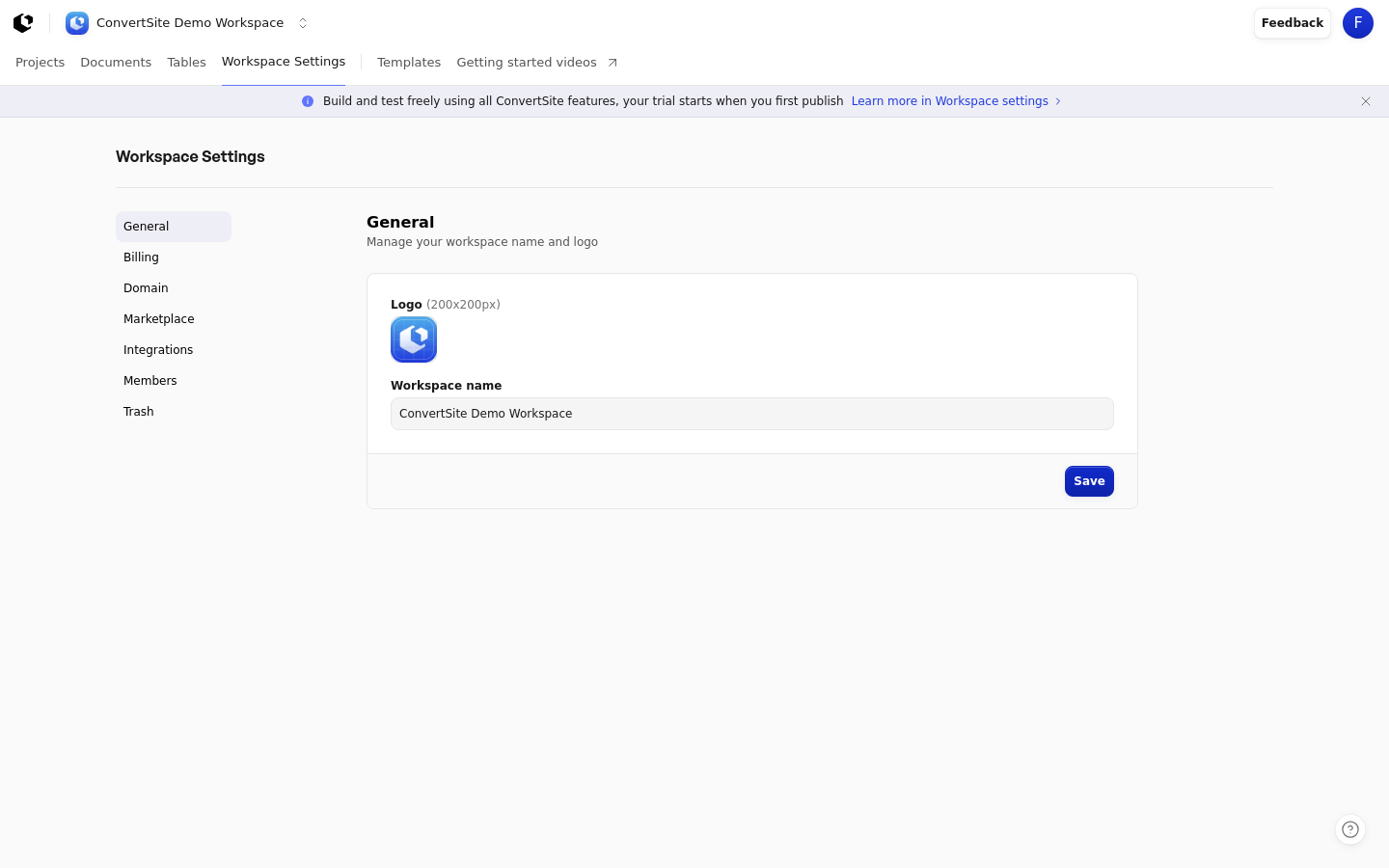
Workspace Settings is where you manage your workspace's identity, billing, domain, marketplace profile, integrations, members, and deleted items. It requires you to be signed in and applies to the workspace you're currently in.
Open the area from the main workspace navigation, then choose the section you need from the left-hand menu.
Section | Route | What it does |
|---|---|---|
General | /settings | Manage your workspace name and logo, which is also used as the favicon for your Sites. |
Billing | /settings/billing | Manage the billing connected to your workspace, including plans and invoices. |
Domain | /settings/domain | Connect and manage your custom domain. |
Marketplace | /settings/marketplace | Set up your marketplace profile. |
Integrations | /settings/integrations | Connect integrations and manage API keys. |
Members | /settings/members | Manage the people in your workspace. |
Trash | /settings/trash | Restore deleted items. |
Each section has its own dedicated article with step-by-step instructions for the task it covers.