
Restore deleted items from Trash
The Trash section of Workspace Settings holds your deleted sites, embeds, and tables, and lets you restore individual items or permanently clear a whole collection. You can restore anything in the Trash as long as you have access to the workspace.
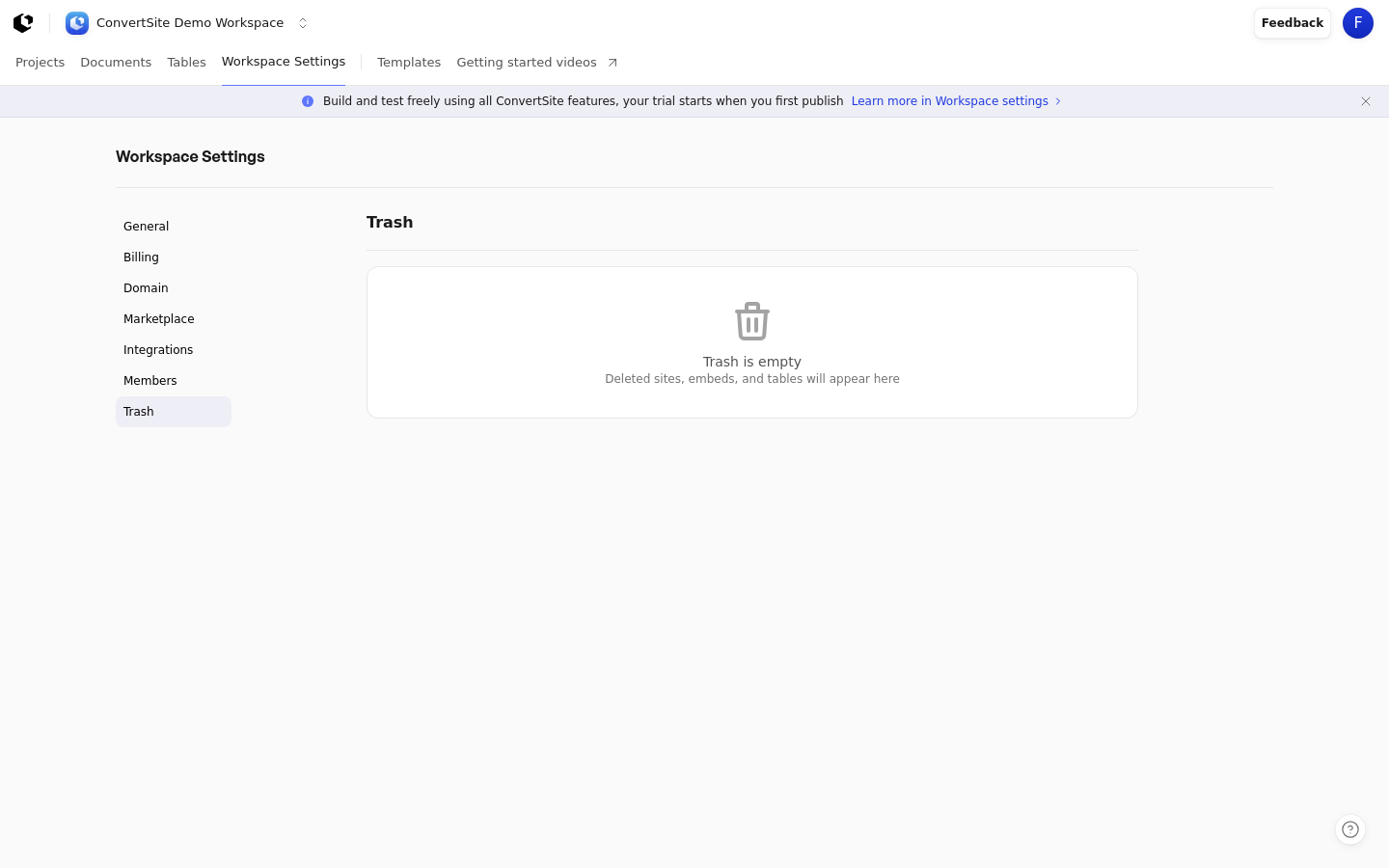
Open the Trash
Trash lives at Workspace Settings > Trash, at the route /settings/trash. You must be signed in, and the Trash applies to the workspace you're currently in.
Open the main workspace navigation and choose Settings.
Select Trash from the left-hand menu.
Empty Trash
When nothing has been deleted, the page shows the message Trash is empty with the note Deleted sites, embeds, and tables will appear here.
Restore an individual item
Deleted items are grouped into three collections — Sites, Embeds, and Tables — each shown with the item name and the date it was deleted. A collection appears only when it contains at least one item.
Open Workspace Settings > Trash.
Hover over the row of the item you want to bring back.
Click Restore on that row.
The item is returned to your workspace. Restoring requires access to the workspace, so only members with workspace access can restore items.
Permanently clear a collection
Each populated collection has a Clear all button that permanently deletes every item in that collection. This action can't be undone, so deleted items are gone for good.
Open Workspace Settings > Trash.
On the collection you want to empty, click Clear all.
Confirm that you want to permanently delete all items in that collection.
Opening the Trash overview also permanently removes deleted sites, embeds, and tables that have expired, so the page always reflects only the items you can still restore.