
Checkout
The Checkout element accepts a one-time payment through Stripe. Use it to collect a paid booking, order, or deposit after a visitor has made a choice or received a quote.
Properties
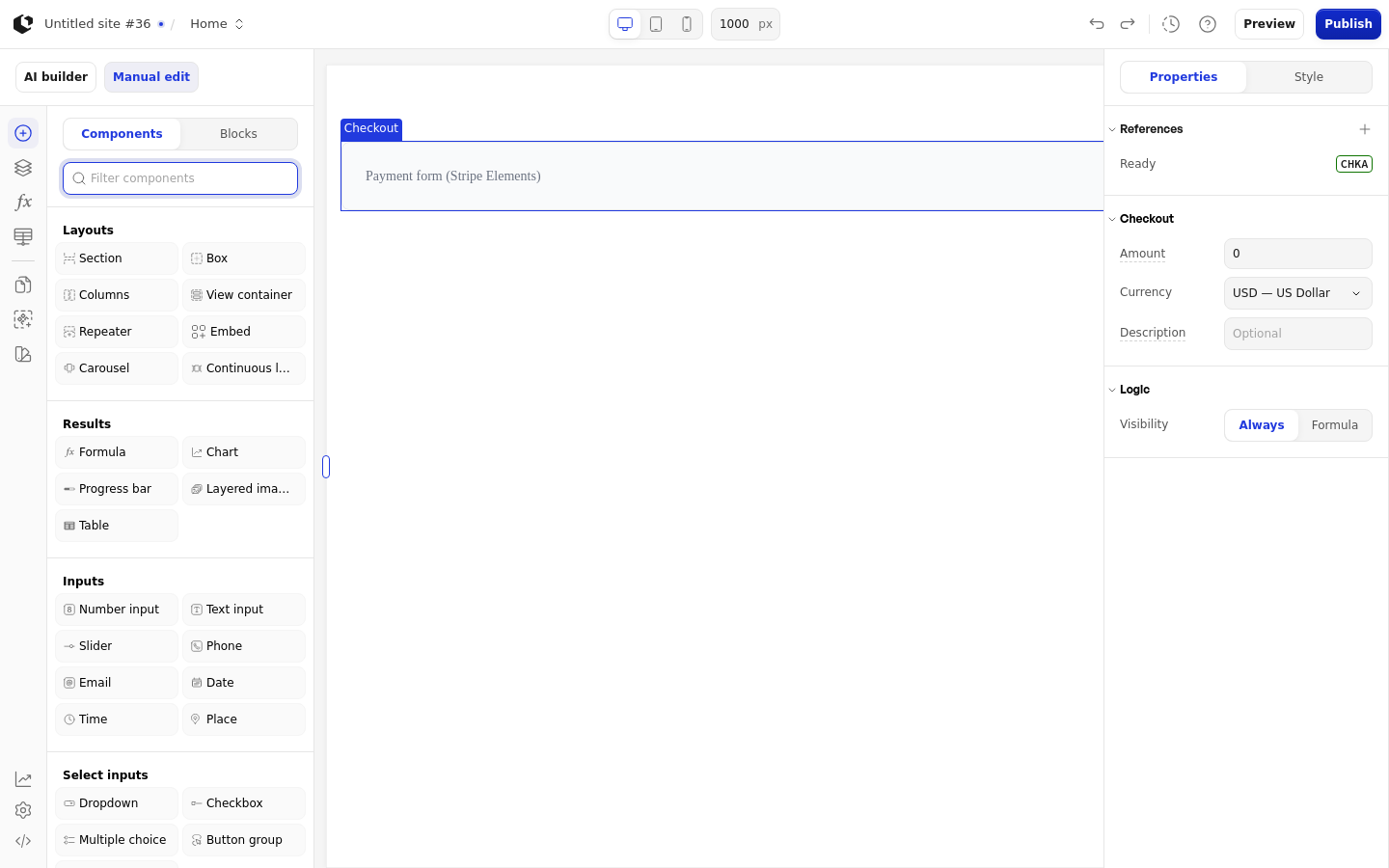
The properties live in the inspector under the Checkout group. Amount and Description accept a value or a formula.
Property | What it does | Default |
|---|---|---|
Amount | Payment amount in the selected currency, as a number or formula. Minimum 0. | 0.00 |
Currency | ISO 4217 currency code for the payment. Options: USD, EUR, GBP, CAD, AUD, CHF, SEK, NOK, DKK, SGD, HKD, NZD. | usd |
Description | Payment description shown to the customer, as text or a formula. | Empty |
Logic | Visibility logic that controls when the element shows. | - |
References
References expose the element's state as data you can use in formulas and other elements. The Checkout element exposes two references.
Ready: whether the payment form is ready.
Error: whether the payment form hit an error.
Amount, Currency, and Description are configuration, not references, so they are not available as data.
Styling
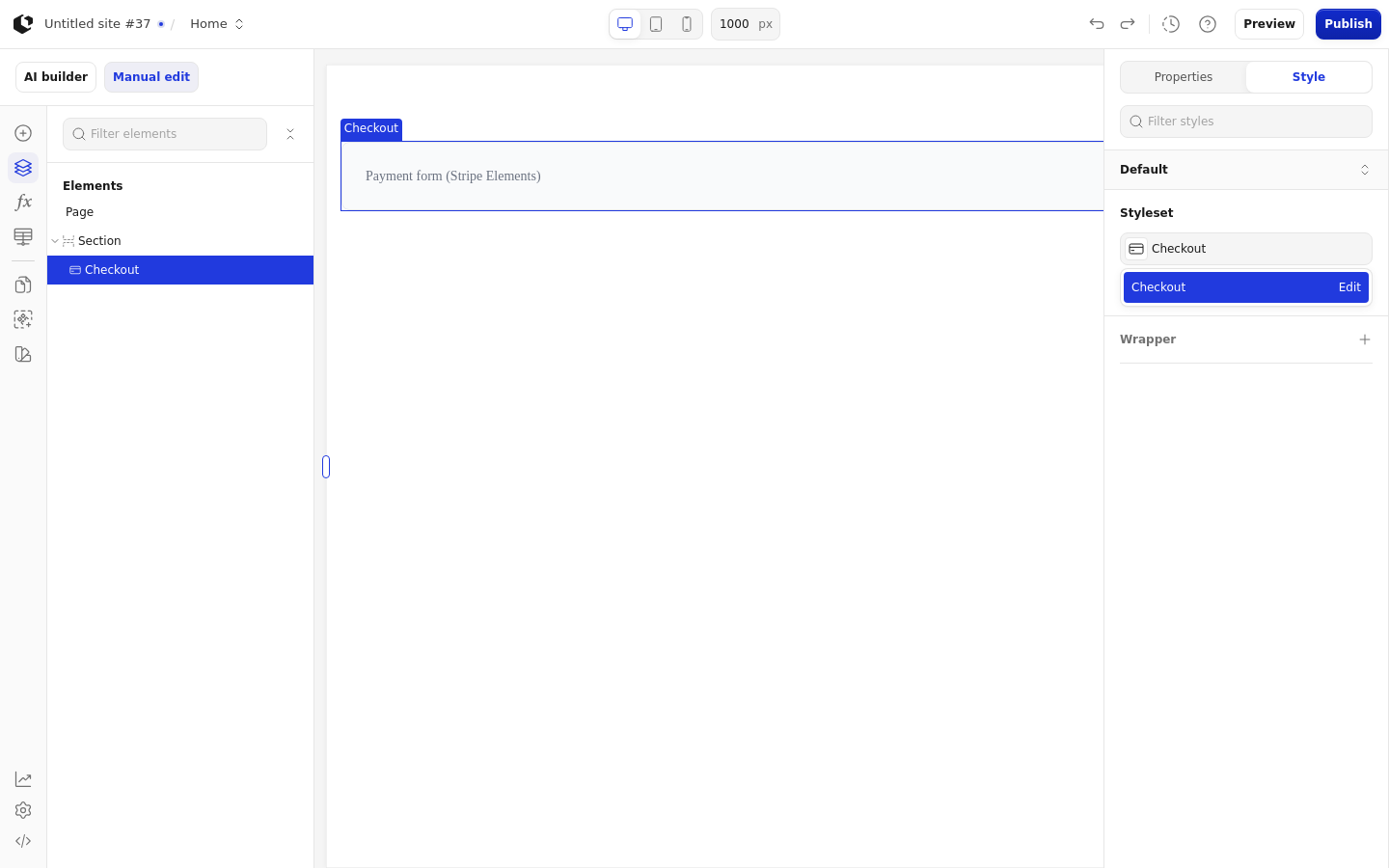
The Checkout element can be styled per state on its wrapper.
Style states: Default, Hover.
Named target: wrapper.
Named style: Checkout, applied by default.
The Checkout element has no quick styles. In the editor and preview, the element shows a static placeholder labeled "Payment form (Stripe Elements)" instead of loading Stripe. At runtime, payment errors can include "No Stripe account connected for this workspace.", "Failed to load Stripe.js.", "Failed to initialize Stripe.", "Stripe not initialized", and validation or confirmation errors returned by Stripe. In a restricted workspace, Stripe charges are blocked and payments cannot be processed. See Restricted workspaces.
Related articles
UI Elements: overview of the elements.
FormulaScript Overview: using formulas in properties.